PHP2Shell (CVE-2026-109618 and CVE-2026-109619): What It Is and How to Fix It
On October 21, 2026, the PHP project shipped emergency releases for two critical bugs that can let an attacker run code on your server without logging in. People are calling the pair “PHP2Shell.” If you run WordPress, Laravel, a custom PHP app, or anything on shared hosting, this one’s about you. Here’s what broke, who’s exposed, and exactly what to change today.
Key takeaways
- Two critical RCE bugs: CVE-2026-109618 (out-of-memory corruption) and CVE-2026-109619 (stale global state). Both are rated CVSS v4.0 9.2.
- Fixed in PHP 8.5.12, 8.4.27, 8.3.36 and 8.2.35, released October 21, 2026.
- Every PHP install serving web requests is affected: PHP-FPM, Apache mod_php, php-cgi, FrankenPHP and LiteSpeed. mod_php carries the highest risk.
- Amazon saw an exploit attempt on October 17, four days before the patch. Start any log review from that date.
- Config changes reduce exposure but don’t fix it. Updating is the only real fix.
- A third, low-risk issue (CVE-2026-115560) was flagged on October 23. Turning off
session.upload_progress.enabledcovers it.
What is PHP2Shell?
PHP2Shell is the nickname for CVE-2026-109618 and CVE-2026-109619, two memory-safety bugs in PHP’s core that can lead to unauthenticated remote code execution. They live in memory management and error handling, code that almost every request touches. The PHP project fixed both on October 21, 2026, and urges every user to update right away.
The official php.net advisory says the risk applies to “all PHP installations serving web requests.” That’s unusually broad. Most PHP bugs need a specific extension or function. These don’t.
CISA put out its own alert the same day, telling organizations to inventory every system running PHP and patch internet-facing ones first (CISA alert).
How does CVE-2026-109618 (OOM corruption) work?
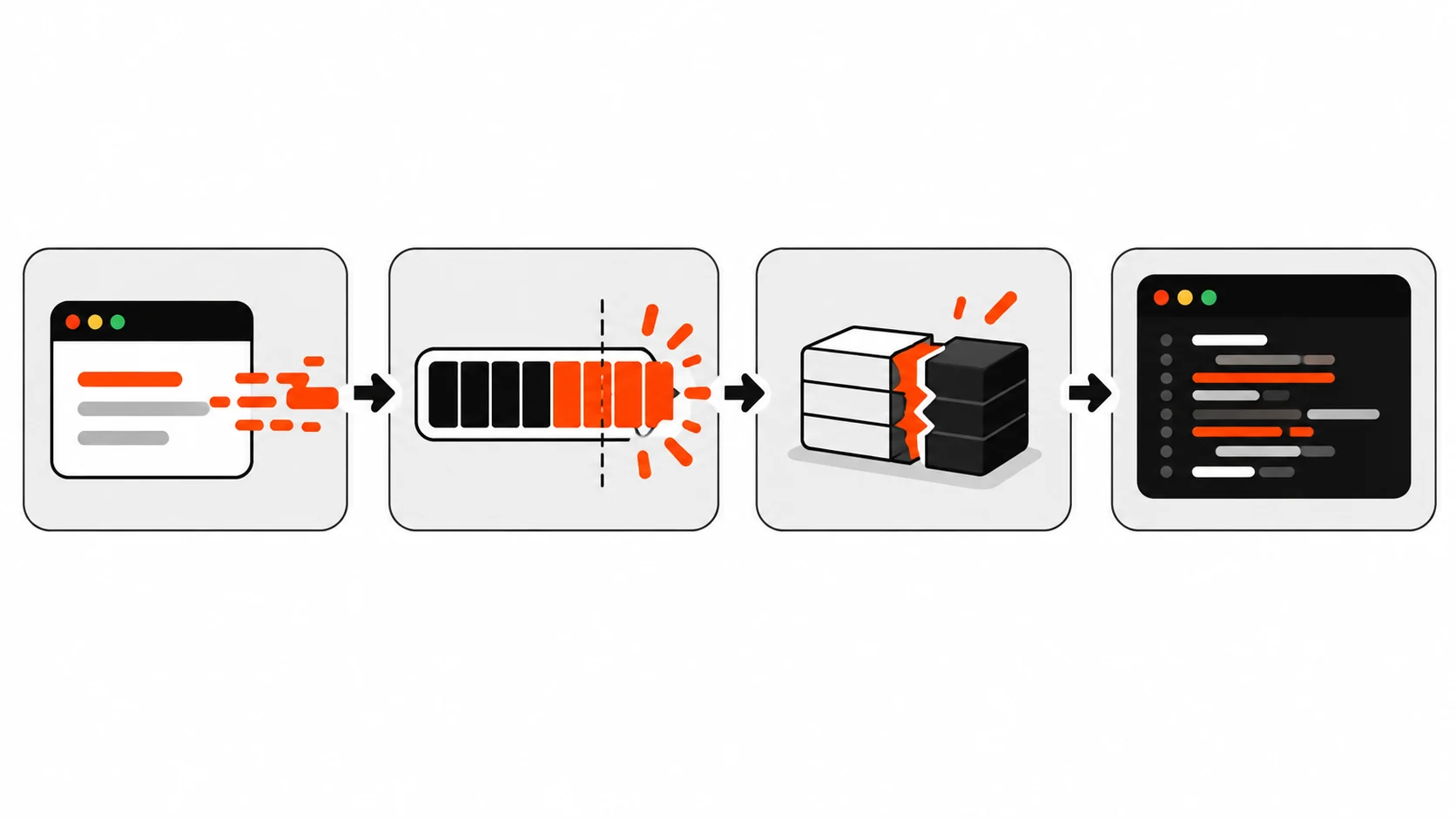
CVE-2026-109618 happens when a request hits PHP’s memory_limit at exactly the wrong moment. PHP aborts the request mid-way, leaving internal data half built. Cleanup code then treats that junk as valid and frees memory that was never set up, memory that can still hold attacker-controlled bytes from earlier allocations.
Here’s the mechanism in a bit more detail, based on CERT-EU’s write-up. PHP enforces memory_limit by calling longjmp() to bail out of a request that goes over. That jump can land while PHP is in the middle of something, like parsing a multipart file upload. The request data structure is only partly filled in. When the request shuts down, the cleanup routine doesn’t know that, so it frees pointers it shouldn’t.
Why does that matter? If an attacker can shape what was sitting in that memory before, they can steer what gets freed and reused. That’s the classic path from memory corruption to code execution.
The PHP Foundation says that on Apache with mod_php, one unauthenticated request can trigger this before any application code runs, and full RCE was shown with default settings. RCE was also confirmed on PHP-FPM through application-level code paths (PHP Foundation post).
How does CVE-2026-109619 (stale global state) work?
CVE-2026-109619 is a use-after-free across requests. A fatal error at the wrong point can leave PHP’s internal state pointing at memory that belonged to a request that’s already finished. The next request handled by the same worker can then touch that freed memory before normal setup resets it.
Long-running workers make this possible. PHP-FPM, mod_php and FrankenPHP all reuse a process for many requests, so leftovers from one request can leak into the next. The PHP Foundation says a use-after-free and worker crash were confirmed, and the reporter showed RCE against a real application on Apache with mod_php.
The php.net mitigations point at two confirmed trigger paths: session upload progress, and on PHP 8.5, fatal error backtraces. That’s why the stopgap settings below target those two.
Which PHP versions and setups are affected?
Every supported branch before the October 21 releases is affected, plus all end-of-life versions. If you’re on PHP 8.2 through 8.5 and haven’t updated since October 21, you’re vulnerable. PHP 8.1 and older get no official release, though minimal source backports exist for 7.4, 8.0 and 8.1.
| Branch | Vulnerable | Fixed version |
|---|---|---|
| PHP 8.5 | before 8.5.12 | 8.5.12 |
| PHP 8.4 | before 8.4.27 | 8.4.27 |
| PHP 8.3 | before 8.3.36 | 8.3.36 |
| PHP 8.2 | before 8.2.35 | 8.2.35 (EOL Dec 31, 2026) |
| PHP 8.1 and older | yes | no official release, minimal source backports for 7.4, 8.0, 8.1 |
| PHP 8.6 pre-release | builds before RC4 | 8.6.0 RC4 (not for production) |
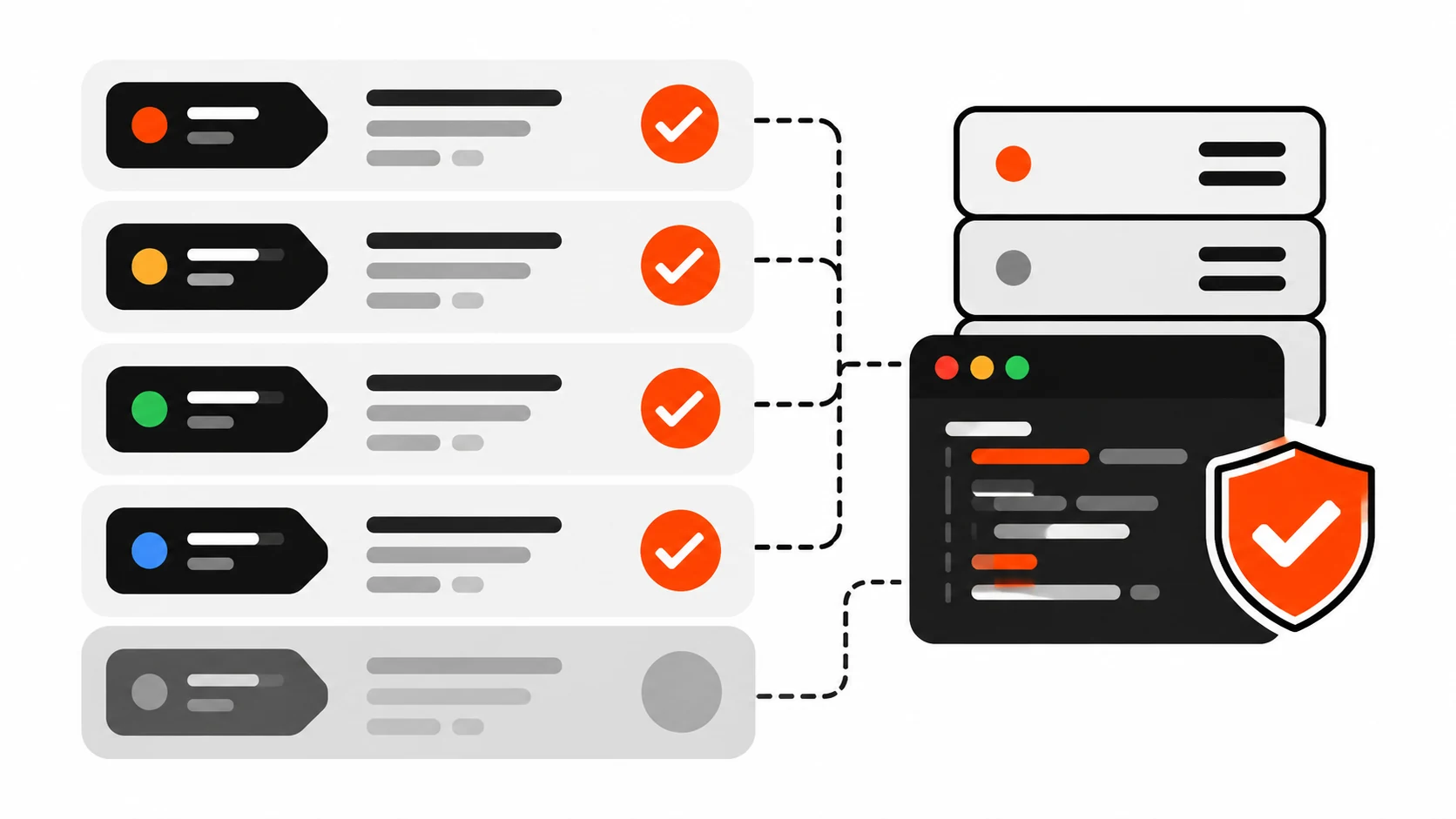
By server setup, php.net lists PHP-FPM, Apache with mod_php, php-cgi, FrankenPHP and LiteSpeed as affected. It rates mod_php as the highest risk.
Don’t forget PHP you can’t see. CISA points out PHP often ships inside other products, so it may not show up in a simple inventory. CERT-EU suggests checking the NCSC-NL GitHub list of third-party software that embeds PHP.
Is PHP2Shell being exploited right now?
Exploit attempts are real and started before the patch. Amazon spotted one against its MadPot honeypots on October 17, 2026, four days early. Confirmed successful real-world compromises had not been publicly reported as of October 22, and working exploits look hard to build outside a lab. That could change quickly.
Here’s what the main sources say:
- Amazon Threat Intelligence saw an attempt on October 17 from an anonymization network IP, then more on October 21 from what looked like multiple actors. It says PHP2Shell “is now seeing broad exploitation attempts in the wild” but it’s unclear whether any would succeed on real systems (AWS Security Blog).
- Sophos first reported one successful exploitation, then corrected that on October 22. Its telemetry showed scanning and a few failed attempts, with no confirmed compromise. The blocked payload looked like a Mirai variant called Potassium (Sophos).
- CovertSwarm built a working exploit with ASLR on and error display off, on AArch64 PHP 8.5.11 with Apache mod_php. It needed a sequence of requests, not just one (CovertSwarm).
- Tenable notes Cloudflare’s CTO said on October 21 the company was “seeing early attacks emerging” (Tenable FAQ).
My read: “hard to exploit today” isn’t a reason to wait. Public proofs of concept exist and people are actively working on them.
How do I fix PHP2Shell?
Update PHP to 8.5.12, 8.4.27, 8.3.36 or 8.2.35, then restart every PHP worker so the old binary isn’t still in memory. Distros and LTS vendors got the patches early, so use your package manager first. php.net says there are no complete config mitigations, so updating is the job.
First, check what you’re actually running. The CLI and the web server can use different builds.
php -v
# For FPM, check the service binary too:
php-fpm8.3 -v   # adjust to your version
To be sure about the web side, drop a temporary file, load it once, then delete it:
<?php echo PHP_VERSION;Then update. Common examples:
# Debian / Ubuntu
sudo apt update && sudo apt install --only-upgrade 'php8.3*'
sudo systemctl restart php8.3-fpm   # or: sudo systemctl restart apache2

# RHEL / Alma / Rocky
sudo dnf upgrade 'php*'
sudo systemctl restart php-fpm httpd

# Docker: bump the base image tag, then rebuild
docker build --pull --no-cache -t myapp .
Distro packages often keep their own version numbers and backport the fix. So check your distro’s security notice for the fixed package version instead of expecting “8.3.36” in the string.
On shared or managed hosting, look for the PHP version picker in your control panel, or open a ticket and ask whether the October 21 fix is applied. If you manage WordPress sites, my WordPress & SEO posts cover more of the hosting side.
What can I do if I can’t update today?
Apply the php.net hardening settings in server-level config, restart workers, and push updating to the top of your list. These steps block known attack paths, but php.net is clear they “do not make an installation safe.” If you’re on PHP 8.1 or older with no vendor fix, CISA says take the system offline.
For CVE-2026-109618 (OOM corruption):
; FPM pool (e.g. /etc/php/8.3/fpm/pool.d/www.conf), not .user.ini
php_admin_value[memory_limit] = -1
php_admin_value[post_max_size] = 8M        ; use 32M only if you need uploads
php_admin_value[upload_max_filesize] = 6M  ; keep below post_max_size
Setting memory_limit=-1 removes the controllable failure, but a real allocation failure can still reach the bug. So cap memory with a container or cgroup limit that kills just the affected worker. php.net specifically says not to use RLIMIT_AS or RLIMIT_DATA, because those can cause the very allocation failure you’re avoiding. Also enforce request size, field count and multipart part limits at the web server or proxy, including for requests without a usable Content-Length.
For CVE-2026-109619 (stale global state):
; php.ini or FPM pool, applied before request parsing
session.upload_progress.enabled = 0
; PHP 8.5 only:
fatal_error_backtraces = 0
Restart every worker afterwards. Don’t rely on ini_set() or FPM .user.ini here, since those apply too late. Remove invalid or deprecated per-request settings that emit diagnostics early. Hiding errors with display_errors or @ doesn’t help. And fix any fatal errors or timeouts an attacker could trigger, like in upload or import handling.
CISA says a WAF may give some protection in the meantime. Amazon also suggests considering blocking multipart file uploads on unpatched servers, after you check what that breaks.
What is CVE-2026-115560?
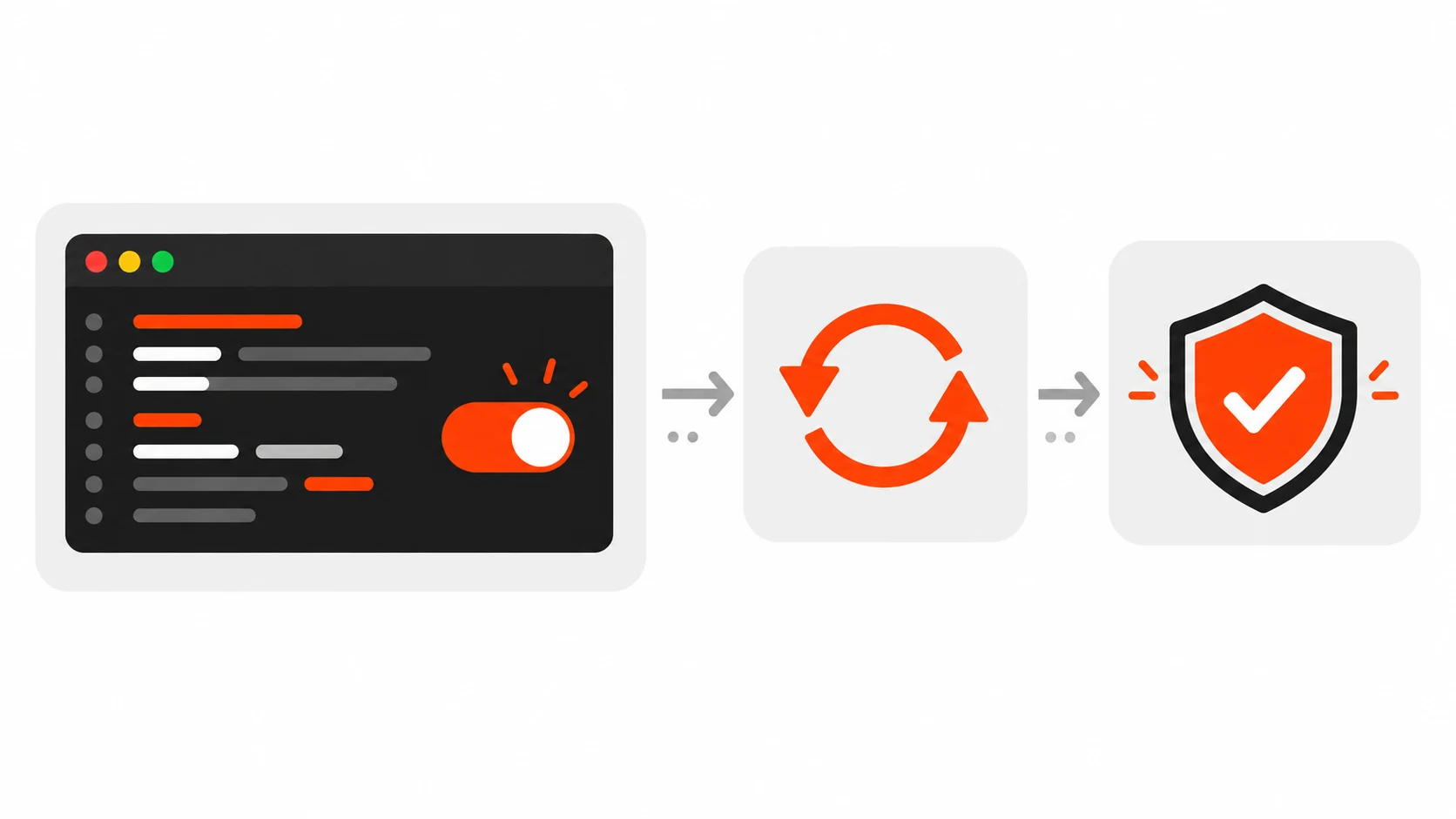
CVE-2026-115560 is a third, much narrower RCE path that php.net flagged on October 23, 2026. It needs an unusual setup and isn’t getting an emergency release. The stopgap is the same setting you may already have from the PHP2Shell mitigations: session.upload_progress.enabled=0.
According to php.net and the oss-security post, you’re only exposed if all of this is true:
- your config sets
session.serialize_handlertophp_binaryorphp_serialize - your code switches it to
phpat runtime withini_set()beforesession_start() - session upload progress is still enabled
If your app never changes the serialize handler at runtime, you can leave upload progress on. A full advisory comes with the next regular release.
How do I check if my server was already attacked?
Review logs and process activity from October 17, 2026 onward, not from the patch date. Look for odd multipart POSTs, especially ones containing PHP_SESSION_UPLOAD_PROGRESS, PHP workers spawning shells or downloading tools, worker crashes, and new or changed files in your web root.
A quick starter checklist:
# Upload-progress field in logged requests (needs body logging for full detail)
grep -i "PHP_SESSION_UPLOAD_PROGRESS" /var/log/nginx/* /var/log/apache2/* 2>/dev/null

# Worker crashes can be a sign of failed attempts
grep -iE "segfault|SIGSEGV|exited on signal" /var/log/php*-fpm.log /var/log/syslog

# PHP files changed since October 17
find /var/www -name "*.php" -newermt "2026-10-17" -ls

# Shells or downloaders running as the web user
ps -u www-data -o pid,cmd | grep -E "sh -c|curl|wget|bash"
Amazon published IPs seen on October 17 and 21: 103.216.220.92, 31.223.184.166, 37.19.200.5, 134.209.159.64, 103.114.163.188 and 95.217.98.37. It warns these are shared anonymization hosts, so investigate hits instead of just blocking them. Sophos also listed 45[.]198[.]224[.]169 as an attempt source and 134[.]199[.]154[.]64 as the Potassium payload’s command server.
If you find a real hit, assume the box is compromised. Rotate database passwords and API keys, rebuild from clean sources, and hunt for web shells. My backend and security posts go deeper on locking down secrets.
What does this mean for WordPress and Laravel sites?
WordPress, Laravel and similar apps don’t need to be buggy for this to hit them. The flaw sits in PHP itself, and the worst path fires before any app code runs. So plugin updates won’t save you here. The PHP binary on the server has to be updated.
It’s also a good moment to plan your move off PHP 8.2. It reaches end of life on December 31, 2026, per php.net. Moving to 8.4 or 8.5 now means you’ll keep getting fixes like this one.