Onamae.com Desktop Cloud Breach: 26,739 Servers and Stolen Trading Logins
On October 21, 2026, GMO Internet, the Japanese company behind the Onamae.com brand, said someone had planted malicious programs on customer servers in its “Onamae.com Desktop Cloud” service. A day later it confirmed customers were seeing unauthorized activity on their trading accounts. GMO shut down every server on every plan. Here’s what’s confirmed, what isn’t, and what it teaches anyone who runs software on a hosted server.
Key takeaways
- GMO confirmed malicious programs on some customers’ Desktop Cloud servers on October 20, 2026.
- Up to 26,739 servers may be affected, across all plans.
- Credentials saved in trading tools like MT4 and MT5 may have been viewed, and customers reported unauthorized trades.
- GMO began shutting down all servers at 4:00 JST on October 21. No restart date had been set as of October 22.
- The intrusion route hasn’t been disclosed. GMO is investigating with an outside security firm and has consulted police.
- If you used the service: change trading and broker passwords from another device, check your account history, and turn on 2FA.
What happened to Onamae.com Desktop Cloud?
A third party installed malicious programs inside the server environments of some Onamae.com Desktop Cloud customers. GMO Internet confirmed this on October 20, 2026, after a customer inquiry on October 19. Information stored on those servers, including saved trading account logins, may have been read and misused.
GMO’s first notice, published at 4:00 JST on October 21, said up to 26,739 servers were potentially affected and that information stored on them “may have been viewed.” At that point it hadn’t confirmed any leak of personal data it held.
The second report, dated 16:59 JST on October 22, went further. GMO said it had “received reports from customers that unauthorized operations were performed on their trading accounts in connection with trading tools used on the Service’s servers.” It asked every customer to change passwords and log off immediately.
What is Onamae.com Desktop Cloud used for?
Based on GMO’s own notices, many customers used the service to run trading tools such as MetaTrader 4 and MetaTrader 5 on a hosted server, logged in to accounts at securities or FX brokers. That’s why the stolen data that matters most here is trading credentials, not website files.
People run trading platforms on hosted servers so their tools and automated strategies stay online around the clock without a home PC. The catch is simple. The server ends up holding live broker logins, often saved inside the trading app. Anyone who controls that server can potentially read them, or just use the logged-in session.
GMO’s notices don’t describe the service’s internals beyond that, so I won’t guess at the operating system or setup.
What was the timeline of the GMO breach?
GMO’s timeline starts with a customer inquiry on October 19, 2026 and runs to a police consultation on October 22. It took one day to confirm malware and roughly another day to start shutting down every server. Customer reports of unauthorized trading began from October 21.
| Date (JST) | Event |
|---|---|
| Oct 19 | Investigation starts after a customer inquiry |
| Oct 20 | Malicious program confirmed. New applications and the control panel suspended |
| Oct 21, 4:00 | All servers on all plans start shutting down in sequence. First report published |
| From Oct 21 | Customers report unauthorized operations on trading accounts. GMO contacts relevant companies |
| Oct 22 | GMO consults the police. Second report published at 16:59 |
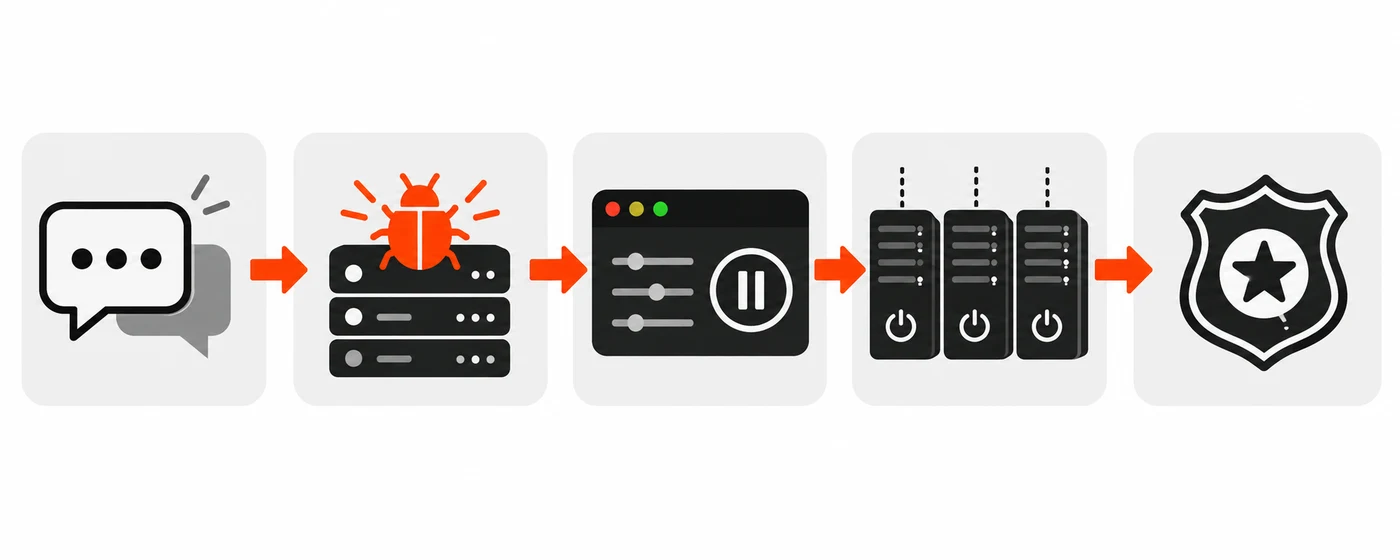
Source: GMO Internet second report.
For readers in India, 4:00 JST on October 21 is 00:30 IST the same day.
How did the attackers get in?
GMO hasn’t said. Its October 22 report says it’s “investigating the intrusion route and the scope of impact” with an external cybersecurity firm. So any claim about a specific exploit, stolen admin credential or supply chain path would be speculation at this stage.
Here’s what is confirmed:
- Malicious programs were installed “in the server environments of some customers.”
- GMO suspended new sign-ups and the control panel on October 20, the same day it confirmed the malware.
- It then shut down servers on all plans, not just the ones it knew were infected.
That second and third point are telling, even without a root cause. Suspending the control panel suggests GMO wasn’t sure the management layer was safe. Shutting down every plan suggests it couldn’t quickly separate clean servers from infected ones. Both are my reading of GMO’s actions, not something GMO has stated.
What data was exposed?
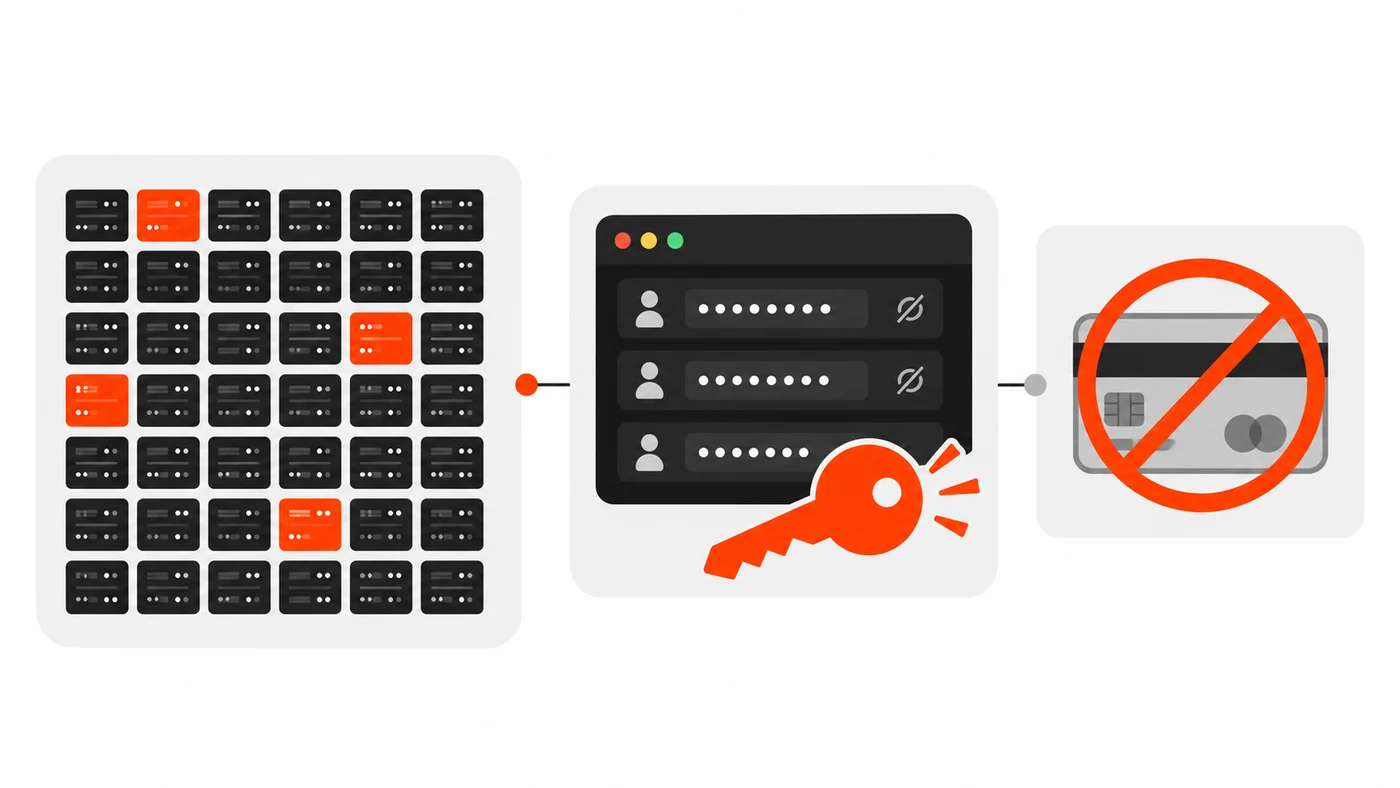
GMO says information stored on the affected servers may have been exposed, including trading account login details saved in trading tools. It says it doesn’t keep customers’ payment details, including credit cards, on the service’s servers. Customer reports of unauthorized trades show at least some stolen credentials were used.
The exposure list, per GMO:
- Potentially exposed: anything stored on the servers, including logins saved in trading tools like MT4 and MT5, and trading account credentials.
- Not stored there: payment information, including credit card details.
- Confirmed misuse: customer reports of unauthorized operations on trading accounts.
GMO hasn’t published a count of affected customers or a figure for financial losses. I’d ignore any numbers you see that don’t come from GMO or the brokers.
What should affected customers do?
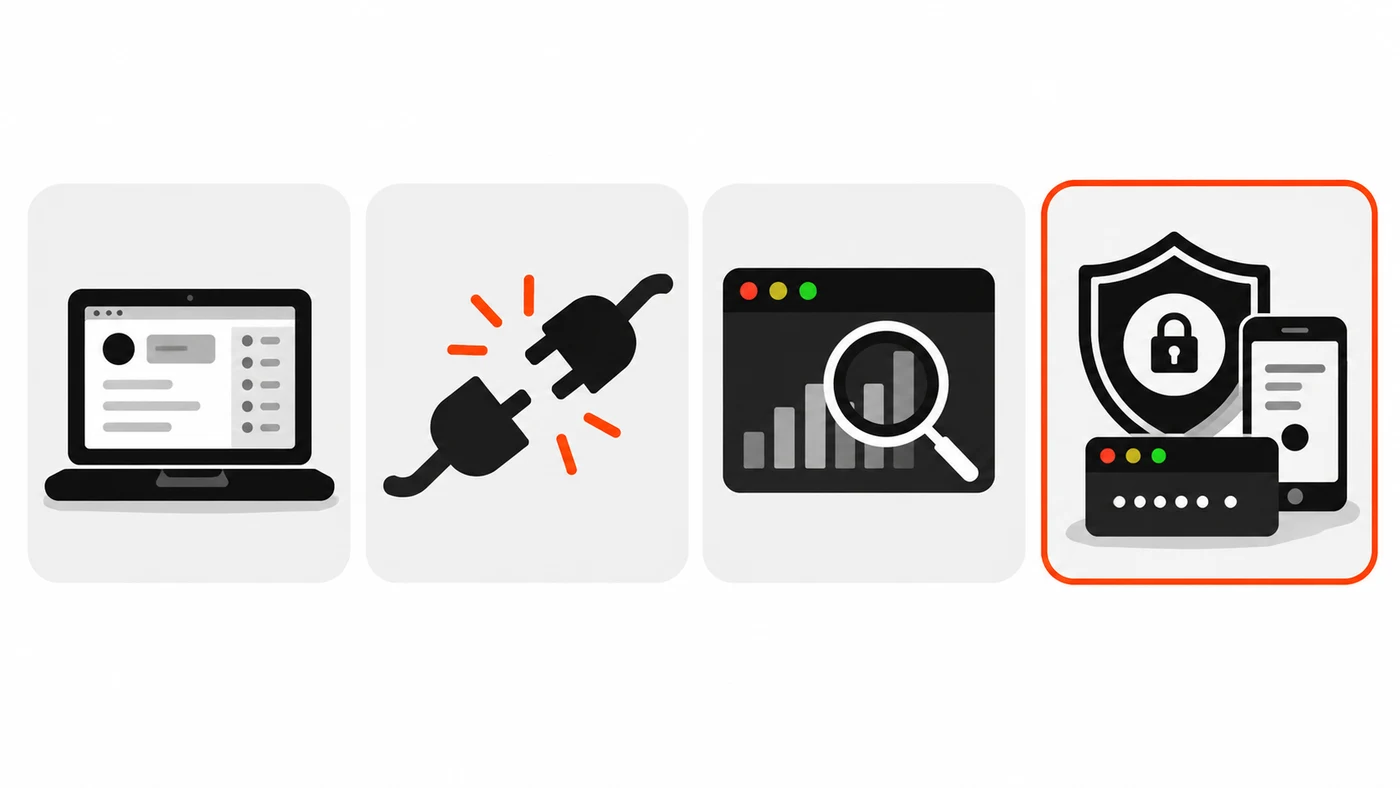
Change trading tool and broker passwords right away, from a device other than the Desktop Cloud server. Then log off any active sessions, check your trade history and balance, and enable two-factor authentication if your broker offers it. Change any reused passwords elsewhere too.
That’s straight from GMO’s “Requests to Customers.” A few practical notes on top:
- Use a clean device. GMO specifically says not to change passwords from the affected server. If the server’s compromised, anything you type there could be captured.
- Log off after changing. A changed password doesn’t always end an active session. Disconnect it.
- Check every account. Look at trade history, withdrawals and saved withdrawal destinations. If anything looks wrong, call your broker.
- Turn on 2FA. It won’t fix a stolen session, but it blocks a stolen password from being reused.
- Watch for phishing. GMO says it will never ask for passwords or card details by email or phone. Scammers love to impersonate a company right after a breach.
How does this compare with other breaches this week?
It landed in a busy week. Capcom disclosed unauthorized access to CAPCOM ID affecting about 11.77 million email records, and Railway said attackers decrypted some customer environment variables. Each one comes down to the same thing: secrets stored on someone else’s system.
A quick look, from the companies’ own statements:
| Incident | Disclosed | What was exposed | Root cause public? |
|---|---|---|---|
| Onamae.com Desktop Cloud | Oct 21 | Data on up to 26,739 servers, incl. trading logins | No |
| Capcom CAPCOM ID | Oct 22 | 11,774,247 email and login-metadata records; 196 passwords changed without authorization | No |
| Railway | Oct 21 | Encrypted env vars, some decrypted; up to about 100,000 workspaces | Partly |
I wrote up the Railway incident separately, with its full timeline. Capcom says no credit card data was involved and that it reported the incident to Osaka police and Japan’s Personal Information Protection Commission.
What can web developers and site owners learn from this?
Don’t let a server hold more than it needs, and assume any hosted box can be read by someone else on a bad day. Avoid saving long-lived passwords in apps on shared or managed servers, use 2FA and scoped credentials, and have a plan to rotate everything fast.
This one’s about trading tools, but the pattern fits any VPS, cloud desktop or hosting account you run for clients. A few habits worth adopting:
- Don’t store passwords on the server when you can avoid it. Use tokens with limited scope, or a secrets manager that hands out short-lived credentials.
- Separate duties. The machine that runs a bot or a site shouldn’t also hold the keys that can move money or change DNS.
- Turn on 2FA everywhere it exists. Brokers, registrars, hosting panels, GitHub. A leaked password alone shouldn’t be enough.
- Use unique passwords. GMO had to tell customers to change reused passwords elsewhere. A password manager fixes this.
- Keep an inventory. Know which servers hold which secrets so you can rotate the right ones in minutes, not days.
- Watch for unusual activity. Alerts on logins and transactions catch misuse before it piles up.
The same thinking applies to PHP sites this week too. If you run PHP anywhere, read my PHP2Shell fix guide and patch. More security posts are on the blog.
When will Onamae.com Desktop Cloud come back?
GMO hadn’t set a date as of its October 22 report. It says it’ll announce a restart only once safety is confirmed, and that servers on all plans stay suspended until then. Customers should follow GMO’s news page for updates and use the official contact form or phone line.
GMO’s listed contacts are the form at help.onamae.com/contact and the phone number +81-3-5456-2560. Be careful with any other “support” messages.