Zod Validation in TypeScript: Check API Data at Runtime Before It Breaks Your UI

TypeScript told you the API returns a User. The API didn’t get the memo. One day price shows up as a string, avatarUrl comes back as null, and a page that compiled perfectly throws Cannot read properties of null in production. Zod validation is how you catch that at the door instead of three components deep.
I’ve hit this on enough projects that I now treat every outside response as untrusted. This guide shows the setup I actually use with Zod 4: schemas at the edges, types inferred from them, and errors you can read.
Key takeaways
- TypeScript types disappear at runtime, so
as Useron a fetch response is a promise you can’t keep.- Zod validation checks real data against a schema while the app runs, and
z.infergives you the matching type for free.- Validate at trust boundaries: API responses, form input, webhooks, URL params and environment variables.
- Use
safeParsewhen you want to handle bad data yourself andparsewhen bad data should stop everything.- Watch out for
z.coerce.number(), because an empty string quietly becomes0.
Short answer: Zod validation means describing the shape you expect with a Zod schema, then running incoming data through schema.parse() or schema.safeParse() before your code uses it. TypeScript only checks types while compiling. Zod checks the actual values at runtime, so a broken API response fails loudly at the boundary instead of crashing your UI later.
What is Zod validation?
Zod is a TypeScript-first schema library. Zod validation is the act of checking an unknown value against a Zod schema at runtime and getting back either typed, cleaned data or a detailed error. You write the schema once. Zod gives you the runtime check and the static type from that same definition, so they can’t drift apart.
That last part is the real win. Without it you end up maintaining an interface and a hand-written validator side by side. Sooner or later someone updates one and forgets the other.
Here’s the smallest useful example:
import * as z from "zod";

const User = z.object({
  id: z.number(),
  name: z.string(),
  email: z.email(),
  avatarUrl: z.url().nullable(),
  role: z.enum(["admin", "editor", "viewer"]),
  createdAt: z.iso.datetime({ offset: true }),
});

type User = z.infer<typeof User>;
User is now both a value you can call .parse() on and a type you can annotate with. The Zod basics guide walks through the same pattern if you want the official version.
Why doesn’t TypeScript check API responses at runtime?
TypeScript checks types only while compiling, then erases them. The JavaScript that actually runs has no idea what a User is. When you write const user = (await res.json()) as User, you’re not checking anything. You’re telling the compiler to trust you.
And res.json() doesn’t help. MDN’s page for Response.json() is clear that it just parses the body text as JSON. Whatever the server sent, you get. If the backend team renames a field on a Friday, your types still say everything’s fine.
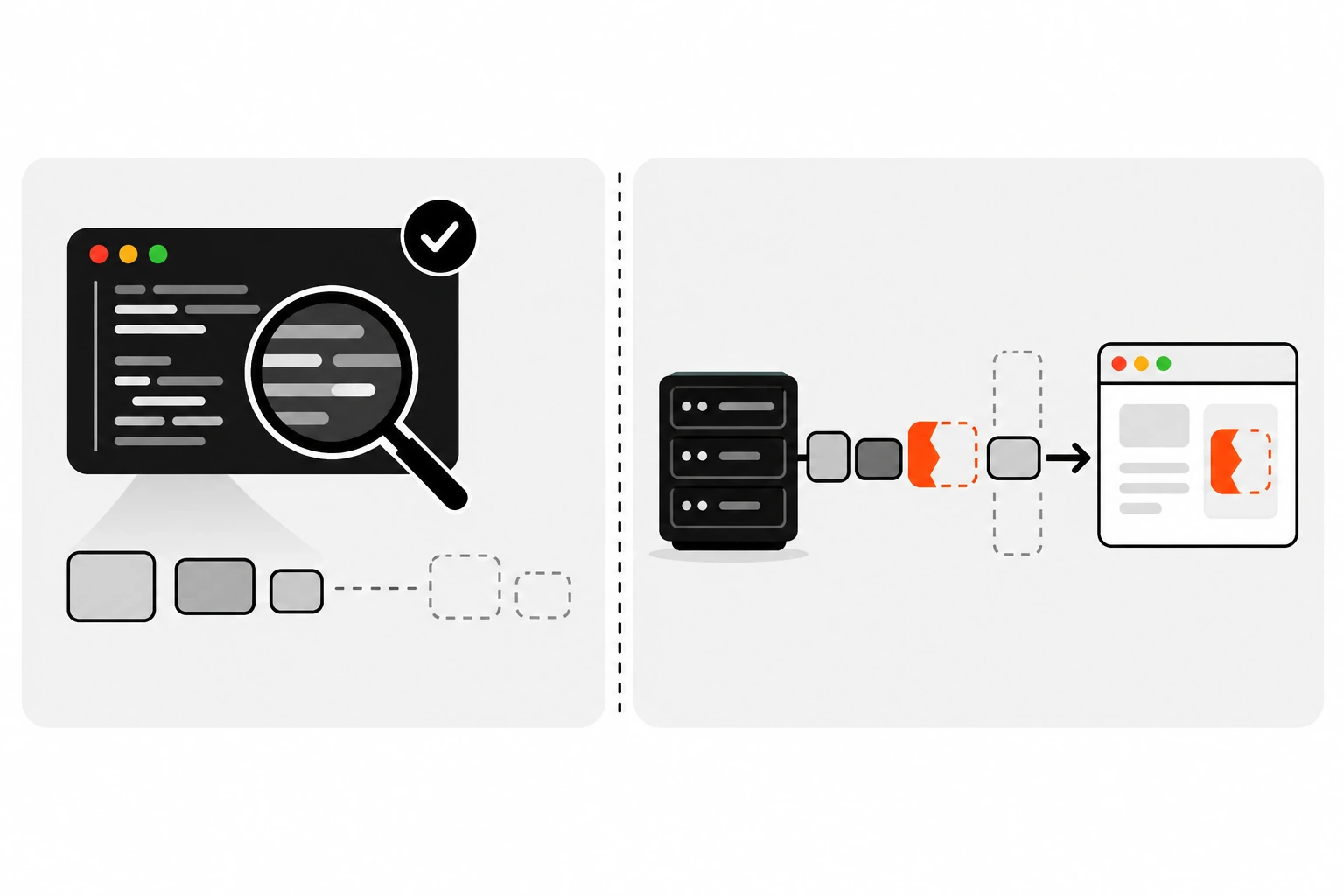
I like typing raw JSON as unknown instead of any. The TypeScript handbook explains how unknown differs from any: you can’t do anything with an unknown value until you narrow it. That forces the validation step to exist. A Zod schema is basically a very good narrowing function.
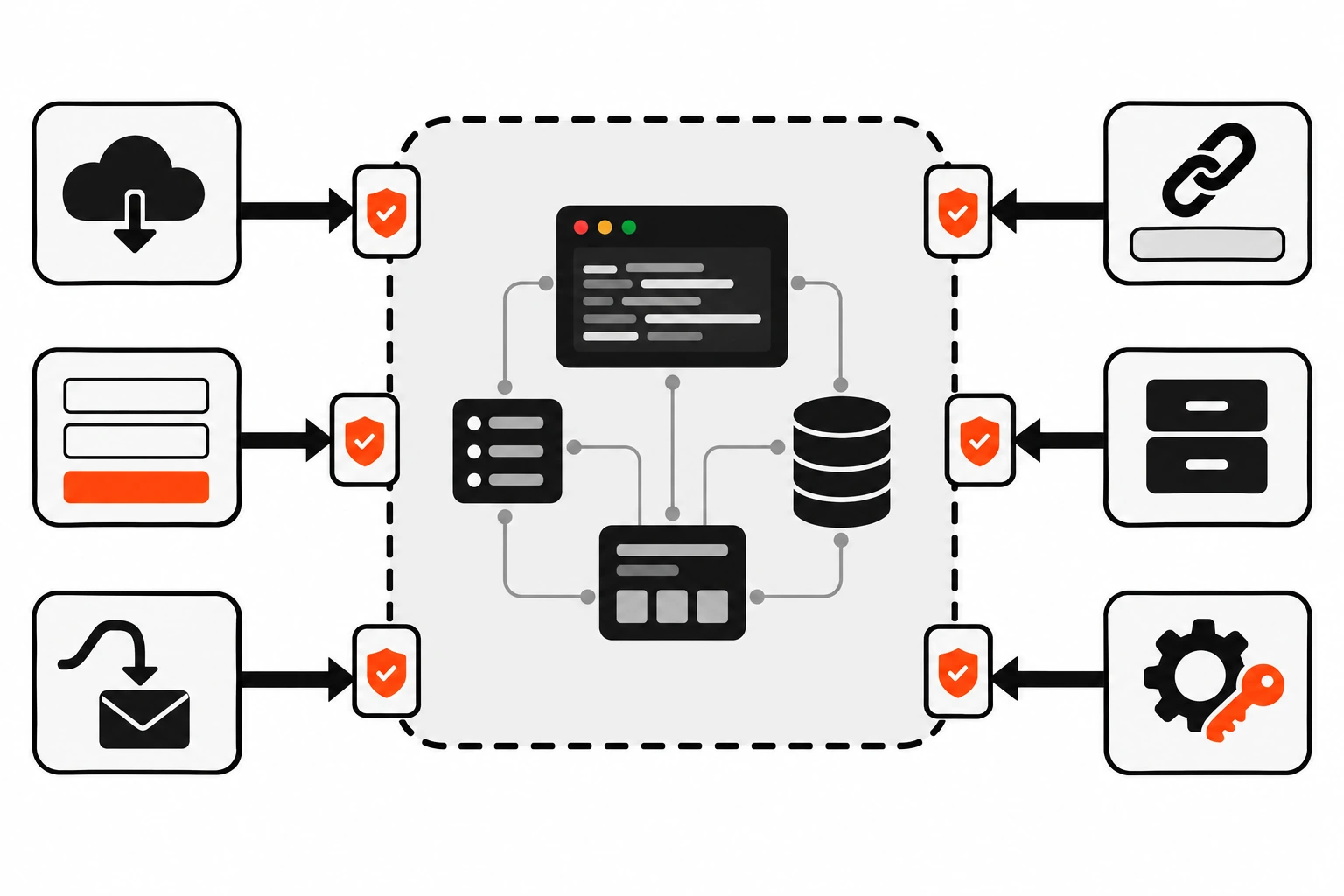
Where should you validate data in a TypeScript app?
Validate wherever data crosses from somewhere you don’t control into code you do. That’s your trust boundary. Inside the boundary, plain TypeScript types are enough because you already checked the data once on the way in. In practice that means a handful of entry points, not every function.
The boundaries I check on almost every project:
- Responses from third-party APIs and your own backend, if a different team or deploy controls it
- Form submissions and server action input, because users and bots can send anything
- Webhook payloads, after you’ve confirmed the signature
- URL query strings and route params, which are always strings
localStorageand cookies, which can hold stale data from an older version of your app- Environment variables at startup
You don’t need Zod between your own functions. If formatPrice takes a number and every caller is typed, TypeScript already has it covered. Validating everywhere just adds noise. Validate once at the edge, then trust your types.
If you’re wiring up webhooks, check the signature first and parse the body second. I covered the signature side in how to verify webhook signatures.
How do you validate an API response with Zod?
Fetch the response, read it as unknown, run it through your schema with safeParse, and only return result.data. If validation fails, log the readable error and throw something your UI can handle. The rest of your app only ever sees data that passed the schema.
Here’s the step-by-step version I follow:
- Write a schema that matches what your UI actually uses, not every field the API returns.
- Infer the type with
z.inferand delete any duplicate interface. - Call
fetchand checkres.okbefore touching the body. - Read the body with
await res.json()and type it asunknown. - Run
schema.safeParse()on it. - On failure, log
z.prettifyError(result.error)and throw a clear error. - On success, return
result.data.
I wrap that in one small helper so every call site stays short:
import * as z from "zod";

export async function fetchJson<T extends z.ZodType>(
  url: string,
  schema: T,
  init?: RequestInit
): Promise<z.output<T>> {
  const res = await fetch(url, init);
  if (!res.ok) throw new Error(`${url} failed with ${res.status}`);

  const json: unknown = await res.json();
  const result = schema.safeParse(json);

  if (!result.success) {
    console.error(`Bad response from ${url}\n${z.prettifyError(result.error)}`);
    throw new Error(`Unexpected response shape from ${url}`);
  }
  return result.data;
}

// usage
const user = await fetchJson("/api/users/7", User);
user is fully typed, and the type came from the schema. No generic argument to remember and no cast. If you also cancel stale requests, this helper takes an init with a signal, which pairs nicely with AbortController when you need to cancel requests that are no longer needed.
Should you use parse or safeParse?
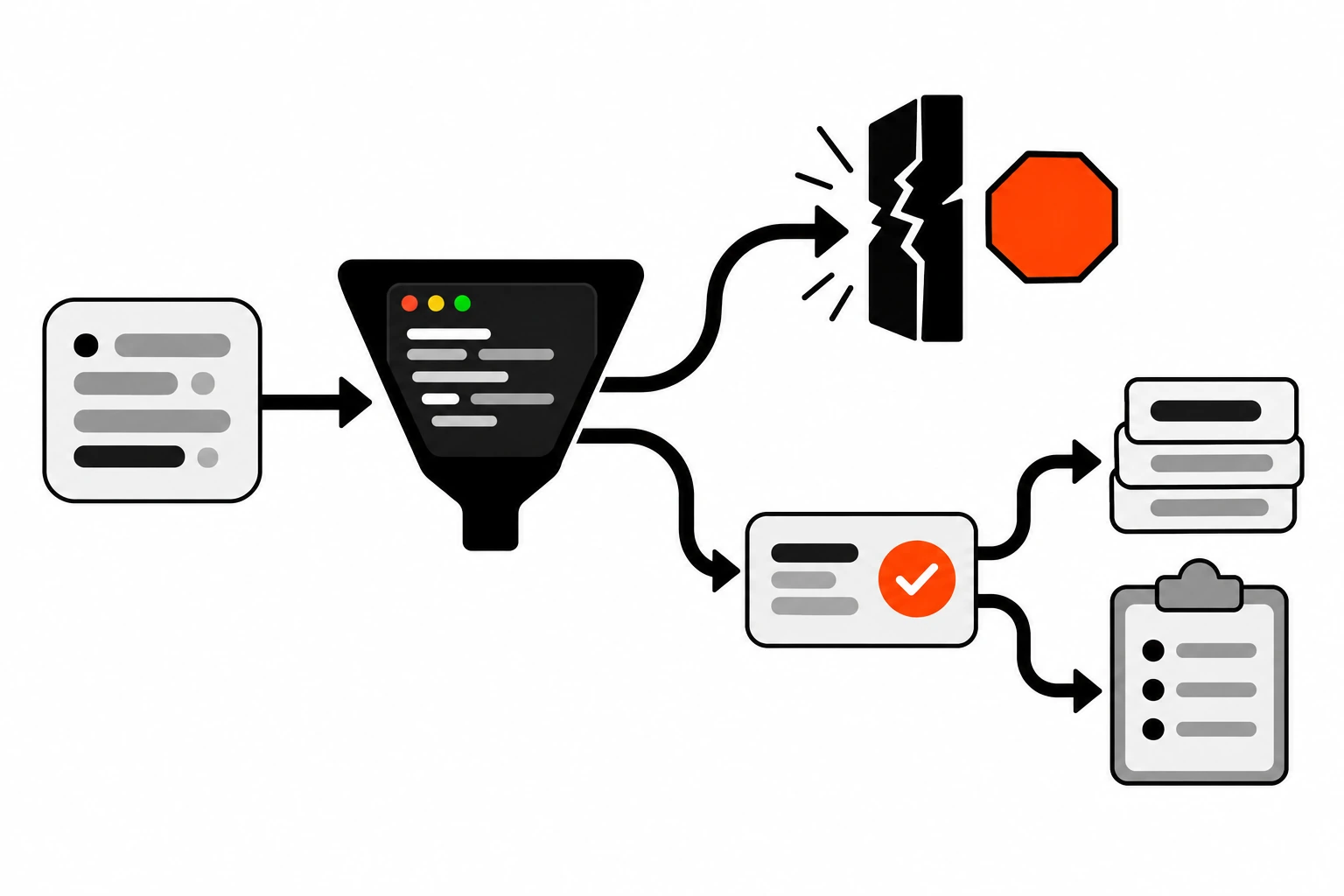
Use safeParse when bad data is something you expect and want to handle, like form input or a flaky third-party API. Use parse when bad data means something is truly broken and the code should stop right there, like a missing config value at startup.
parse throws a ZodError. safeParse never throws. It returns an object where success tells you which branch you’re in, and TypeScript narrows data and error for you. If that pattern feels familiar, it’s the same idea as TypeScript discriminated unions.
parse() | safeParse() | as User cast | |
|---|---|---|---|
| Checks data at runtime | Yes | Yes | No |
| On bad data | Throws ZodError | Returns { success: false, error } | Nothing, bug shows up later |
| Needs try/catch | Usually | No | No |
| Best for | Config, internal invariants | API responses, forms, webhooks | Never for outside data |
| Type you get | Inferred from schema | Inferred, after checking success | Whatever you claimed |
Both have async versions, parseAsync and safeParseAsync, which you need once a schema has async refinements or transforms.
How do you handle null, optional and missing fields in Zod?
.optional() allows the key to be missing or undefined. .nullable() allows null. .nullish() allows both. .default() fills in a value when the input is undefined, and .catch() swaps in a fallback whenever that field fails validation. Pick the one that matches what the API really sends.
This is where most of my real bugs used to come from. An API documents a field as a string, and then one record out of a thousand has null. Decide up front which fields can be empty and say so in the schema.
const Profile = z.object({
  bio: z.string().optional(),            // key may be missing
  phone: z.string().nullable(),          // key present, value may be null
  nickname: z.string().nullish(),        // null, undefined or missing
  theme: z.enum(["light", "dark"]).default("light"),
  pageSize: z.number().catch(20),        // bad value? use 20
});
Be careful with .catch(). It’s great for a preference like page size, where a sensible fallback beats an error. It’s a bad idea for anything like a price or a user ID, because it hides the exact problem you wanted to see.
| Modifier | Accepts | Output when input is missing |
|---|---|---|
.optional() | value or undefined | undefined |
.nullable() | value or null | fails, key is required |
.nullish() | value, null or undefined | undefined |
.default(x) | value or undefined | x |
.catch(x) | anything | x, even for wrong types |
How do you convert query strings and dates with Zod?
Use z.coerce.number() for strings that should be numbers, like ?page=3, and use .transform() when you want to turn a validated ISO string into a Date. Coercion runs before validation, so you still get your min and max checks afterwards. Just know what coercion does with empty values.
Query params and FormData values are always strings, so coercion is handy there:
const SearchParams = z.object({
  page: z.coerce.number().int().min(1).default(1),
  q: z.string().trim().default(""),
});

const params = SearchParams.parse(
  Object.fromEntries(new URLSearchParams(location.search))
);
// ?page=3&q=%20shoes%20  ->  { page: 3, q: "shoes" }
Here’s the gotcha that bit me. z.coerce.number() uses JavaScript’s Number(), and Number("") is 0. So an empty input doesn’t fail as “missing”. It becomes 0. Same with null. In the schema above the .min(1) catches it, which is exactly why I always put a range check after coercion.
For dates, I validate the string first and transform second:
const Post = z.object({
  publishedAt: z.iso.datetime().transform((s) => new Date(s)),
});

type PostInput = z.input<typeof Post>;   // { publishedAt: string }
type PostOutput = z.output<typeof Post>; // { publishedAt: Date }
z.input and z.output give you the two sides of a transform. That matters when the same schema describes what the server sends and what your components receive.
What does Zod do with extra keys in an object?
By default z.object() strips unknown keys, so the parsed result only has the fields you described. z.strictObject() rejects any unknown key with an error, and z.looseObject() keeps unknown keys and passes them through. Which one you want depends on who owns the data.
Stripping is the right default for API responses. A third-party API adding a new field shouldn’t break your app, and you probably don’t want random extra data flowing into your state.
I use z.strictObject() for things I own and want to keep tight, like a config file or a request body my own API accepts. Typos like pagesize instead of pageSize then fail loudly instead of being silently dropped. I almost never use strict mode on someone else’s API. That’s asking for an outage the day they ship a harmless new field.
How do you validate forms and server actions with Zod?
Parse the submitted FormData with safeParse on the server, and if it fails, return z.flattenError(result.error).fieldErrors to the form. That gives you an object keyed by field name, which maps straight onto the error message under each input. Same schema, same rules, on every submit.
const ContactForm = z.object({
  name: z.string().trim().min(1, "Name is required"),
  email: z.email("Enter a valid email"),
  message: z.string().trim().min(10, "Tell me a bit more"),
});

export async function sendContact(formData: FormData) {
  const result = ContactForm.safeParse(Object.fromEntries(formData));

  if (!result.success) {
    return { ok: false, errors: z.flattenError(result.error).fieldErrors };
  }

  // result.data is typed and trimmed
  await saveMessage(result.data);
  return { ok: true };
}
A form with a name of just spaces comes back as { name: ["Name is required"] }. Nice and specific. The same schema can run in the browser for instant feedback, but the server check is the one that counts. Client-side validation is a convenience. Anyone can skip it.
This fits right into React Server Actions, where the action receives FormData directly and you return the errors to the form.
For rules that involve more than one field, like matching passwords, use .refine() on the object and point the error at the right field with path: ["confirm"].
How do you validate environment variables with Zod?
Define a schema for process.env, parse it once when the app starts, and export the parsed result. If a variable is missing or malformed, the app fails at boot with a clear message instead of failing later on the first request that needs it.
const Env = z.object({
  DATABASE_URL: z.url(),
  STRIPE_SECRET_KEY: z.string().startsWith("sk_"),
  PORT: z.coerce.number().default(3000),
  NODE_ENV: z.enum(["development", "test", "production"]).default("development"),
});

export const env = Env.parse(process.env);
This is one place where I want parse, not safeParse. A server with no database URL has nothing useful to do. Crashing at startup with an Invalid URL error pointing at DATABASE_URL is a gift compared to a vague 500 an hour after deploy.
One warning. Don’t print the whole process.env when this fails. Log the error, which names the bad keys, and keep secret values out of your logs.
How do you show readable Zod errors?
Use z.prettifyError() for logs, z.flattenError() for flat forms, and z.treeifyError() when the data is nested. All three take the ZodError and turn its list of issues into something a person or a UI can use, so nobody has to read raw issue arrays.
Raw issues are detailed but noisy. Each one has a code, a path and a message. The Zod error formatting docs show all three helpers. My split is simple:
z.prettifyErrorgoes into server logs and error trackers, because it prints each issue with its pathz.flattenErrorgoes back to simple forms asfieldErrorsz.treeifyErroris for nested data like an order with an array of line items
You can also pass a custom message straight into most checks, like z.email("Enter a valid email"). Users shouldn’t see “Invalid input: expected string, received undefined”.
What mistakes make Zod validation pointless?
The big one is validating and then ignoring the result, like calling safeParse and still using the original json. Others are casting with as after parsing, writing a separate interface that drifts from the schema, and using .catch() on fields where a silent fallback hides real bugs.
A few more I’ve seen in real codebases:
- Validating the same data at every layer instead of once at the boundary
- Making a schema mirror the whole API response, so every unrelated change breaks it
- Using
z.any()for the tricky nested part, which is usually the part that breaks - Forgetting that
.default()only kicks in forundefined, not fornull - Running client-side validation only and trusting it on the server
If you find yourself writing as SomeType right after a Zod parse, stop and look at the schema. Something’s off there.
Does Zod slow down your app?
For normal API responses and forms, the parsing cost is tiny next to the network request that fetched the data. Bundle size matters more on the client. If that’s a concern, Zod also ships a smaller functional build called Zod Mini with the same ideas.
Where I do think about cost is big lists. Validating a response with thousands of rows on every keystroke in a search box is wasteful. Validate when the data arrives, store the parsed result, and work with that. On the server, I don’t worry about it at all.
How do you test Zod schemas?
Test schemas like any other function: feed them a valid sample and a few broken ones, and assert on success and the error paths. Then test the real fetch path with mocked responses, including a response with the wrong shape.
Keep a few real response samples as fixtures. When a bug report comes in, add that exact payload as a test case. Over time your schema tests become a record of every weird thing the API has ever sent you.
For the network side, I mock the endpoint and return a deliberately broken body, like price as a string, then check that the UI shows a proper error state instead of a blank page. Mock Service Worker makes that easy in both unit tests and the browser.
Is Zod worth adding to a TypeScript project?
Yes, if your app talks to anything you don’t fully control. You get one source of truth for types and runtime checks, clearer errors at the boundary, and fewer “undefined is not a function” reports from production. The setup cost is one schema per boundary, which is small.
Start small. Pick the one API response that’s burned you before, write a schema for just the fields you use, and route it through a fetchJson helper like the one above. Once you see a bad payload get caught with a clear message in the logs, you’ll want it everywhere data comes in.
And if you’re already using the satisfies operator for your config objects, think of Zod as its runtime partner. satisfies checks the values you wrote. Zod checks the values you received.