HSTS Explained: How Strict-Transport-Security Closes the HTTPS Downgrade Gap
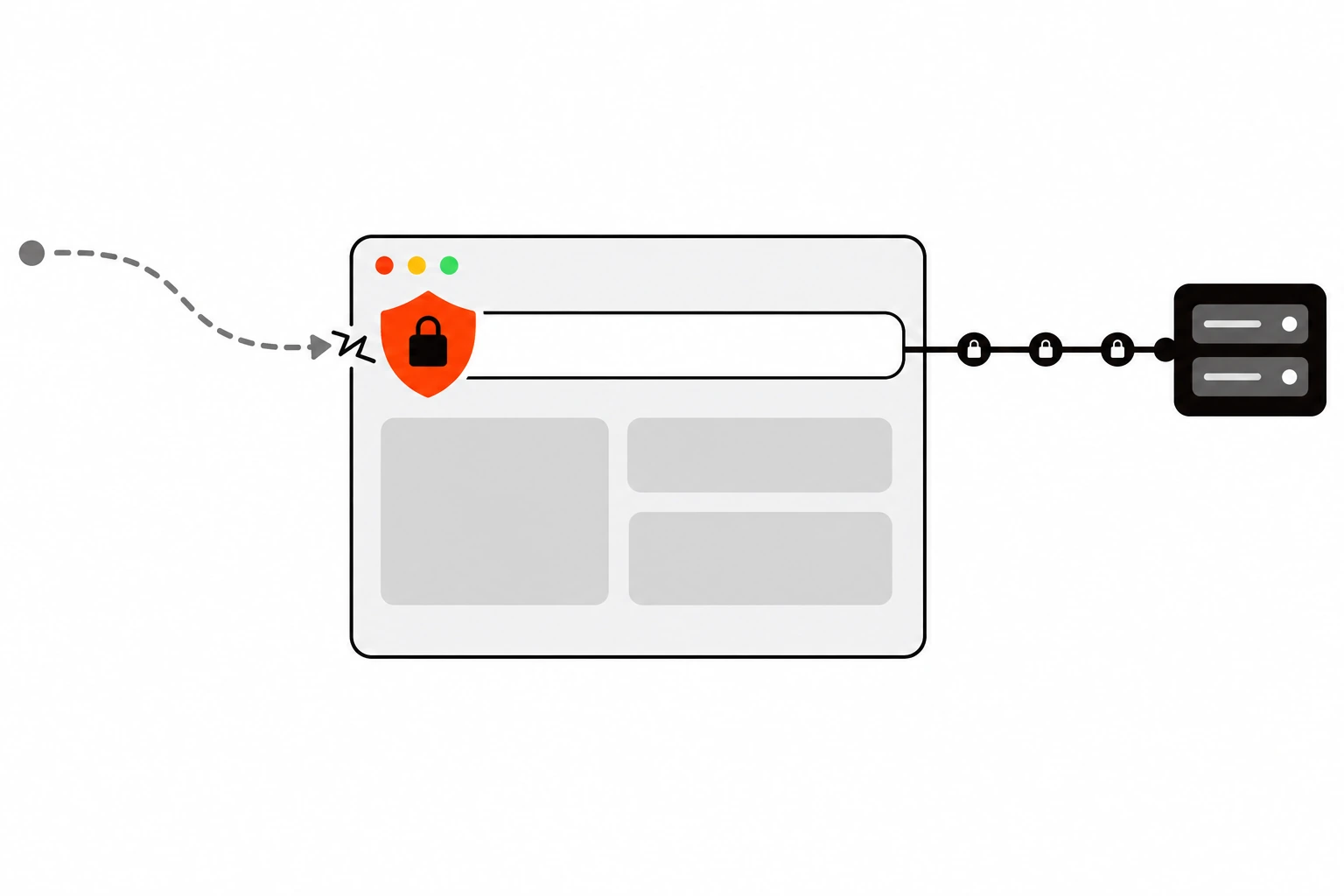
Your site has a valid certificate and every HTTP request gets a 301 to HTTPS. That feels done. It isn’t quite. HSTS, short for HTTP Strict Transport Security, is the response header that tells browsers to skip plain HTTP for your domain entirely, so the very next visit never touches an insecure connection at all.
I add this header on almost every site I set up, and it’s one of the cheapest security wins you can get. It’s also one of the easiest to get wrong. Send the wrong value with a long lifetime and you can lock visitors out of a subdomain for months. So this guide covers what the header does, how to roll it out slowly, and how to undo it.
Key takeaways
- HSTS is a response header,
Strict-Transport-Security, that makes the browser upgrade every futurehttp://request for your host to HTTPS before anything goes on the network.- A 301 redirect alone still lets the first plain HTTP request out, and an on-path attacker can tamper with it. That’s the SSL stripping gap.
- The header has one required directive,
max-agein seconds, plus optionalincludeSubDomainsandpreload.- Ramp
max-ageup in stages (5 minutes, 1 week, 1 month) and check for breakage at each step.- Browsers ignore the header when it arrives over plain HTTP, so it only works on HTTPS responses.
- The preload list fixes the first-visit gap, but removal takes months. hstspreload.org itself now says HSTS is recommended while preloading is not.
Short answer: Add Strict-Transport-Security: max-age=300; includeSubDomains to your HTTPS responses, confirm nothing breaks, then raise max-age step by step to a year or more. Keep your HTTP to HTTPS redirect in place. Only add preload and submit to hstspreload.org once every subdomain works over HTTPS and you’re sure it’ll stay that way.
What is HSTS?
HSTS is a policy your server sends in the Strict-Transport-Security response header. Once a browser sees it over a secure connection, it remembers your host as HTTPS only for max-age seconds. Any later http:// URL for that host gets rewritten to https:// inside the browser, and certificate errors can no longer be clicked through.
The mechanism is defined in RFC 6797, published by the IETF in 2012. Every modern browser supports it. The MDN page for Strict-Transport-Security lists it as widely available since 2015.
Two details surprised me when I first read the spec. The header doesn’t change how the browser handles the response that carries it. It only changes future requests. And HSTS identifies a host by domain name alone. It applies to every port on that host, and an IP address can’t be an HSTS host.
The second effect matters as much as the upgrade. On an HSTS host, a TLS error like an invalid or expired certificate becomes a hard stop. The browser won’t show a button to proceed anyway. That’s intentional, and it’s also why a broken certificate on an HSTS domain takes the site down for real.
Is a 301 redirect to HTTPS enough?
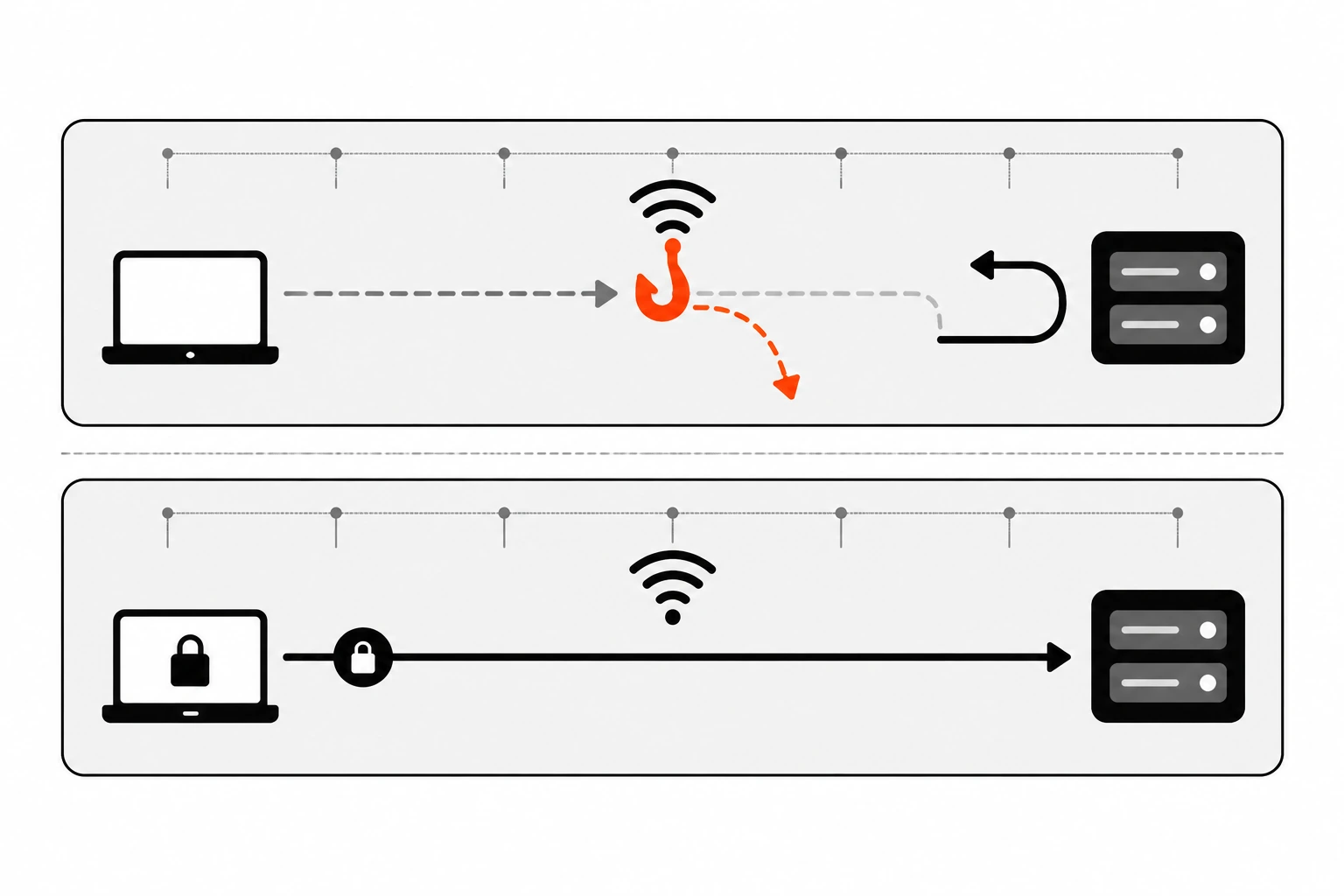
No. A redirect only happens after the browser has already sent a plain HTTP request. Anyone on the same network, like a rogue Wi-Fi hotspot, can intercept that request and answer it themselves, keeping the visitor on HTTP. HSTS removes the insecure request from future visits, so there’s nothing left to intercept.
Think about how people reach your site. They type the bare domain, click an old http:// link, or open a bookmark saved years ago. Each of those starts with an unencrypted request. Your server would happily send a 301 back, but an on-path attacker can rewrite that response and proxy the whole session over HTTP. This is usually called SSL stripping.
According to hstspreload.org, an enforced HSTS policy helps protect visitors from a few on-path attacks:
- Protocol downgrades, where the attacker rewrites your redirect to keep the browser on plaintext HTTP.
- Cookie hijacking, where the attacker reads or injects cookies on HTTP requests, even into the redirect response.
- Browsing history leaks, since the path of an HTTP URL is visible to anyone watching the network.
You still need the redirect, though. MDN recommends a permanent redirect like a 301 for plain HTTP requests, and that redirect should not carry the HSTS header. The header belongs on the HTTPS response the browser lands on next.
There’s one gap HSTS can’t close by itself. The browser has to make at least one HTTPS connection and receive the header before the policy exists. A visitor’s very first request is still exposed. That’s the problem the preload list was built for, and I’ll get to it below.
What does the Strict-Transport-Security header look like?
The header is one line with up to three directives separated by semicolons. max-age is required and sets how many seconds the browser should remember the rule. includeSubDomains extends the rule to every subdomain. preload signals consent to be added to browser preload lists, which also requires the first two.
Here are the three common shapes:
Strict-Transport-Security: max-age=31536000
Strict-Transport-Security: max-age=31536000; includeSubDomains
Strict-Transport-Security: max-age=63072000; includeSubDomains; preload| Directive | Required? | What it does | Watch out for |
|---|---|---|---|
max-age=<seconds> | Yes | How long the browser treats your host as HTTPS only. Each response resets the timer. | A long value can’t be pulled back from browsers that already stored it. |
includeSubDomains | No | Applies the policy to every subdomain of the host that sent it. | Any subdomain without working HTTPS becomes unreachable. |
preload | No | Says you consent to preloading. You still have to submit the domain yourself. | Not part of RFC 6797. Leaving the list takes months. |
A few behaviors from MDN worth knowing. Every time the browser gets the header, it sets the expiry to now plus max-age, so a fixed value keeps sliding forward and never runs out on an active visitor. If a later response is missing the header, the old policy simply stays until it expires.
Subdomains are subtle too. If example.com sends includeSubDomains, its subdomains are covered. But if all your links point straight at www.example.com, the browser may never see the apex header. MDN’s advice is to send the header from each subdomain host as well, not only the parent.
What max-age should I use for HSTS?
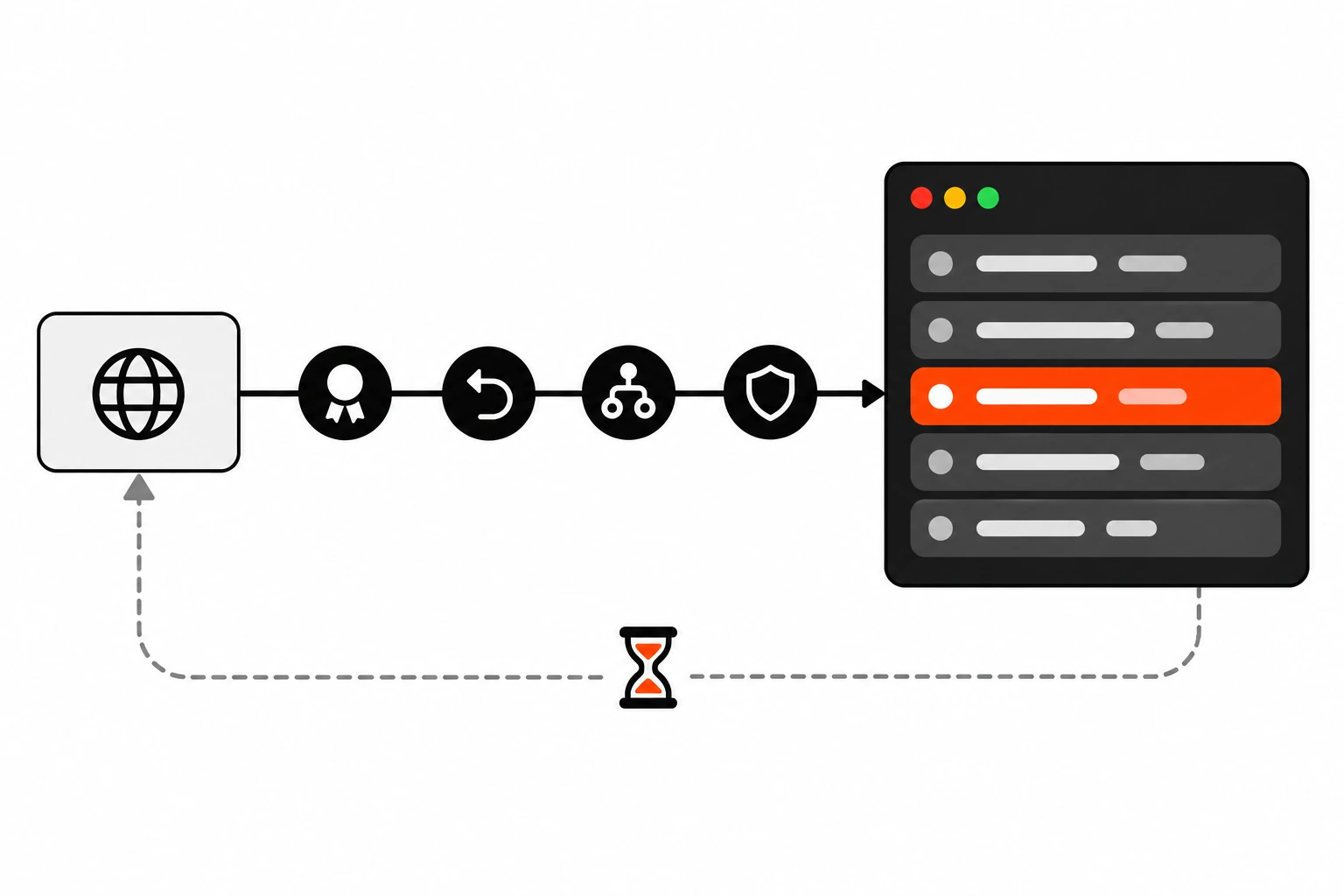
Start small and go up in stages. hstspreload.org suggests 300 seconds, then one week (604800), then one month (2592000), all with includeSubDomains. Check for broken pages at each stage and wait out the full max-age before moving on. After that, a year (31536000) or two years (63072000) is common.
I like this ramp because a mistake at 300 seconds costs you five minutes. A mistake at two years costs you a lot more. Here’s the plan I use, built on the hstspreload.org recommendations:
| Stage | Header value | How long to wait | What to check |
|---|---|---|---|
| 1 | max-age=300; includeSubDomains | 5 minutes, ideally a day of real traffic | Every subdomain, admin panel and API loads over HTTPS. |
| 2 | max-age=604800; includeSubDomains | 1 week | Mixed content, old http:// links, staging hosts. |
| 3 | max-age=2592000; includeSubDomains | 1 month | Traffic and error reports stay normal. |
| 4 | max-age=31536000; includeSubDomains | Ongoing | Certificate renewal is automated and monitored. |
hstspreload.org also suggests trying the early stages on a group of beta testers if you have one, then running through every stage for all users from the start. OWASP’s cheat sheet shows a one-day value, max-age=86400, as a safe choice during the first rollout for the same reason.
If you’re not ready for subdomains yet, you can drop includeSubDomains for the first few stages. OWASP points out that skipping it leaves room for some cookie attacks from subdomains, so treat that as a temporary step.

What can break when you turn on HSTS?
Anything on your domain that can’t serve valid HTTPS. With includeSubDomains, that includes forgotten subdomains, internal dashboards, staging servers and old tools that only speak HTTP. An expired certificate also turns into a hard error with no click-through, and a long max-age keeps the lock in place on visitors’ browsers.
Before you ship stage one, list every hostname under your domain. Check your DNS records, not just what you remember. hstspreload.org specifically warns that internal subdomains count too, even ones that aren’t public.
These are the failures I’d look for first:
- A subdomain pointing at a third-party service that doesn’t support HTTPS on your custom hostname.
- Internal tools like a router page, NAS or old intranet app reachable only over HTTP on a subdomain.
- Developers using a real subdomain for local work. After one visit, their browser forces HTTPS there too.
- Certificate renewal that silently fails. Without HSTS, visitors see a warning they can skip. With HSTS, they can’t get in.
There’s also a privacy note in the OWASP cheat sheet. Site owners can abuse HSTS state to identify users without cookies. That’s a reason browsers treat it carefully, not a reason to skip it, but it explains some browser behavior you might run into.
If you already send other security headers, like a Content Security Policy, HSTS pairs well with it. CSP controls what a page can load. HSTS controls how the browser reaches the page in the first place.
What is the HSTS preload list, and should you join it?
The preload list is a set of HTTPS-only domains maintained by Chrome and built into the browser. Firefox, Safari and Edge use lists based on it. Preloaded domains are never requested over HTTP, even on the first visit. It closes the first-request gap, but entries take months to add or remove.
To get accepted through hstspreload.org, your site must meet these requirements:
- Serve a valid certificate.
- Redirect from HTTP to HTTPS on the same host, if you’re listening on port 80.
- Serve all subdomains over HTTPS, including
wwwif a DNS record for it exists. - Serve the HSTS header on the base domain for HTTPS requests, with
max-ageof at least 31536000, plusincludeSubDomainsandpreload.
That “same host” rule catches people. Your redirect for http://example.com has to go to https://example.com first, not jump straight to https://www.example.com. And if your HTTPS site does another redirect, that redirect response must still carry the HSTS header.
Here’s the part many older guides leave out. The hstspreload.org page now says many browsers already upgrade HTTP navigations to HTTPS automatically, so preloading only helps when those upgrades fail under an active attack. Its own wording is that HSTS is recommended and HSTS preloading is not.
Removal is the other reason to wait. hstspreload.org says domains can be removed, but it takes months for the change to reach users through a Chrome update, with no guarantees for other browsers. New entries are hardcoded into the Chrome source and can also take several months to ship. If you run a tool or config generator, don’t turn on preload by default. That’s straight from the site’s own guidance.
How do I add the HSTS header in Nginx?
Add an add_header line for Strict-Transport-Security inside the server block that listens on 443, and include the always parameter so the header goes out on error responses too. Keep a separate port 80 server block that only returns a 301 to the same host over HTTPS.
server {
    listen 80;
    server_name example.com www.example.com;
    return 301 https://$host$request_uri;
}

server {
    listen 443 ssl;
    server_name example.com www.example.com;

    add_header Strict-Transport-Security "max-age=300; includeSubDomains" always;

    # ssl_certificate, root, locations...
}
One Nginx quirk trips people up. A location block that defines its own add_header stops inheriting the ones from the server level. If you set caching or other headers per location, repeat the HSTS line there or move shared headers into an include file. I ran into the same pattern when writing about Cache-Control headers, and it’s worth checking with curl after every config change.
Reload with nginx -t && systemctl reload nginx so a typo doesn’t take the server down.
How do I set HSTS in Apache or .htaccess?
Use mod_headers with Header always set Strict-Transport-Security in your port 443 virtual host. On shared hosting where you only have .htaccess, the same line works if mod_headers is available. Pair it with a rewrite rule that sends HTTP to HTTPS on the same host.
In a virtual host config:
<VirtualHost *:443>
    ServerName example.com
    Header always set Strict-Transport-Security "max-age=300; includeSubDomains"
    # SSLEngine on, certificate paths...
</VirtualHost>
In .htaccess:
RewriteEngine On
RewriteCond %{HTTPS} off
RewriteRule ^ https://%{HTTP_HOST}%{REQUEST_URI} [L,R=301]

<IfModule mod_headers.c>
  Header always set Strict-Transport-Security "max-age=300; includeSubDomains"
</IfModule>
Using %{HTTP_HOST} keeps the redirect on the same host, which is what the preload rules ask for. If the .htaccess line ends up on HTTP responses too, that’s not dangerous. Browsers ignore the header over plain HTTP, as both RFC 6797 and MDN state. It’s still cleaner to scope it to HTTPS where you can.
How do I add HSTS in Next.js and on Vercel?
In Next.js, return the header from the async headers() function in next.config.js with a source pattern that matches every path. On Vercel, you can also set it in the headers array of vercel.json. Vercel’s docs say deployments already send max-age=63072000 by default, so check before adding your own.
// next.config.js
module.exports = {
  async headers() {
    return [
      {
        source: '/:path*',
        headers: [
          {
            key: 'Strict-Transport-Security',
            value: 'max-age=300; includeSubDomains',
          },
        ],
      },
    ];
  },
};
Or in vercel.json:
{
  "headers": [
    {
      "source": "/(.*)",
      "headers": [
        { "key": "Strict-Transport-Security", "value": "max-age=31536000; includeSubDomains" }
      ]
    }
  ]
}
Keep in mind that headers() in next.config doesn’t run for a static export with output: 'export', since there’s no Next.js server. In that case the header has to come from your host or CDN. If you’re already setting headers in middleware for other reasons, my post on Next.js middleware for auth and rewrites covers how that layer fits in, but static headers like this one are simpler in config.
How do I enable HSTS on WordPress, Cloudflare or a shared host?
WordPress core doesn’t send HSTS, so set it at the server, in .htaccess, or at your CDN. On Cloudflare, it’s a toggle under SSL/TLS Edge Certificates with options for max-age, subdomains and preload. On shared hosts, a force HTTPS switch handles the redirect, not the HSTS header itself.
Cloudflare’s docs list the settings as Enable HSTS, Max Age Header (from 1 to 12 months, or 0 to disable), Apply HSTS policy to subdomains, Preload, and a No-Sniff header. They also warn about what not to do afterward: switching records from Proxied to DNS only, pausing Cloudflare, moving nameservers away, or letting certificates expire. Any of those can leave visitors locked out for the length of your max-age.
On Apache or LiteSpeed shared hosting, which covers a lot of Hostinger-style WordPress plans, the .htaccess snippet above is usually the quickest route. Turn on the host’s force HTTPS option or keep the rewrite rule, add the header, then test. Plugins can add the header too, but I’d rather keep it at the server layer, close to the redirect, where it doesn’t depend on PHP running. It’s the same reasoning I use for WordPress TTFB work: the less every request depends on plugins, the better.
Don’t set it in two places with different values. If your origin sends one HSTS header and the CDN adds another, you’ll end up debugging which one the browser kept.
How do I check if HSTS is working?
Run curl -I against your HTTPS URL and look for the strict-transport-security line with the max-age you expect. Then request the HTTP URL and confirm a 301 to HTTPS on the same host. In browser devtools, the Network tab shows the header under Response Headers for the document request.
# HTTPS response should include the header
curl -sI https://example.com | grep -i strict-transport-security

# HTTP should redirect to the same host over HTTPS
curl -sI http://example.com | grep -iE "^(HTTP|location)"

# Check subdomains too
curl -sI https://www.example.com | grep -i strict-transport-security
In Chrome devtools, open Network, reload, and click the first document request. Once the policy is stored, typing the http:// URL shows a 307 Internal Redirect in the Network panel. That redirect happens inside the browser and never reaches your server, which is the whole point.
You can also open chrome://net-internals/#hsts and use Query HSTS/PKP domain to see what Chrome has stored for a host, including whether it’s a preloaded entry.
How do I clear HSTS in Chrome?
Open chrome://net-internals/#hsts, scroll to Delete domain security policies, type the exact hostname without https:// or a path, and click Delete. That removes the dynamic policy Chrome stored from the header. Preloaded entries can’t be deleted this way, as the page itself notes.
This is mostly a developer fix. If you tested a header on a staging subdomain and now your browser won’t load it over HTTP, delete that host’s entry and try again. Remember the policy might come from a parent domain that sent includeSubDomains, so query the parent too.
Clearing your own browser doesn’t fix anything for visitors. Their browsers keep the policy until it expires or until they get a new response that changes it.
How do I turn HSTS off safely?
Send Strict-Transport-Security: max-age=0 over HTTPS. Browsers that receive it drop the stored policy for that host. It has to be served over HTTPS, because browsers ignore the header over HTTP. Keep HTTPS working until returning visitors have picked up the new value.
MDN notes that with max-age=0, includeSubDomains has no effect, and separate policies stored for individual subdomains stay in place until they get their own zero or expire. So if you set HSTS on several hosts, roll back each one.
This is the real reason for the slow ramp. Rolling back only reaches people who visit again over HTTPS. If someone stored a two-year policy and your HTTPS is broken, there’s nothing you can send them.
Is HSTS worth adding to your site?
Yes, for almost any site that already runs fully on HTTPS. It costs one header line, it removes the insecure request from repeat visits, and it blocks certificate click-through for your users. Roll it out slowly, keep certificates on auto-renew, and treat preload as an optional extra.
My usual order goes like this. Check every subdomain, ship max-age=300; includeSubDomains, verify with curl, and climb the ramp over a few weeks. Only after a month at stage three do I set a year. Preload stays off unless there’s a clear reason for it.
If you’re auditing headers anyway, it’s worth looking at the rest of the response while you’re there. HSTS fixes transport. Things like CORS and CSP handle what happens after the page loads, and they all show up in the same curl output.