useEffect Cleanup: Fix Race Conditions and Cancel Fetches with AbortController
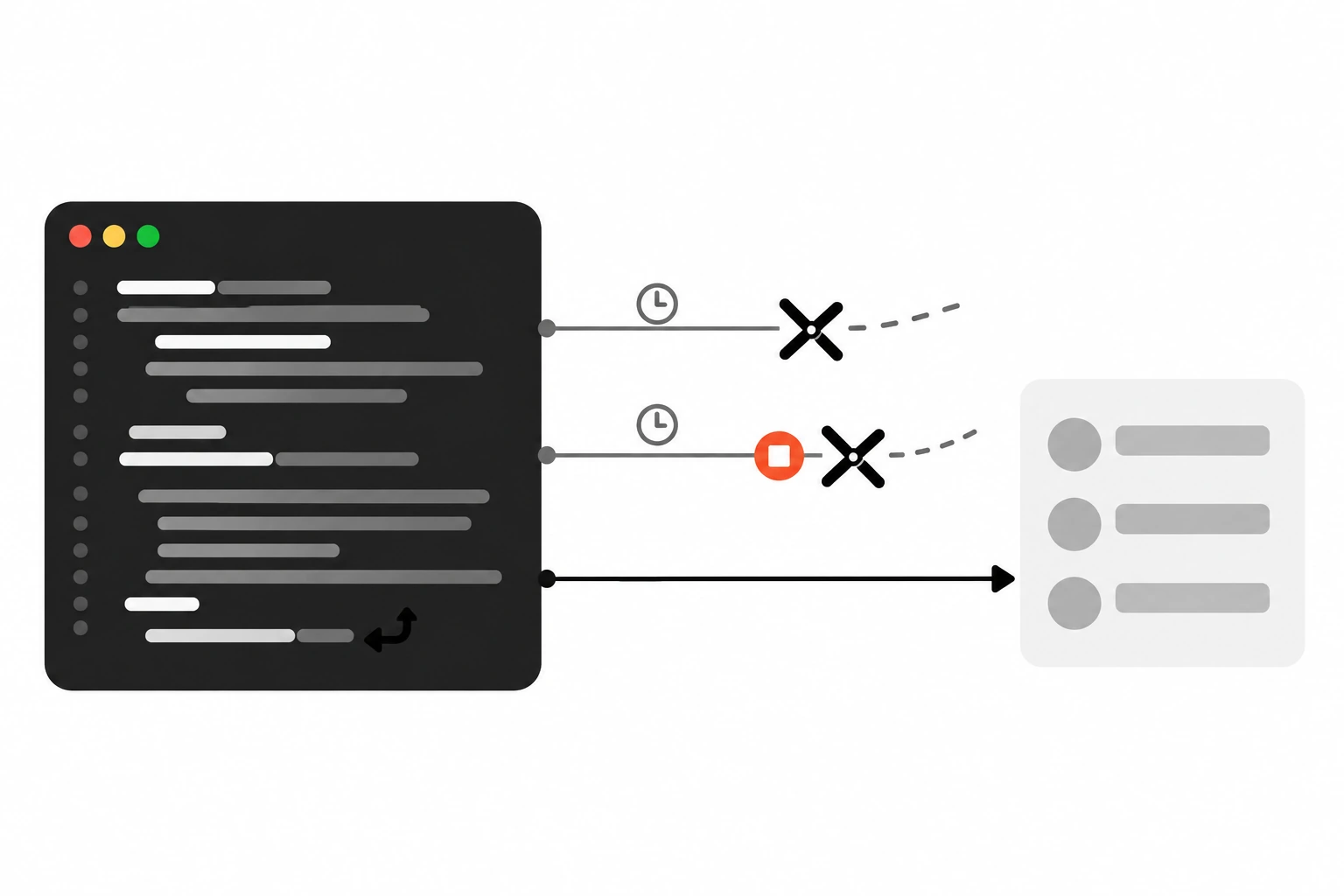
You type “react” into a search box, the results flash for a second, and then the list swaps to results for “rea”. Nothing crashed. No error in the console. The app just showed the wrong data. That’s a race condition, and the fix is a proper useEffect cleanup function that ignores or cancels the old request.
I see this bug a lot in code reviews, usually in a component that fetches whenever a prop or a search term changes. It’s easy to miss in local development because your API answers fast and in order. On a slow phone network, it shows up all the time.
Key takeaways
- The function you return from
useEffectis the cleanup. React runs it before the effect runs again with new values, and once more when the component unmounts.- Network responses can arrive out of order, so an older request can finish last and overwrite newer state.
- The ignore flag pattern from the React docs drops stale responses with a simple
let ignore = falseandignore = truein cleanup.AbortControllergoes further and actually cancels the request. Passcontroller.signaltofetch()and callcontroller.abort()in cleanup.- An aborted
fetch()rejects with aDOMExceptionnamedAbortError. Treat it as normal and don’t show an error for it.- In development, Strict Mode runs setup, cleanup and setup again. A correct cleanup makes that harmless.
Short answer: Return a cleanup function from your effect. Inside it, either set an ignore flag so a stale response can’t call setState, or call controller.abort() on an AbortController whose signal you passed to fetch(). React runs that cleanup before the next effect and on unmount, so only the latest request can update your state.
What is a useEffect cleanup function?
A useEffect cleanup function is the function you return from your effect’s setup code. React calls it with the old props and state before running the effect again after a dependency change, and one last time after the component is removed. Its job is to stop or undo whatever the setup started, like a subscription, timer or request.
The React reference for useEffect describes the order clearly. After every commit where the dependencies changed, React first runs your cleanup with the old values, then runs setup with the new ones. When the component unmounts, cleanup runs a final time.
Here’s the shape:
useEffect(() => {
  // setup: start something
  const id = setInterval(tick, 1000);

  // cleanup: stop it
  return () => clearInterval(id);
}, []);
People often think of cleanup as “the unmount code”. That’s only half of it. Cleanup also runs between every pair of effect runs. That second job is what makes it the right place to deal with stale fetches, because a new search term means a new effect run, and the old run gets cleaned up first.
A good rule from the React docs: cleanup should mirror setup. If setup connects, cleanup disconnects. If setup starts a request, cleanup ignores or cancels it.
Why do fetches in useEffect cause race conditions?
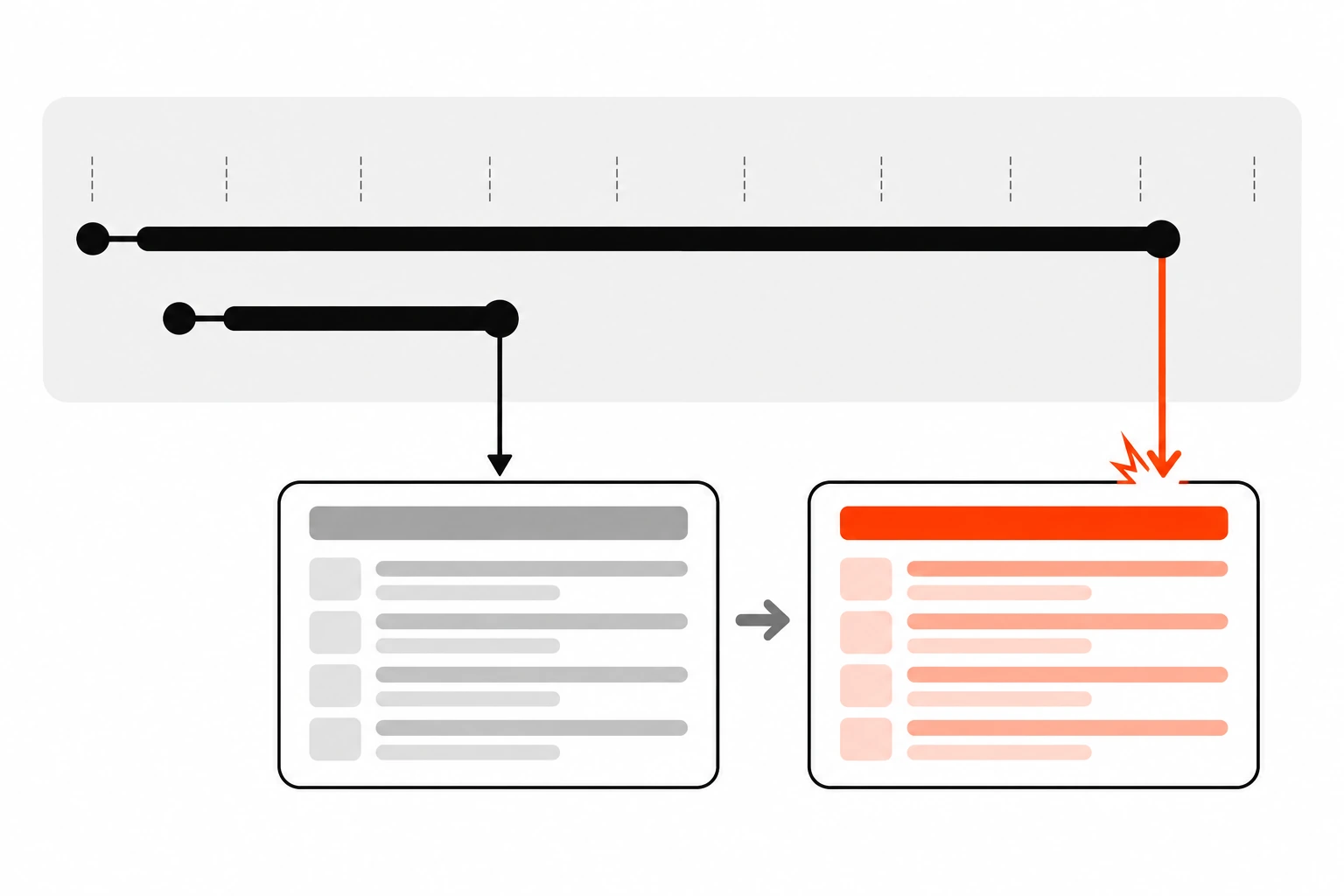
Each time a dependency changes, the effect starts a new request, but nothing guarantees the responses come back in the order you sent them. If an older request finishes after a newer one, its setState call runs last and overwrites the correct data. The UI then shows results that don’t match the current input.
Here’s the classic version of the bug:
function SearchResults({ query }) {
  const [results, setResults] = useState([]);

  useEffect(() => {
    // Bug: no cleanup
    fetch(`/api/search?q=${encodeURIComponent(query)}`)
      .then((res) => res.json())
      .then((data) => setResults(data));
  }, [query]);

  return <ResultList items={results} />;
}
Type “hello” quickly and the query goes through “h”, “he”, “hel”, “hell” and “hello”. That’s five requests in flight. The React docs on You Might Not Need an Effect use this exact example: the “hell” response may arrive after the “hello” response, and since it calls setResults() last, you display the wrong results.
Why would an older request be slower? Lots of reasons:
- Shorter queries often match more rows, so the server takes longer.
- One request hits a cold cache and the next one hits a warm one.
- Mobile networks are uneven, and two requests can take different routes or retries.
The same bug shows up anywhere an effect fetches based on changing input. A profile page that loads /api/users/${userId} when you click between users. A product page driven by a route param. A dashboard with a date range picker.
How does the ignore flag fix stale responses?
The ignore flag pattern declares let ignore = false inside the effect, checks if (!ignore) before calling setState, and sets ignore = true in the cleanup. Each effect run gets its own flag. When the dependency changes, the old run’s flag flips to true, so its late response is dropped and can’t overwrite newer state.
This is the fix the React docs show:
function SearchResults({ query }) {
  const [results, setResults] = useState([]);

  useEffect(() => {
    let ignore = false;

    fetch(`/api/search?q=${encodeURIComponent(query)}`)
      .then((res) => res.json())
      .then((data) => {
        if (!ignore) {
          setResults(data);
        }
      });

    return () => {
      ignore = true;
    };
  }, [query]);

  return <ResultList items={results} />;
}
It works because of closures. Every time the effect runs, it creates a brand new ignore variable. The .then() callback for the “hell” request closes over the “hell” flag. When the query changes to “hello”, React runs the cleanup from the “hell” run, which flips that specific flag to true. When the slow “hell” response finally shows up, it checks its own flag, sees true, and does nothing.
It also works with async/await. You can’t make the effect function itself async, because an async function returns a promise and React expects either nothing or a cleanup function. So define an inner function and call it:
useEffect(() => {
  let ignore = false;

  async function load() {
    const res = await fetch(`/api/users/${userId}`);
    const data = await res.json();
    if (!ignore) setUser(data);
  }

  load();
  return () => {
    ignore = true;
  };
}, [userId]);
The weakness is that the old request still runs to completion. The browser still downloads the response and parses the JSON. You’ve just chosen to throw it away. For small responses that’s fine. For big payloads or slow endpoints, you want to actually stop the request.
How do I cancel a fetch in useEffect with AbortController?
Create a new AbortController() inside the effect, pass controller.signal as the signal option to fetch(), and return () => controller.abort() as the cleanup. When the dependency changes or the component unmounts, React calls abort, the browser cancels the request, and the pending fetch() promise rejects with an AbortError.
AbortController is a standard browser API, Baseline and widely available. It has one property, signal, which is an AbortSignal, and one method, abort(). You hand the signal to anything that supports cancellation, and calling abort() tells all of them to stop.
Here’s the search component again, this time with cancellation:
function SearchResults({ query }) {
  const [results, setResults] = useState([]);
  const [error, setError] = useState(null);

  useEffect(() => {
    const controller = new AbortController();

    async function load() {
      try {
        setError(null);
        const res = await fetch(
          `/api/search?q=${encodeURIComponent(query)}`,
          { signal: controller.signal }
        );
        if (!res.ok) throw new Error(`Request failed: ${res.status}`);
        const data = await res.json();
        setResults(data);
      } catch (err) {
        if (err.name === 'AbortError') return; // expected, not a real error
        setError(err);
      }
    }

    load();
    return () => controller.abort();
  }, [query]);

  // ...
}
Open the Network tab in DevTools while you type and you’ll see older requests marked as cancelled. They stop downloading as soon as the query changes.
A couple of details matter here.
- Create a new controller inside every effect run. An
AbortSignalcan only be used once. After it’s aborted, anyfetch()that gets the same signal rejects straight away. - Keep
res.json()inside thetry. If the abort happens after the headers arrived but before the body is read, reading the body rejects withAbortErrortoo.
Does aborting tell the server to stop working? Not necessarily. The browser drops the connection on its side, but a server that already started a slow database query might finish it anyway. Cancellation saves bandwidth and client work, and it guarantees the stale response never reaches your state. If you want the full tour of the API outside React, including streams and other uses, my AbortController guide covers it.
How should I handle AbortError in React?
Treat an AbortError as an expected outcome, not a failure. In your catch, check err.name === 'AbortError' and return early without setting error state. Show error UI only for real failures, like network errors, bad status codes or invalid JSON. Otherwise users see a flash of “Something went wrong” every time they type.
There’s one catch worth knowing. If you call abort() with no argument, the signal’s reason is a DOMException named AbortError, and that’s what fetch() rejects with. But abort(reason) accepts any value as the reason, and fetch() will reject with that value instead. So if your code ever does controller.abort('component unmounted'), the name check fails.
The sturdier check is to ask the signal itself:
} catch (err) {
  if (controller.signal.aborted) return; // we cancelled it, whatever the reason
  setError(err);
}
I like this version because it describes intent. “Did we cancel this?” is the real question, and the signal knows the answer.
Also watch out for state you set before the request. If you set isLoading to true at the start and only set it back to false after a successful response, an aborted request leaves the spinner on until the next request finishes. That’s usually fine, since a new request is already on the way. But if the abort came from an unmount, there’s nothing to fix, because the component is gone. React 18 also removed the old warning about setting state on an unmounted component, so you won’t see that message anymore.
Why does my useEffect run twice in development?
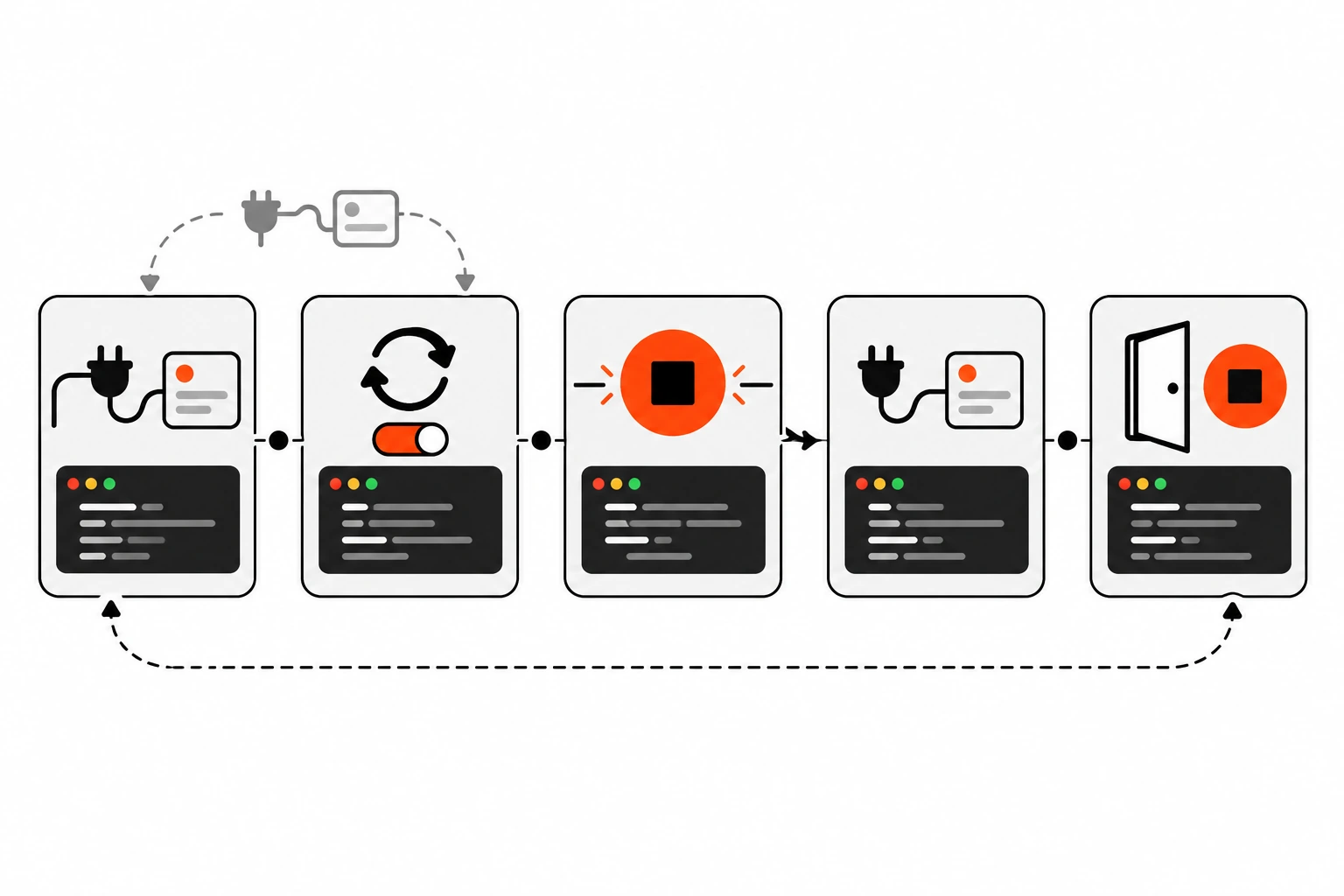
When Strict Mode is on, React runs one extra setup and cleanup cycle in development before the real setup. It’s a stress test to check that your cleanup mirrors your setup. With an AbortController, the first request gets cancelled right away, so you’ll see one cancelled request and one normal request in DevTools. Production runs the effect once.
The React docs put the rule simply: a user shouldn’t be able to tell the difference between setup running once, and setup, cleanup, setup running in a row.
Here’s what happens to our fetching effect with Strict Mode on:
- Setup runs. Controller A is created and request A starts.
- React runs cleanup straight away. Controller A aborts, and request A rejects with
AbortError. - Setup runs again. Controller B is created and request B starts and finishes normally.
Your catch ignores the abort and the screen shows the right data. That’s the stress test passing.
Now look at the version without cleanup. Both requests complete, setResults runs twice, and usually you won’t notice. But if the effect does something that isn’t safe to repeat, like posting an analytics event or creating a record, you’ll see doubles in dev. The answer isn’t to turn off Strict Mode or add a useRef guard to stop the second run. Those hide bugs that will come back later as real race conditions.
If something really should run once per user action, like submitting a form, it probably doesn’t belong in an effect at all. Put it in the event handler. For forms in Next.js, React Server Actions are another clean option.
Ignore flag vs AbortController: which should you use?
Use AbortController when the API supports a signal, which fetch() does. It cancels the request and protects your state in one step. Use the ignore flag when the async work can’t be cancelled, like a third-party SDK call or a promise that ignores signals. You can combine both when you want to be extra safe.
| Approach | Cancels the network request | Prevents stale setState | Works with any promise | Extra code |
|---|---|---|---|---|
| No cleanup | No | No | Yes | None |
| Ignore flag | No | Yes | Yes | Two lines |
| AbortController | Yes | Yes, through the rejected promise | Only APIs that accept a signal | A few lines plus AbortError handling |
| Both together | Yes | Yes | Yes | A few more lines |
| Data library | Depends on the library | Yes | Yes | Setup once, little per component |
In my own code, fetch() inside an effect almost always gets an AbortController. When I’m wrapping a library function that returns a promise but takes no signal, I use the ignore flag. It’s honest about what it does: the work still happens, the result just gets dropped.
How do I add a timeout to a fetch in useEffect?
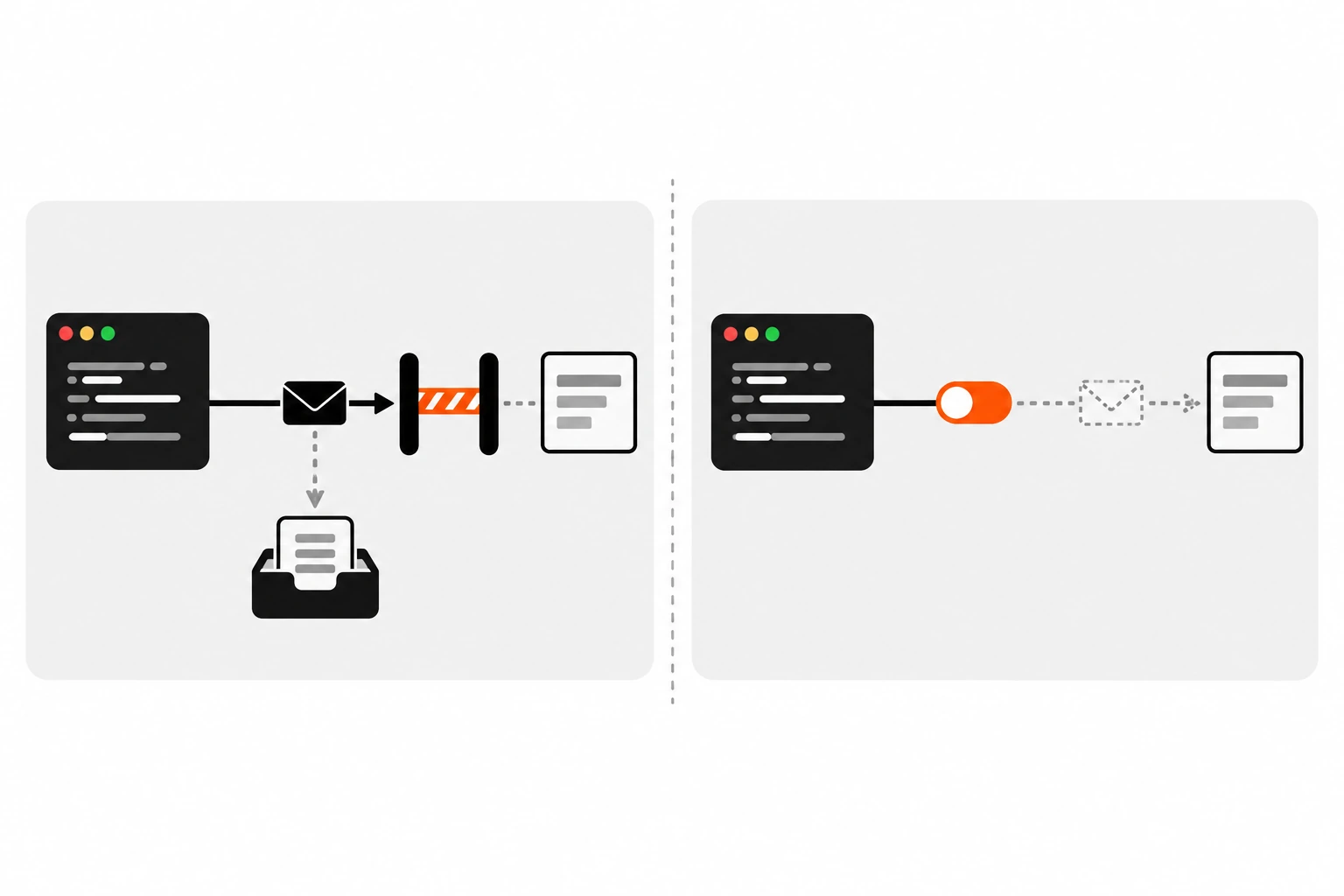
Combine your cleanup signal with a timeout signal using AbortSignal.any([controller.signal, AbortSignal.timeout(8000)]). The fetch is cancelled when the effect cleans up or when the timer runs out, whichever comes first. A timeout rejects with a TimeoutError instead of an AbortError, so you can show a message for slow requests only.
useEffect(() => {
  const controller = new AbortController();
  const signal = AbortSignal.any([
    controller.signal,
    AbortSignal.timeout(8000),
  ]);

  async function load() {
    try {
      const res = await fetch(`/api/report?range=${range}`, { signal });
      setReport(await res.json());
    } catch (err) {
      if (controller.signal.aborted) return; // cleanup, ignore
      if (err.name === 'TimeoutError') {
        setError(new Error('This is taking too long. Try again.'));
        return;
      }
      setError(err);
    }
  }

  load();
  return () => controller.abort();
}, [range]);
Check controller.signal.aborted first. That tells you the cancel came from React’s cleanup, not from the timer. MDN’s AbortSignal page documents both AbortSignal.timeout() and AbortSignal.any(). any() is the newer of the two, so check your browser support targets before relying on it in older browsers.
Should a debounced search clean up its timer too?
Yes. If you debounce a search with setTimeout inside an effect, the cleanup should clear the timer and abort the request. Debouncing cuts how many requests you send. Aborting makes sure an older one can never win. You usually want both, and a single cleanup function can handle them together.
useEffect(() => {
  if (!query.trim()) {
    setResults([]);
    return;
  }

  const controller = new AbortController();
  const timer = setTimeout(async () => {
    try {
      const res = await fetch(
        `/api/search?q=${encodeURIComponent(query)}`,
        { signal: controller.signal }
      );
      setResults(await res.json());
    } catch (err) {
      if (!controller.signal.aborted) setError(err);
    }
  }, 300);

  return () => {
    clearTimeout(timer);
    controller.abort();
  };
}, [query]);
If the user keeps typing, the timer never fires and no request is sent. If they pause long enough for the request to start and then type again, the abort cancels it. Notice the early return when the query is empty. An effect can return nothing on some runs and a cleanup on others, and React handles both.
How do I write a reusable useFetch hook with cleanup?
Move the fetch, the AbortController and the AbortError handling into a custom Hook that takes a URL and returns { data, error, isLoading }. The Hook’s effect depends on the URL, aborts in cleanup, and ignores cancelled requests. Components then call one line and get race-safe fetching without repeating the boilerplate.
function useFetch(url) {
  const [state, setState] = useState({
    data: null,
    error: null,
    isLoading: true,
  });

  useEffect(() => {
    if (!url) return;
    const controller = new AbortController();
    setState((s) => ({ ...s, error: null, isLoading: true }));

    fetch(url, { signal: controller.signal })
      .then((res) => {
        if (!res.ok) throw new Error(`Request failed: ${res.status}`);
        return res.json();
      })
      .then((data) => setState({ data, error: null, isLoading: false }))
      .catch((error) => {
        if (controller.signal.aborted) return;
        setState({ data: null, error, isLoading: false });
      });

    return () => controller.abort();
  }, [url]);

  return state;
}
Usage stays short:
const params = new URLSearchParams({ q: query, page: String(page) });
const { data, error, isLoading } = useFetch(`/api/search?${params}`);
Build the URL as a string so the dependency is a primitive. If you passed an options object created during render, it would be a new object every time, and the effect would re-run after every render. The React docs suggest exactly this kind of custom Hook as a middle ground when you don’t use a framework.
One more thing I’d add in a real project: validate the response before it goes into state. A schema check with Zod turns a surprise API change into a clear error instead of a crash three components away.
When should you use a data fetching library instead of useEffect?
Reach for a library or your framework’s data fetching once you need caching, deduplication, refetching, pagination or server rendering. The React docs point out that effects don’t run on the server and make network waterfalls easy to create. Libraries like TanStack Query and SWR handle race conditions for you, so you write less cleanup code yourself.
The React team is direct about this. Fetching in effects is a manual approach, and if you use a framework, its built-in data fetching is usually the better choice. If you don’t, they suggest a client-side cache such as TanStack Query, useSWR or React Router’s data APIs.
Signs it’s time to switch:
- You’re writing the same
useFetchlogic with small variations in many places. - You need the Back button to show the previous screen instantly from cache.
- Two components fetch the same data and you’re seeing duplicate requests.
- You want to show server-rendered content instead of a spinner on first load.
TanStack Query, for example, passes an AbortSignal to your query function as signal. Forward it to fetch() and the library cancels requests it no longer needs. In the Next.js App Router, a lot of this goes away because Server Components can fetch on the server before the HTML is sent. If you’re mixing server and client rendering, my post on the React hydration error in Next.js explains why client-only data has to load after hydration.
Effects still have a place. Small apps, one-off widgets and code that syncs with a browser API are all fine with a well-written effect. Just write the cleanup.
How do I test useEffect cleanup and race conditions?
Make the older request slower than the newer one on purpose, then check that the screen shows the newer result. Mock the API so responses for one input are delayed, change the prop or type a new query, wait, and assert the final text. Also check that no error message appears for the cancelled request.
Race conditions are hard to catch by hand because your local API is fast. In tests, you control the timing. With Mock Service Worker, you can add a delay() to the handler for a specific query:
import { http, HttpResponse, delay } from 'msw';

export const handlers = [
  http.get('/api/search', async ({ request }) => {
    const q = new URL(request.url).searchParams.get('q');
    if (q === 'hell') await delay(500); // the stale one is slow
    return HttpResponse.json([{ id: 1, title: `Result for ${q}` }]);
  }),
];
Then in a component test, type “hell”, then “hello”, wait for the slow response to settle, and assert you see “Result for hello”. Without cleanup, the test fails. With it, the test passes. That one test catches the bug the first time anyone removes the cleanup by accident.
Is useEffect cleanup worth the extra lines?
Yes. A few lines of useEffect cleanup prevent a bug that’s invisible on fast local networks and common on real ones. The ignore flag stops stale updates, AbortController also cancels the request, and both make Strict Mode’s double run harmless. If you find yourself writing it everywhere, that’s your signal to move to a data library.
If you want one thing to do today, search your codebase for useEffect calls that contain fetch( and no return. Each one is a possible race condition. Add a controller, pass its signal, abort in cleanup, and ignore the AbortError.
It takes a couple of minutes per component. And the next time someone types fast on a slow train connection, they’ll see the results for what they actually typed.