

A site that keeps working after launch
Website maintenance and support from the developer who built it
Updates, backups, security checks and small changes from the person who built it.
Fixed quote after a short call.
What does website maintenance cover?
Website maintenance keeps your site updated, backed up, secure and working after launch. I handle plugin and core updates, backups, security checks, bug fixes and small changes, as an ongoing arrangement or when you need help, so problems are fixed by the person who knows the site.
A website is software, and software needs care. Updates fix security holes, backups let you recover from mistakes, and small checks catch broken forms and slow pages before customers do.
Maintenance can be a regular arrangement or on-demand help. Either way you know who to message when something breaks.
What you get
Updates
Core, theme and plugin updates, done on staging when risky.
Backups
Regular backups and a tested way to restore.
Security checks
Strong passwords, correct user roles and spam protection.
Bug fixes
Broken layouts, plugin conflicts and errors traced and fixed.
Small changes
Text, images, sections and forms, without a new project.
A person to message
Clear communication by email or WhatsApp.
How it works
- 1
Check
Review the current state: versions, backups, hosting and security.
- 2
Stabilise
Fix urgent problems and set up backups.
- 3
Maintain
Update regularly and watch for issues.
- 4
Improve
Small changes and improvements as you need them.
A realistic timeline comes with the quote. No one-size-fits-all packages. You get a fixed quote after a short call.
Try it yourself
One maintenance round
Illustration, not a measurement- A fresh backup before anything changes.
- Core, theme and plugins updated.
- Users, passwords and spam protection reviewed.
- Forms, key pages and checkout checked.
- You know what changed and what is next.
You know what changed and what is next.
Tools I use for this
- WP-CLI
- Backups
- Staging
- Git
- SSL and HTTPS
- Spam protection
- Search Console
- Hosting
Myth vs reality
MythIf it works, leave it alone.
RealityUnpatched software is how most small sites get hacked.
// 'If it ain't broke' ends where the hacker begins.MythHosting handles everything.
RealityHosting keeps servers up; your site's code and plugins are your job.
// The landlord fixes the building, not your furniture.MythBackups are the same as security.
RealityBackups help you recover; security helps you avoid the problem.
// A seatbelt is not a reason to drive into walls.MythMaintenance is a big bill.
RealityIt can be set up as needed or as a light ongoing arrangement.
// Cheaper than the all-nighter after the crash.Field notes from the terminal
$ wp core update && wp plugin update --all # on staging, please$ wp user list --role=administrator # do those admins still work here?# test the backup by restoring it somewhere# rule 1: never update production on a Friday evening$ wp core verify-checksums# a contact form that silently fails is the most expensive bug
Fix it when it breaks, or maintain it?
| Only when it breaks | Ongoing maintenance | |
|---|---|---|
| Updates | Often delayed | Regular |
| Backups | If you remembered | Scheduled and tested |
| Surprises | More | Fewer |
| Cost pattern | Irregular, urgent | Planned |
What it costs
Every project is different, so there are no one-size-fits-all packages. You get a fixed quote after a short call that lists exactly what is included.
Payment terms and the schedule are agreed in writing before work starts. Changes in scope are priced before any extra work.
Questions people ask
Do you offer maintenance and support after launch?
Yes. Launch is not the end of the job. I stick around after go-live to fix any bugs that come up, because real developers do not disappear once the site is live.
For the longer term, I also offer ongoing maintenance and support. That can include plugin and core updates, backups, security checks, small content or design changes, and help when something breaks.
We can set this up as an ongoing arrangement or on an as-needed basis. I will suggest what makes sense for your site.
What does website maintenance include?
Plugin, theme and core updates, backups, security checks, bug fixes and small content or design changes. The exact scope is agreed in writing.
How often should a WordPress site be updated?
Security updates should be applied promptly, and regular updates checked on a schedule, ideally on a staging copy first so nothing breaks on your live site.
Do you maintain websites you did not build?
Yes. I start with a review of the current state, fix urgent problems, then set up regular care.
What happens if my website gets hacked?
I find how it happened, clean it, restore from a good backup if needed, and close the hole, then add protection so it is less likely to happen again.
Can I just pay for small changes when I need them?
Yes. Maintenance can be an ongoing arrangement or on an as-needed basis.
Do you fix bugs after launch?
Yes. I stay around after go-live to fix bugs that show up.
How do you price projects, and how do payments work?
Every project is different, so I do not use one-size-fits-all packages. After a short call to understand what you need, I send a fixed quote that clearly lists what is included.
The budget range on the contact form just helps me suggest the right approach for your budget. It is not a price list.
Payment terms and the schedule are agreed in writing before any work starts, so there are no surprises. If the scope changes along the way, I will tell you the impact on cost and time before doing the extra work.
How long does it take to build a website?
It depends on the scope. A single landing page is a very different job from a multi-page WordPress site, an online store, or a custom web app. The amount of content that is ready, the number of integrations, and how quickly feedback comes back all affect the timeline too.
After our first call I share a realistic timeline along with the quote, broken into stages so you know what to expect and when. If you have a fixed launch date, tell me early and I will be honest about whether it is achievable.
How will we communicate during the project?
Clearly and often. I would rather over-communicate than leave you wondering what is happening. You get regular updates on what is done, what is next, and anything that is blocking progress.
We can use whatever suits you best: email, WhatsApp, or video calls for bigger decisions. I explain technical things in plain English, so you never have to nod along to jargon.
If something goes wrong or a decision needs your input, you will hear it from me straight away.
Will I own my website and its code?
Yes. Once the project is fully paid, the website, your content, and the custom code I write for it belong to you. I hand over the access and files you need, and I am happy to set up hosting, domain, and admin accounts in your name from day one.
The only exception is third-party software such as premium plugins, themes, or paid services. Those stay under their own licenses, and I will always tell you upfront if a project needs one.
Related services
Custom WordPress websites
Custom themes and plugins built around your business, with an editor your team can actually use.
Website redesigns
Better UX, speed and visuals, without losing the search rankings you already have.
SEO and performance
Core Web Vitals, schema, and the structured answers Google and AI assistants quote.
Based in Jamnagar, Gujarat, working with clients across India and abroad.
From the blog
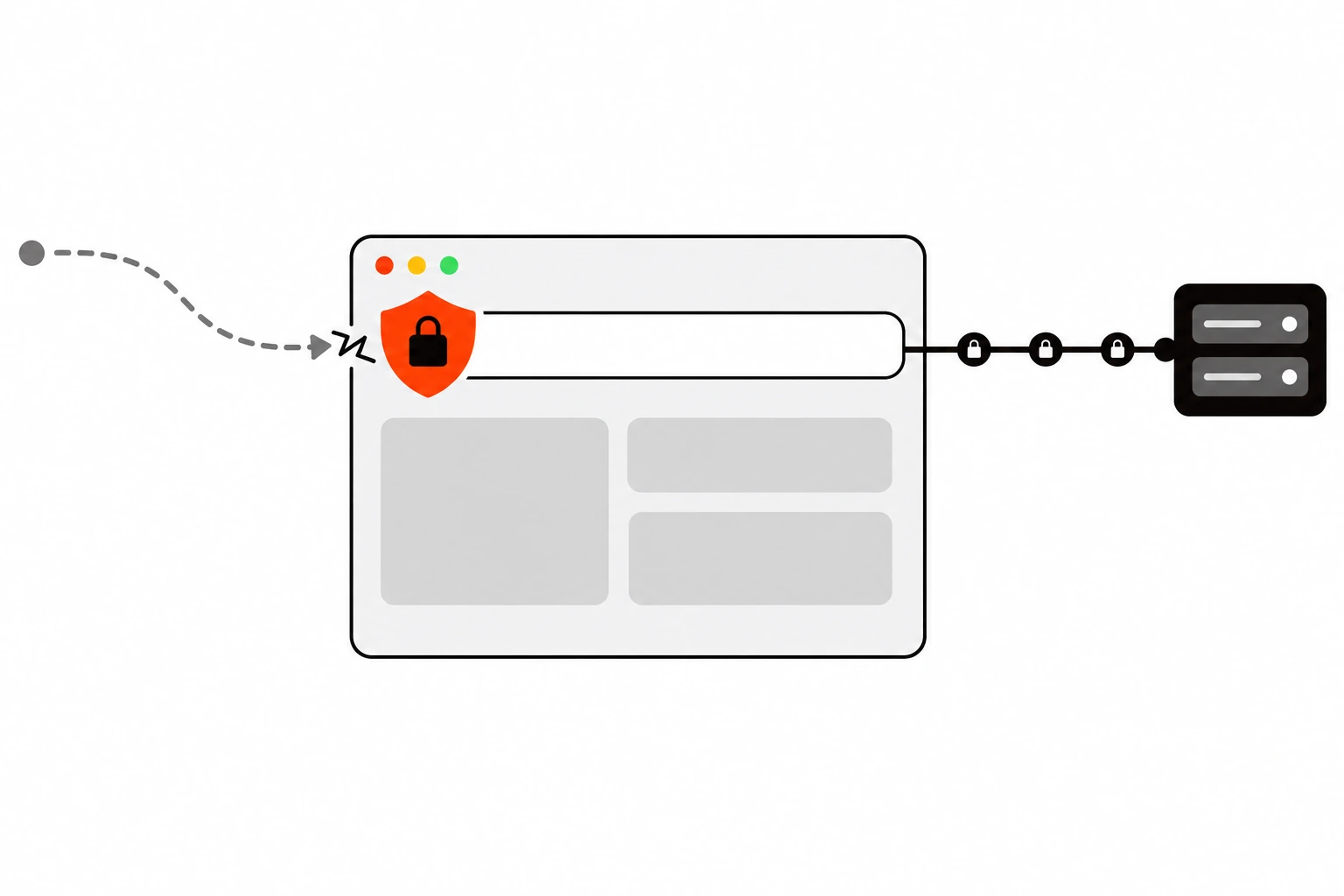
HSTS Explained: How Strict-Transport-Security Closes the HTTPS Downgrade Gap
A 301 redirect to HTTPS still lets the first plain HTTP request out. Here’s how HSTS closes that gap: the Strict-Transport-Security header and its directives, a safe max-age ramp, what breaks, the preload list and its requirements, setup in Nginx, Apache, Next.js, Vercel, Cloudflare and WordPress hosts, checking it with curl, and clearing it in Chrome.
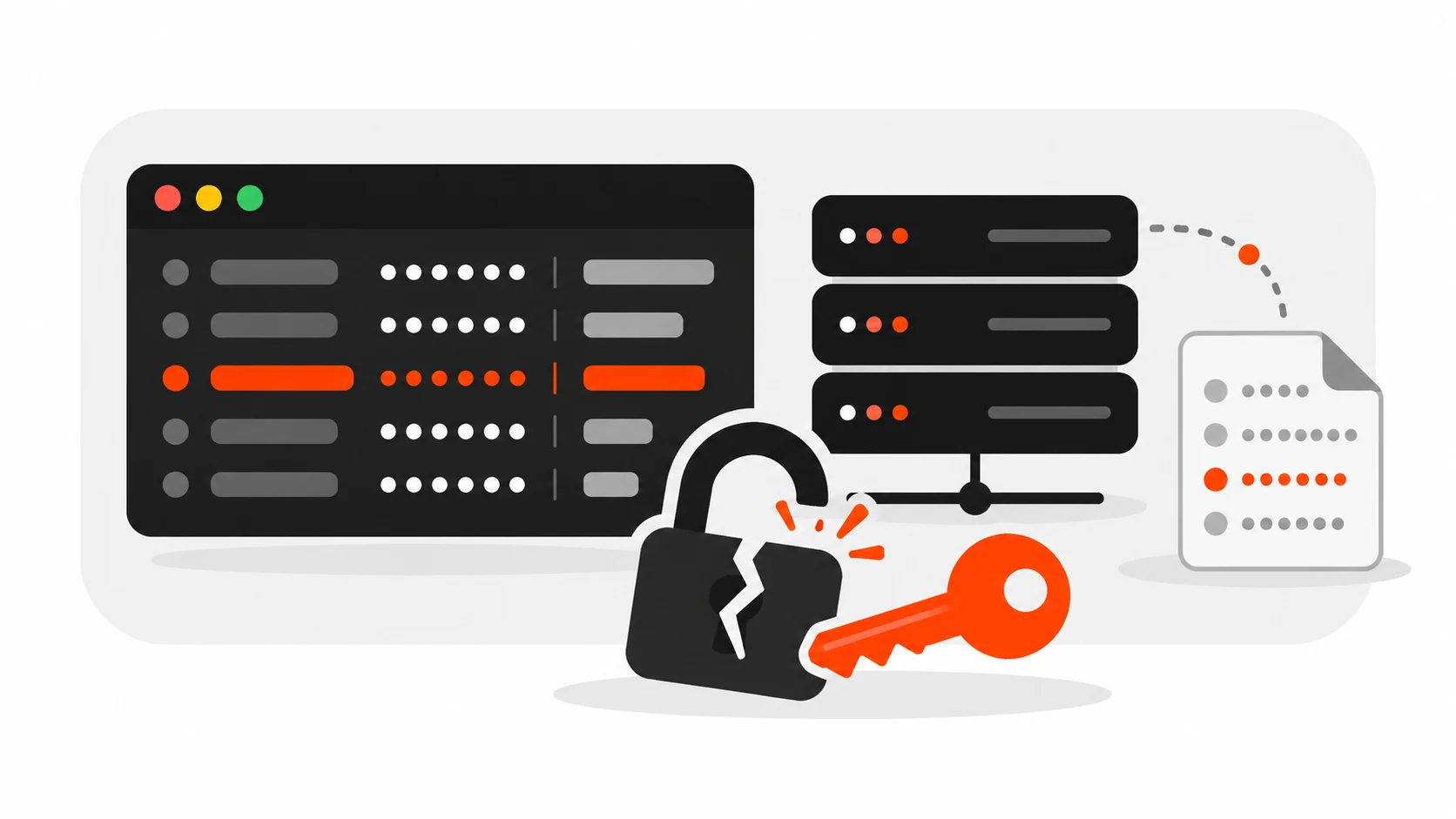
Railway Security Incident (October 2026): What Happened to Your Env Vars
Between October 20 and 22, 2026, attackers broke into internal systems at Railway, the app hosting platform, and pulled customer environment variables. Some of those secrets were decrypted. Railway says the attacker was hunting for AI provider API keys. If you deploy on Railway, or on any platform that stores your secrets for you, this […]
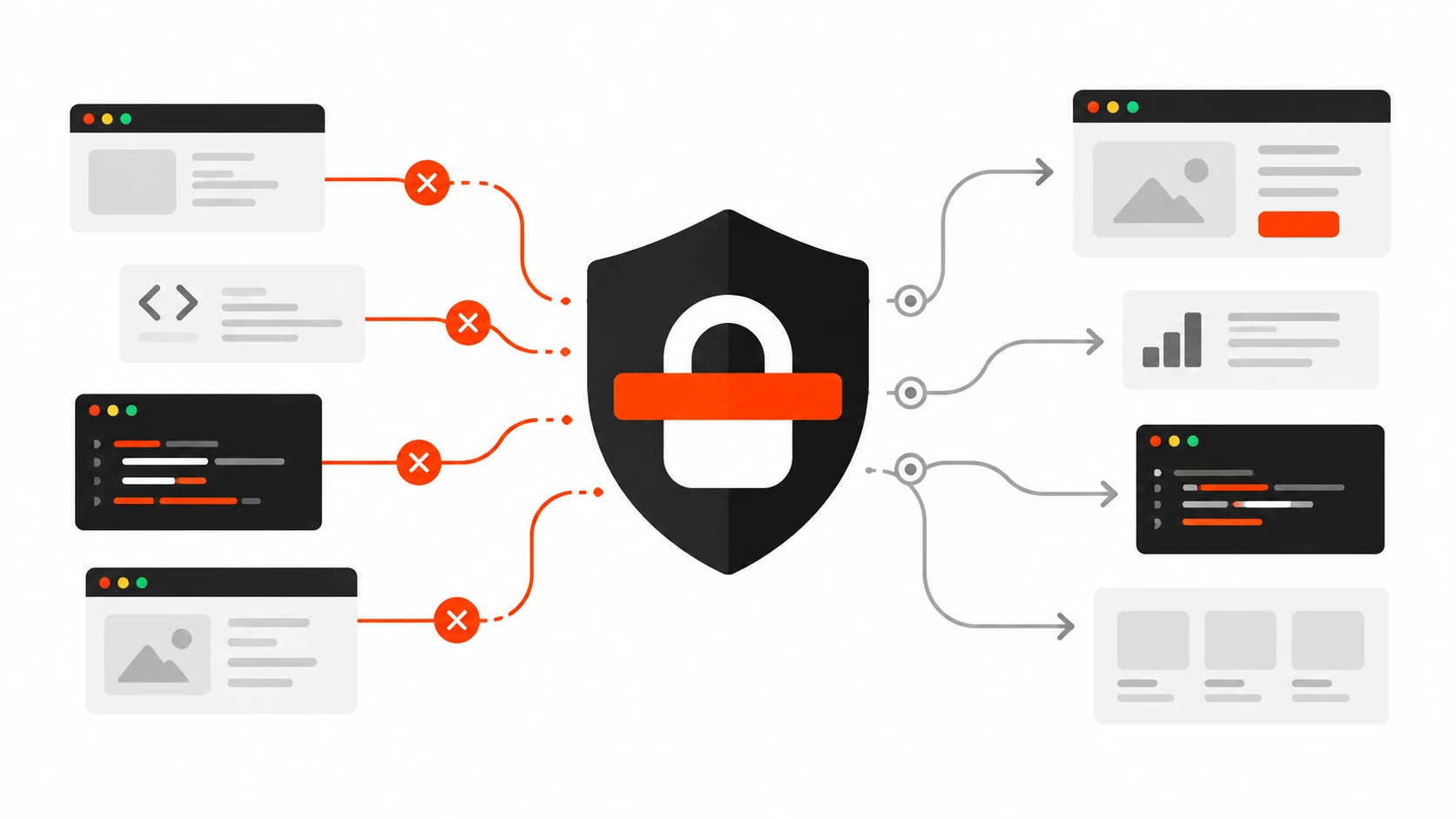
Content Security Policy in 2026: Lock Down XSS Without Breaking Your Scripts
Practical CSP in 2026: report-only rollout, nonces vs hashes vs strict-dynamic, WordPress and Next.js headers, GTM, and a checklist to stop XSS without breaking scripts.
Ready to talk about your project?
Tell me what you need. I take on 2 to 3 projects at a time, so each one gets proper attention, and I reply within 1 working day. You get questions first, then a fixed quote.
“Darshan sir has a deep understanding of WordPress development and always provides clear guidance and support.”