

WordPress Myths Developers Still Believe (And Why They’re Wrong)
On this page
WordPress Myths Developers Still Believe (And Why They’re Wrong). WordPress myths developers still believe, and why they are wrong. Get the facts on security, speed and scale, and decide if WordPress fits your project. . WordPress & SEO.
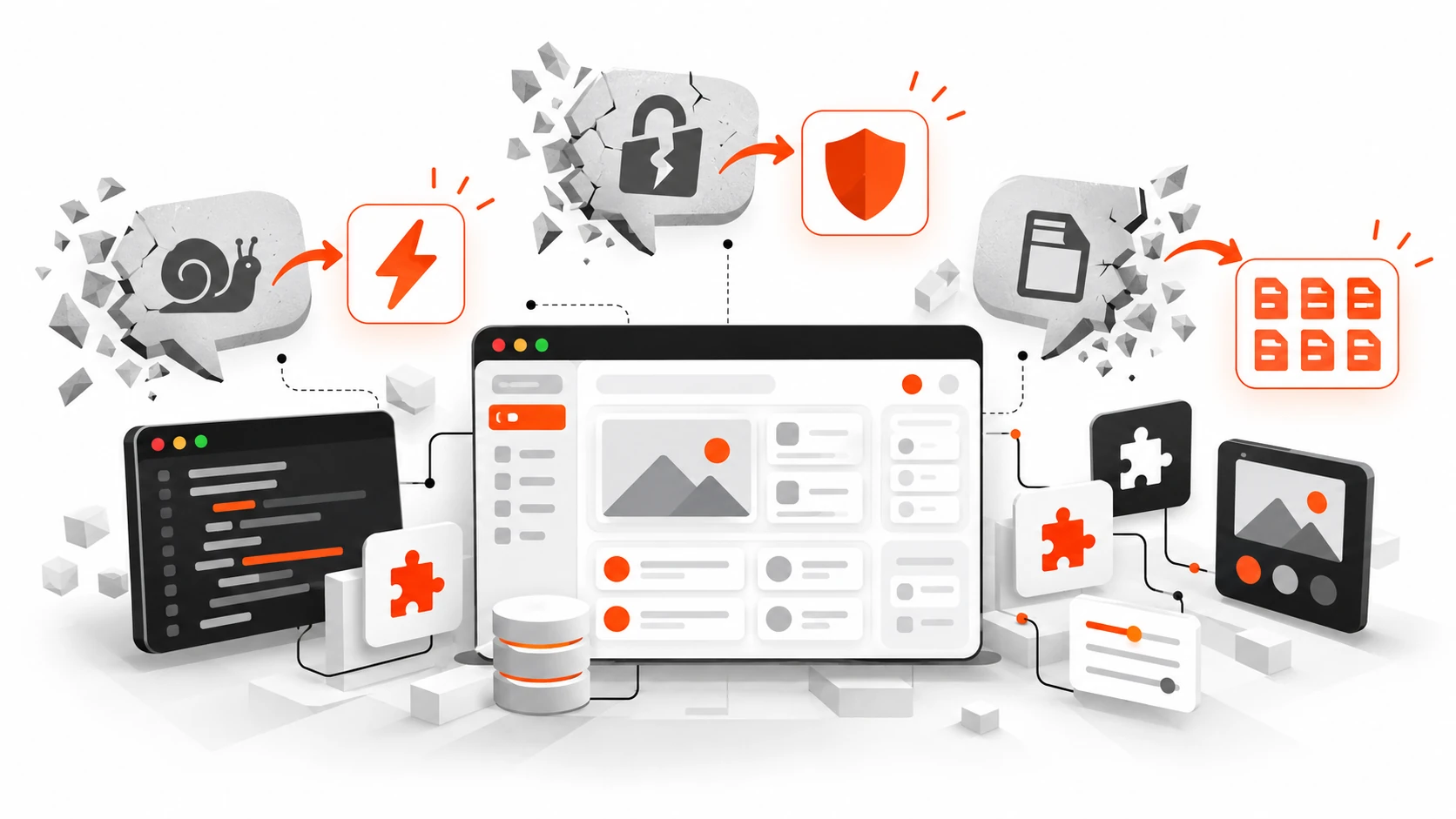
WordPress powers a massive chunk of the internet.
Yet somehow, it still gets treated like a “basic” tool.
You’ve probably heard it before:
“WordPress is slow.”
“Plugins are bad.”
I hear this all the time — especially from people who’ve barely scratched the surface.
Here’s the reality:
Most problems people blame on WordPress…
are actually problems in how the site was built.
Let’s clear a few things up.
1. “Too Many Plugins Make WordPress Slow”#
This one refuses to die.
But here’s the truth —
it’s not about how many plugins you install.
It’s about which plugins and how they’re built.
What actually matters:
- Code quality
- Asset loading
- Execution logic
I’ve seen sites with 30+ plugins running smoothly…
and sites with 5 plugins performing terribly.
One badly written plugin can do more damage than ten optimized ones.
👉 Plugins are just tools.
Bad developers turn them into problems.
2. “Page Builders Are Bad for Performance”#
Page builders like Elementor get blamed a lot.
But honestly?
That’s just lazy thinking.
The real issue isn’t the builder — it’s how it’s used.
Things that actually hurt performance:
- Throwing in unnecessary widgets
- Overusing animations
- Building layouts without structure
If you understand how rendering works,
you can build a fast, scalable site even with a page builder.
👉 It’s not the tool.
It’s the person using it.
3. “WordPress Can’t Handle Large-Scale Websites”#
This one is always funny to me.
People assume WordPress is only for blogs or small websites.
That’s just not true.
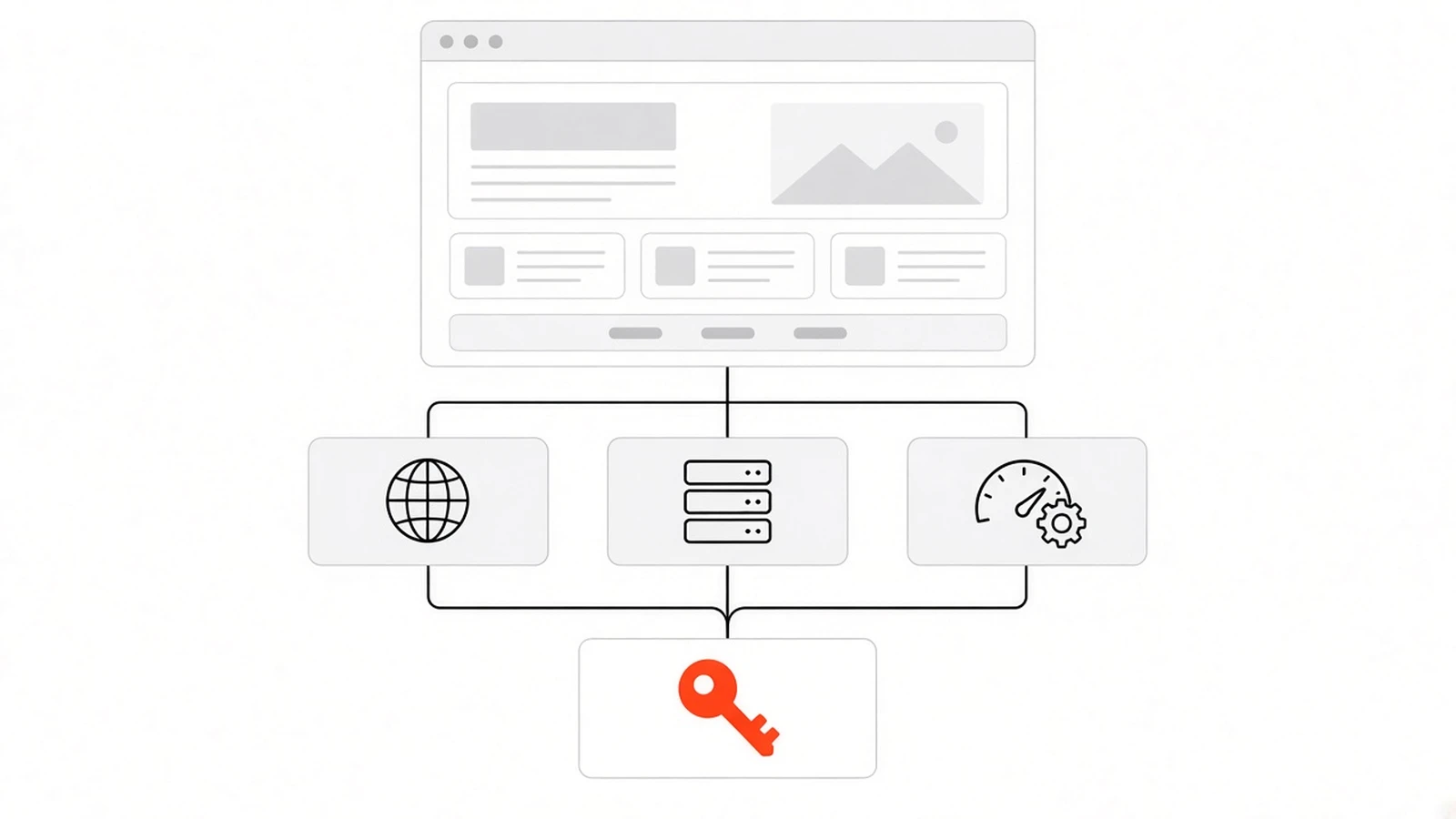
What actually makes a site scalable:
- Infrastructure
- Caching
- Database handling
- System architecture
Without these, no platform survives — not WordPress, not anything else.
👉 WordPress doesn’t fail at scale.
Planning does.
4. “Custom Code Is Always Better Than Plugins”#
Custom development sounds impressive.
But it’s not always the smartest move.
I’ve seen developers rewrite things that already exist —
just to feel in control.
Reality check:
- It takes more time
- It increases maintenance
- It introduces unnecessary risk
Sometimes, the better decision is to use something stable and proven.
👉 Good developers write code.
Great developers make decisions.
5. The Real Problem Isn’t WordPress#
After working on everything from simple sites to complex systems,
one thing is very clear:
WordPress is not the limitation.
The real issues are:
- Weak architecture
- Poor performance strategy
- Bad development decisions
When these are handled properly,
WordPress becomes incredibly powerful.
Conclusion#
WordPress isn’t perfect.
No platform is.
But most of the criticism it gets comes from misuse —
not from actual limitations.
If you treat WordPress like a real development platform,
you can build far more than people expect.
👉 At the end of the day,
it’s not about WordPress.
It’s about how you build with it. 🚀
Frequently asked questions
Do too many plugins make WordPress slow?
Not by count alone. What matters is which plugins you use and how they are built: code quality, how they load assets, and what they run on every request. I have seen sites with 30+ plugins run smoothly and sites with 5 plugins crawl. One badly written plugin can do more damage than ten well built ones.
Are page builders like Elementor bad for performance?
The builder is rarely the real problem. Performance suffers when people stack unnecessary widgets, overuse animations, and build layouts without structure. If you understand how rendering works and keep the page lean, you can ship a fast, scalable site even with a page builder.
Can WordPress handle large-scale websites?
Yes. WordPress is not just for small blogs. Scale comes from infrastructure, caching, database handling and overall system architecture. Without those, no platform survives heavy traffic, and with them WordPress handles serious load comfortably.
Is custom code always better than using a plugin?
No. Rewriting something that already exists takes more time, increases maintenance and adds risk. Often the better decision is a stable, proven plugin, with custom code reserved for what is genuinely unique to the project. Good developers write code; great developers make good decisions.
If WordPress is not the problem, what usually is?
Weak architecture, a poor performance strategy and bad development decisions. When those are handled properly, WordPress becomes a very powerful platform. Most of the criticism it gets comes from misuse, not from real limitations.
How do I tell whether a slow WordPress site is a plugin problem or a build problem?
Measure before blaming. Profile the page to see which scripts, styles and queries actually cost time, test with plugins toggled on a staging copy, and check hosting and caching setup. Usually the culprit is one heavy plugin, bloated layout, or missing caching, not WordPress itself.
Comments
Comments are closed on this article.