

On this page
- Key takeaways
- Who owns your website: the domain, hosting or the admin login?
- What are the parts of a website you need to own?
- Why does it matter whose name the domain is in?
- How do I check who owns my domain?
- How do I check my hosting and website admin access?
- Which Google accounts should be in my name?
- Is it okay for my developer to register the domain for me?
- What should I do if my domain is in my developer’s name?
- What if the developer won’t reply or refuses?
- What should a website handover include?
- Do I own the design and code as well?
- How do I give a developer access without handing over ownership?
- Does owning your accounts change what a website costs?
- Want a website that’s in your name from day one?
Who Owns Your Website? Domain, Hosting and Logins Checklist. Who owns your website: you or your developer? Check your domain, hosting and admin logins in 10 minutes, and what to do if they aren't in your name. . WordPress & SEO.
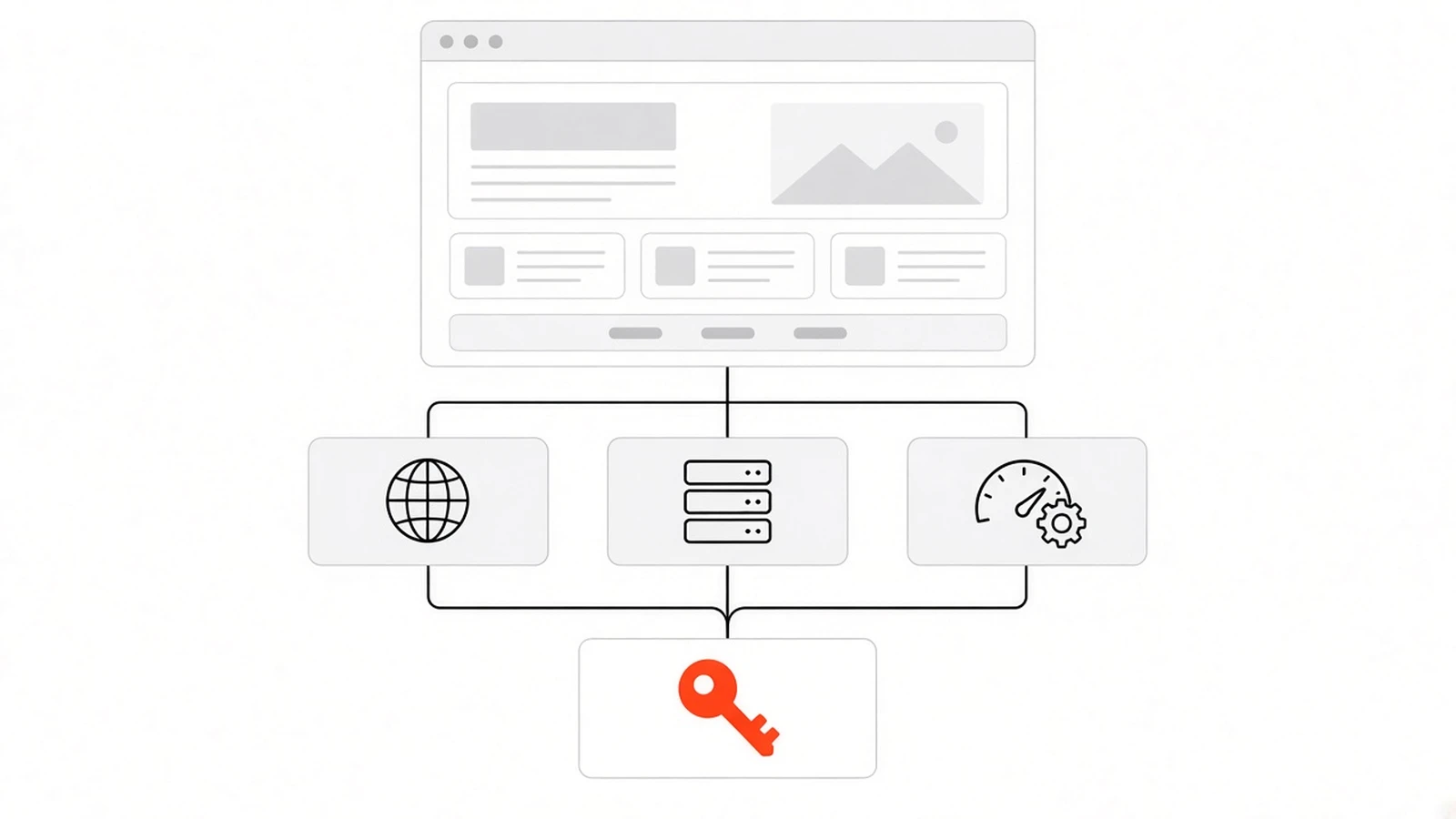
Who owns your website isn’t decided by who paid for it. It’s whoever holds the domain registrar account, the hosting account and the admin logins, and if those sit in your developer’s name or email, they control your site and your email, not you. The fix is simple: put every account in your business name.
Most business owners never check this until something goes wrong. The developer stops replying, a renewal bill lands in someone else’s inbox, or the site goes down and nobody knows where it’s hosted. This guide shows you what to own, how to check it in about ten minutes, and what to do if something isn’t in your name.
Key takeaways#
- A website is several accounts: domain, DNS, hosting, the site admin, business email and Google tools. Each one can be in a different name.
- The domain matters most. Whoever is the registrant and holds the registrar login can point it anywhere or let it expire.
- Check the registrar with ICANN Lookup, then log in yourself. A public lookup is a clue, not proof.
- Your developer should get their own access to your accounts, not hold the accounts for you.
- If something isn’t in your name, ask in writing, with a clear list, while you’re still on good terms.
Who owns your website: the domain, hosting or the admin login?#
All three, and they’re separate. The domain is your address, the hosting is where the files live, and the admin login is how you change the site. You own your website only when each of these accounts is in your name or your company’s name, uses an email you control, and is billed to you.
Paying an invoice doesn’t settle it. A developer can build a site you paid for on a hosting account they own, with a domain registered to their email. Everything looks fine in the browser. The problem only shows when you try to change developers, add a new email address or renew something.
Most of the time nobody meant any harm. Registering a domain on your own account is quicker than walking a client through it, so plenty of freelancers and agencies just do it. That’s convenient on day one and awkward in year three.
What are the parts of a website you need to own?#
A typical business website has six to eight accounts behind it: the domain registrar, DNS, hosting, the website admin, business email, Google Search Console, Google Analytics and your Google Business Profile. Paid themes and plugins add licence accounts. Each needs an owner login that belongs to the business.
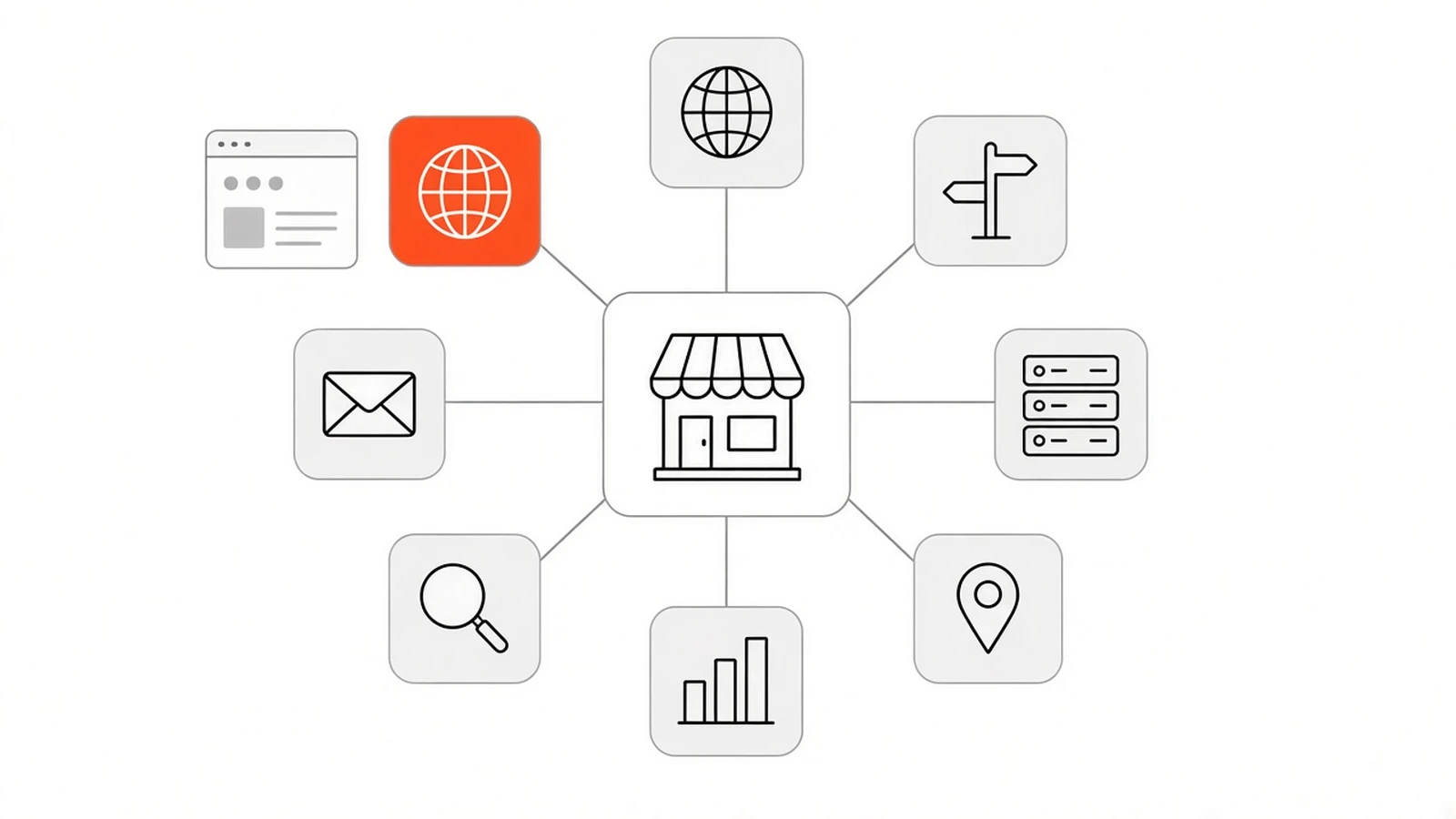
Here’s what each one controls, and who should hold it.
| Account | What it controls | Owner login should be | Your developer gets |
|---|---|---|---|
| Domain registrar | Your web address, renewals and transfers | Your business, on a business email | Access only if they manage DNS or renewals for you |
| DNS (often at the registrar or Cloudflare) | Where the domain points: website, email, verification records | Your business | A user or member role |
| Hosting | The server, files, database, SSL and backups | Your business, billed to your card | A user role, or temporary access while they work |
| Website admin (WordPress or similar) | Pages, content, plugins, users and settings | You, as an Administrator | Their own separate account |
| Business email | Every address on your domain | Your business | Usually nothing |
| Google Search Console | How Google sees and indexes your site | You, as an owner | Full user, or delegated owner if needed |
| Google Analytics | Visitor and enquiry data | You, as an Administrator | Editor or a lower role |
| Google Business Profile | Your listing on Search and Maps | You, as primary owner | Manager |
If the site has a code repository, paid plugins or a payment gateway, add those to the list too. The rule is the same for every row: the account is yours, and the developer is a guest in it.
Why does it matter whose name the domain is in?#
Because the registrant is the legal holder of the domain, and the registrar account decides what happens to it. Whoever controls that login can change where the domain points, switch off your email, move it to another company or let it lapse. Hosting can be rebuilt in a day. A lost domain often can’t be replaced.
ICANN’s page on registrants’ rights and responsibilities spells out what the registrant has to do. You must keep accurate contact details, respond to your registrar within fifteen days and keep payment details current if the domain renews automatically. None of that works if the registrar is writing to your old developer’s Gmail.
Email is the part people forget. Your domain carries every address you’ve printed on cards, invoices and your Google profile. If the domain stops working, so does the email, often on the same day.
How do I check who owns my domain?#
Search your domain on ICANN Lookup. Note the registrar, the expiry date and the nameservers. Then log in to that registrar yourself and confirm the domain shows in your account. The public lookup often hides the owner’s name for privacy, so your own login is the real test.
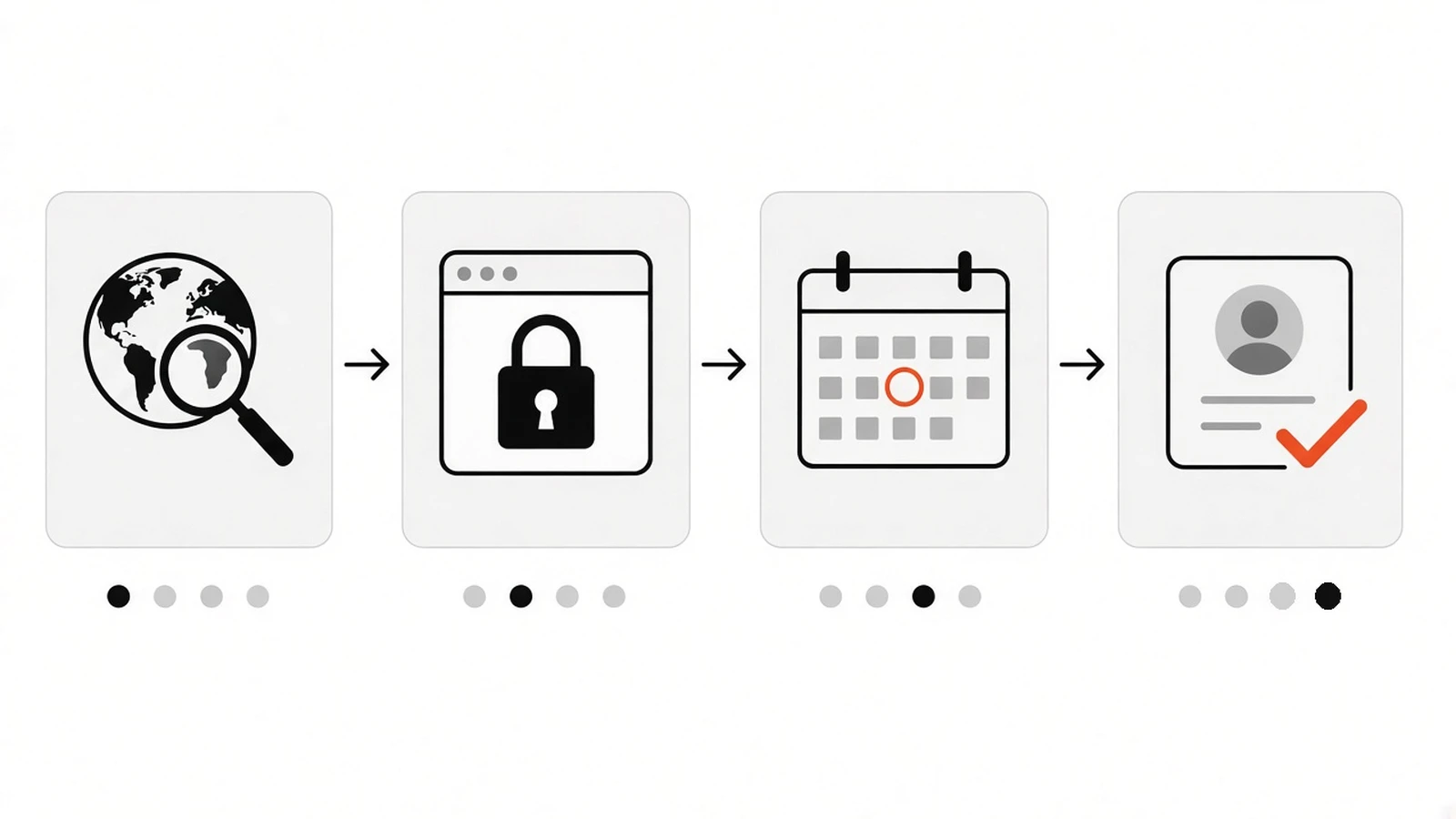
Here’s the ten-minute version:
- Open ICANN Lookup and type your domain without www.
- Write down the registrar name, the creation date, the expiry date and the nameservers.
- If the registrant shows a privacy service or “redacted”, that’s normal. It doesn’t tell you who owns it.
- Go to that registrar’s website and log in, or use “forgot password” with your business email.
- If you can see the domain, check the contact details, the recovery email and the auto-renew setting.
- If you can’t log in, or the domain isn’t in your account, it’s in someone else’s.
For .in and .co.in domains, the .IN Registry run by NIXI recommends the same first step. Use WHOIS to confirm that you or an authorised person from your business is named as the registrant, and to see which registrar your domain is with. NIXI also says it can’t change records for registrants directly, so every change goes through your registrar.
While you’re there, check the expiry date. If it’s close and you’re not sure who is paying, deal with that first. Everything else can wait a week. An expired domain can’t.
How do I check my hosting and website admin access?#
Look at who receives the hosting invoice and whose card pays it. Then try to log in to the hosting dashboard with your own email. For the website itself, log in to the admin area and check your role. In WordPress you want the Administrator role, on an account that’s yours alone.
A few signs that hosting isn’t really yours:
- You’ve never seen a hosting invoice, or you pay your developer a yearly “hosting and maintenance” fee with no provider named.
- Your site shares a hosting account with other businesses your developer works with.
- You don’t know the hosting company’s name.
Shared hosting under a developer’s account isn’t automatically bad. Some people prefer it and are happy to pay for the service. Just know that’s what it is, and ask for a full backup of your files and database at least once a year so you’re never stuck.
For the admin login, avoid a shared “admin” account that everyone uses. Each person who works on the site should have their own login. That way you can remove one person without changing everyone’s password.
Which Google accounts should be in my name?#
Google Search Console, Google Analytics and your Google Business Profile. Each should list your own Google account as an owner or administrator, with the developer added as a user. If only your developer is an owner, you could lose access to search data and your listing when they move on.
Google’s Search Console help on owners and users says owners have full control and can add or remove other users. A property must have at least one verified owner, or nobody has access. If the only verified owner leaves, you have to verify ownership again to get back in.
For your listing, being a manager isn’t the same as being the owner. If your profile matters to how customers find you, read website vs Google Business Profile to see how the two work together, then make sure you’re the primary owner.
Is it okay for my developer to register the domain for me?#
Yes, as long as it’s registered in your name, inside an account you can log in to, with a recovery email you control. The developer can do the clicking. What matters is where the domain ends up. If they register it on their own account, ask them to move it into yours before the project closes.
The cleanest setup is that you create the registrar and hosting accounts yourself, with your business email and card. Then you add your developer, or share access while they work. It takes about twenty minutes of your time and saves a lot of trouble later.
If you’re still deciding who to hire, this question belongs in the first call. My freelancer vs agency guide covers the other things to ask either kind of provider.
What should I do if my domain is in my developer’s name?#
Ask for it in writing, politely, with a clear list. Request that the domain be moved into an account in your business name, or that the registrant details be changed to your business. Most developers will do it. If you’re moving to another registrar, ask for the authorisation code, which works like a password for the transfer.
A short email works better than a vague “please send everything”. Ask for:
- The domain moved into your registrar account, or the registrant changed to your business name and email.
- The hosting account transferred to you, or you added as an owner.
- An Administrator account on the website in your name.
- A full backup of the site files and database.
- Owner access to Search Console, Analytics and your Business Profile.
- Any logo, image or design files your agreement covers.
For .in domains, NIXI’s FAQ says registrars are contractually required to give the auth code when the registrant asks for it. That only helps if the registrant is you, which is why the name on the record matters. Once a transfer between registrars starts, NIXI says it completes within five 24-hour periods.
Keep copies of your invoices, payment receipts, contracts and emails. You may not need them, but if the conversation stalls, they’re your proof.
What if the developer won’t reply or refuses?#
Send one follow-up with a reasonable date. If there’s still no answer, contact the registrar and hosting company directly and ask about their account recovery or ownership dispute process. They’ll usually want business documents, payment records and correspondence. Keep the domain renewed while this happens, because a lapsed domain is the worst outcome.
A quiet developer is often just overloaded, not hostile. Keep the tone factual. A clear list is easier to act on than an angry message, and it reads better later if you need it as evidence.
The formal domain dispute policies, including the .IN dispute policy for Indian domains, are built mainly for trademark and bad-faith cases. They’re rarely the right tool for an ordinary falling-out with a developer. If real money or a registered trademark is involved, talk to a lawyer. This guide is general information, not legal advice.
What should a website handover include?#
A good handover gives you owner logins for every account in the table above, a recent full backup, a note of where the site is hosted and how it’s deployed, and a short guide to editing basic content. It should also confirm the domain’s renewal date and who pays it. Ask for this list before final payment.
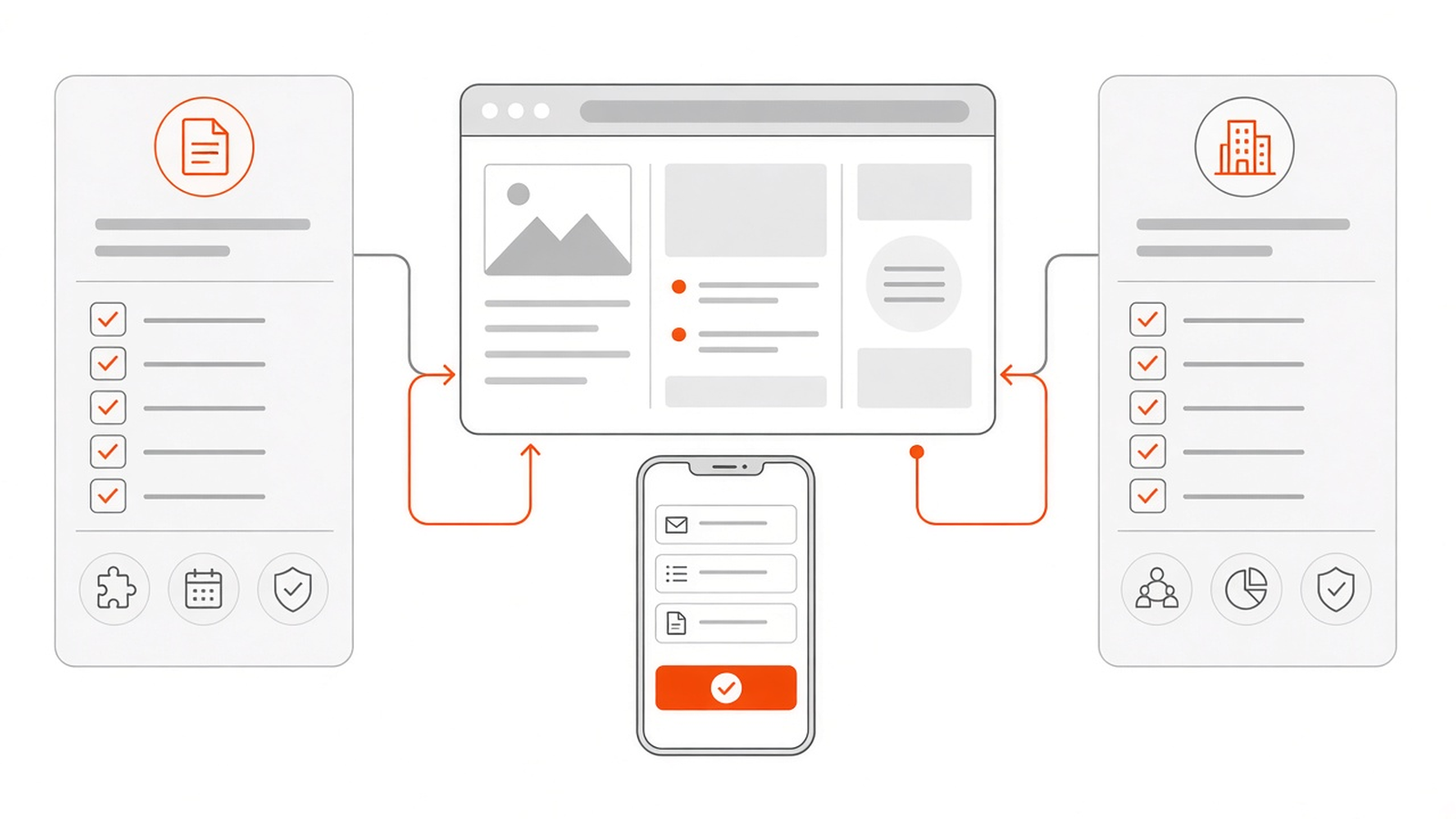
Here’s a handover checklist you can copy into your agreement:
- Domain in your name, in your registrar account, with auto-renew on your card.
- DNS access, and a note of any records the developer added (email, verification, CDN).
- Hosting account in your name, or written confirmation of where it’s hosted and who pays.
- Your own Administrator login on the website.
- A full backup, and a note on how backups run from now on.
- Owner or admin access on Search Console, Analytics and your Business Profile.
- A list of paid plugins, themes or services, with renewal dates and whose account they’re on.
- Two-factor authentication switched on for the registrar, hosting and Google accounts.
If you’re planning a new site, build the handover into the timeline from the start. My guide to how long a business website takes shows where launch and handover fit, and the website launch checklist covers the technical checks to run before go-live.
Do I own the design and code as well?#
That depends on your agreement, not on who holds the logins. The contract should say who owns the custom design and code once you’ve paid. Premium themes, plugins, fonts and stock images usually come under their own licences, so you get the right to use them, not ownership of them.
Read the agreement for a line about ownership on full payment, and for a list of any third-party licences. If it says nothing, ask before you sign. It’s a two-minute conversation at the start and a much harder one at the end.
For what it’s worth, this is how I handle it. Once a project is fully paid, the website, your content and the custom code I write for it belong to you. I’m happy to set up the hosting, domain and admin accounts in your name from day one. Premium plugins, themes or paid services stay under their own licences, and I tell you upfront if a project needs one.
How do I give a developer access without handing over ownership?#
Keep the owner login yourself and add the developer as a user. Most services support this: WordPress has separate user roles, Google tools let you add users with set permissions, and many hosting and registrar dashboards let you invite team members. When the work is done, you remove them in one click.
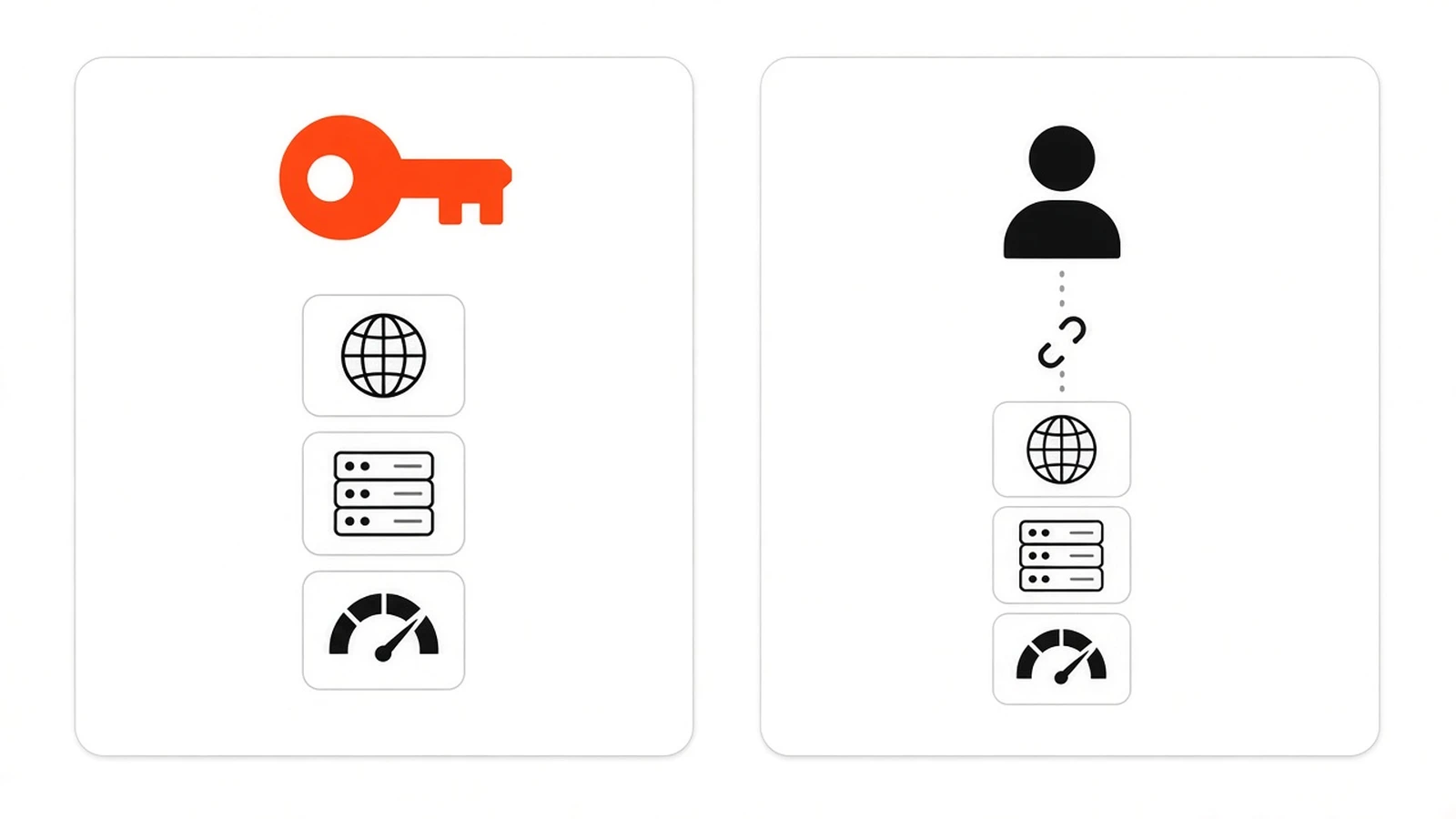
Some practical habits help:
- Use a business email for every owner login, not a personal address that might change.
- Switch on two-factor authentication, and make sure the backup phone or app belongs to you.
- Don’t share your own password. Create a separate login for each person instead.
- Write down every account in one private document: service, login email, renewal date and who else has access.
- Review that list once a year and remove anyone who no longer works on the site.
Where a service can’t add users, share the login temporarily through a password manager, then change the password when the job is done.
Does owning your accounts change what a website costs?#
Not much. You’ll pay the domain and hosting renewals directly instead of through your developer, which makes the real costs easier to see. The build itself costs the same. What changes is that you can switch developers later without paying to rebuild or recover anything.
When you compare quotes, ask each provider how they handle accounts and handover, and whether hosting is included or billed separately. My guide to website cost in India explains what usually goes into a quote. For a quick estimate for your own project, try the website cost calculator.
Want a website that’s in your name from day one?#
I’m Darshan, a freelance web developer in Jamnagar with 6+ years of building websites. I set up the domain, hosting and admin accounts in your name, add myself as a user while I work, and hand everything over at the end. You stay in control the whole time.
Single-page websites start from INR 15,000. Bigger sites with more pages, catalogues or online payments get their own fixed quote after a short call. If you already have a site and aren’t sure who holds the keys, I can help you check.
Request a quote through my contact form or message me on WhatsApp. You can also get a rough figure first with the website cost calculator.
Official sources used in this guide: ICANN Lookup, Registrants’ Benefits and Responsibilities (ICANN), .IN Registry FAQs (NIXI) and Managing owners, users, and permissions (Search Console Help).
Frequently asked questions
Who should own my business website's domain name?
Your business should. The domain should be registered in your name or your company's name, inside a registrar account you can log in to, with a recovery email and payment card you control. Your developer can manage it for you, but they should not be the registrant.
How can I find out who registered my domain?
Search the domain on ICANN Lookup at lookup.icann.org. It shows the registrar, expiry date and nameservers. The owner's name is often hidden for privacy, so then log in to that registrar yourself. If the domain is not in your account, someone else holds it.
My developer registered the domain in their own name. What should I do?
Ask them in writing to move the domain into an account in your business name, or to change the registrant to your business. If you are moving registrars, ask for the authorisation code. Keep invoices and emails as proof, and make sure the domain stays renewed meanwhile.
Is it safe to give my web developer my hosting password?
It is better not to. Add the developer as a separate user where the service allows it, so you keep the owner login and can remove them later. If a service has no user roles, share the login temporarily and change the password when the work is done.
What logins should I get from my developer after the website is finished?
Owner access to the domain registrar, DNS, hosting, the website admin (Administrator role in WordPress), business email, Google Search Console, Google Analytics and your Google Business Profile. Also ask for a full backup and a list of paid plugins or services with renewal dates.
Do I own the design and code if I paid for the website?
It depends on your agreement. The contract should say who owns the custom design and code after full payment. Premium themes, plugins, fonts and stock images usually stay under their own licences. With me, the site, content and custom code are yours once the project is fully paid.
How much does a website cost if I keep the accounts in my name?
About the same. You pay domain and hosting renewals directly instead of through your developer, which makes the costs clearer. With me, a single-page website starts from INR 15,000, and bigger sites get a fixed quote after a short call. The website cost calculator gives a quick estimate.
Comments
No comments yet. Add the first one below.