

Next.js Server Components in 2026: Fetch Less on the Client, Ship Faster Pages
On this page
- What Server Components Actually Are (And Are Not)
- A Minimal Server Component Page
- Fetching Data in 2026: Defaults Matter
- Pattern A: Always-fresh server read
- Pattern B: Time-based revalidation (ISR-style)
- Pattern C: Tag-based revalidation from a Server Action
- Pattern D: Explicit Cache Components (Next 16 mental model)
- When to Reach for ‘use client’
- Streaming With Suspense (This Is Where Pages Feel Fast)
- Pass a Promise, unwrap with use()
- Parallel Fetching Without Blocking Yourself
- Protecting Server-Only Code
- Common Mistakes I Still See in 2026
- 1. ‘use client’ on the page “to be safe”
- 2. Fetching in useEffect for data the server already has
- 3. Passing non-serializable props across the boundary
- 4. Awaiting everything before any HTML streams
- 5. Treating cache defaults as gospel across versions
- 6. Shipping third-party widgets without a client wrapper
- A Practical Checklist for Your Next Route
- How This Changes Architecture Conversations
- Migration Tips From a Client-Heavy App
- SEO and Performance Notes
- When Server Components Are the Wrong Tool
- Final Take
Next.js Server Components in 2026: Fetch Less on the Client, Ship Faster Pages. Fetch less on the client and ship faster pages with Next.js Server Components. Learn when to use client components, streaming and how to cut bundle size. . React & Next.js.

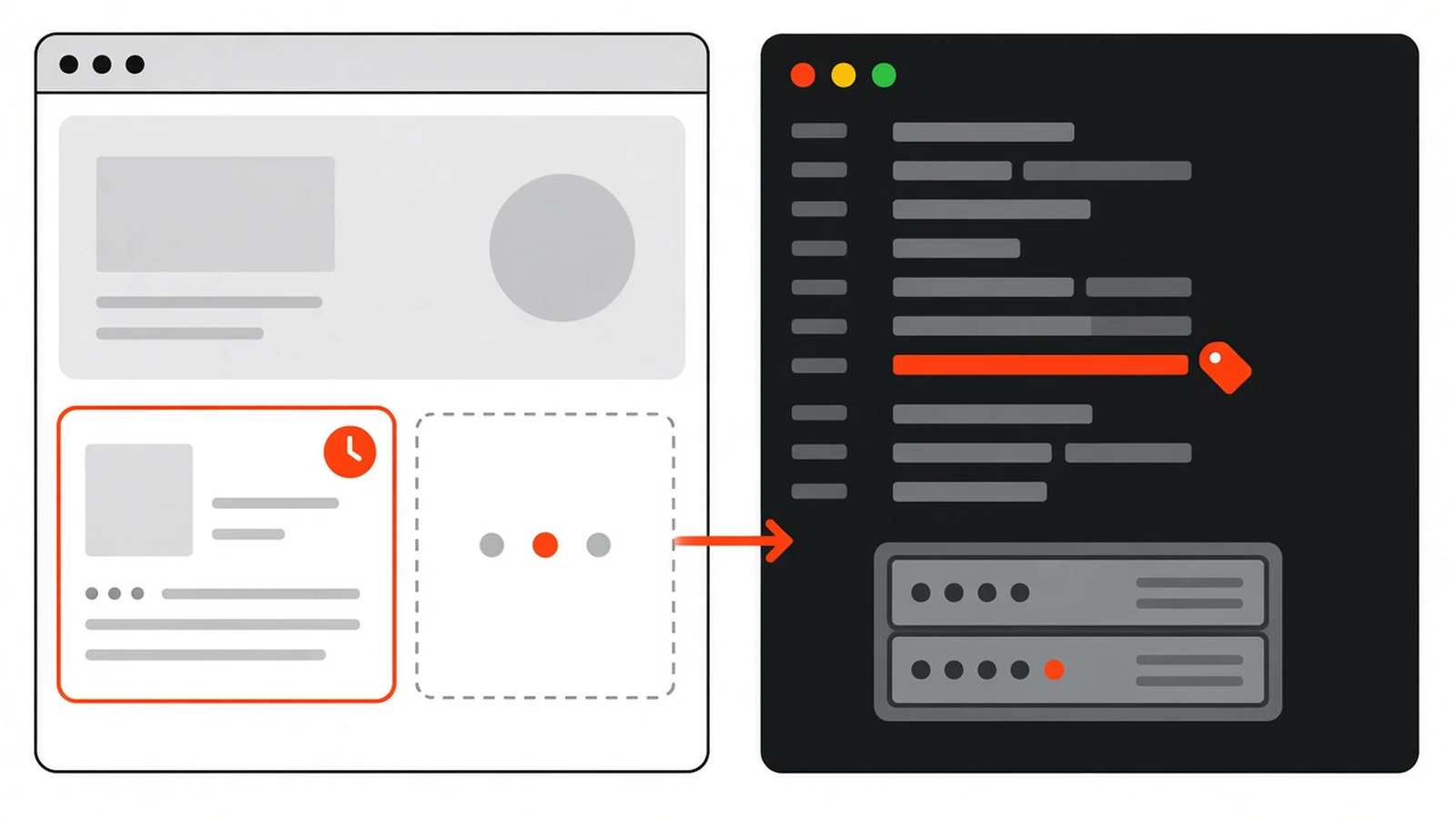
If you are still shipping a big client JavaScript bundle just to load a product page, a blog index, or a dashboard shell, 2026 is a good year to rethink the default. Next.js App Router treats Server Components as the normal path. That means you fetch closer to your data, keep secrets on the server, and send less JavaScript to the browser – without giving up the interactive bits users still need.
I have rebuilt enough client-heavy React apps to know the pattern: everything starts as a Client Component “just in case,” then useEffect fetch chains pile up, loading spinners multiply, and Core Web Vitals quietly slip. Server Components reverse that habit. You render on the server by default, stream HTML early, and only mark the interactive leaves with 'use client'.
This guide is practical. We will cover how React Server Components (RSC) fit the App Router, how to fetch and cache without guessing, when Client Components are actually required, how Suspense streaming improves perceived speed, and the mistakes I still see in production code reviews.
What Server Components Actually Are (And Are Not)#
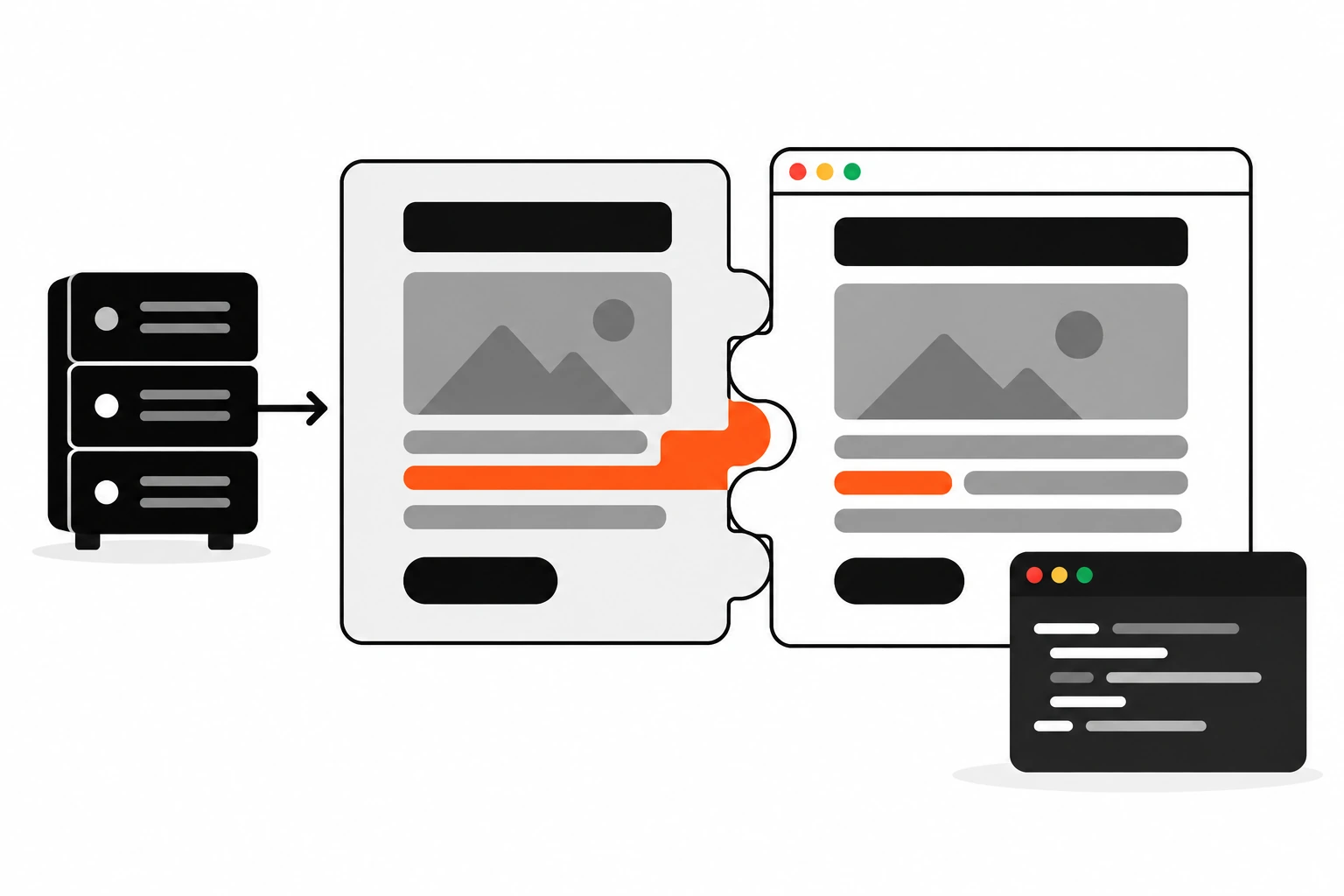
In the App Router, files under app/ are Server Components by default. A Server Component can be async, talk to a database or internal API, read environment secrets that are not prefixed with NEXT_PUBLIC_, and return UI. Its source does not ship as a client bundle. The browser receives HTML plus a compact RSC payload that tells React where Client Component islands belong.
That is different from “SSR of a Client Component.” Client Components still render on the server for the first paint, then hydrate in the browser. Server Components never hydrate as themselves. They resolve on the server (or at build time / cache time), and the client only reconciles the resulting tree.
Use Server Components when you need to:
- Fetch data near the source (DB, CMS, internal services)
- Keep API keys and tokens off the client
- Cut JavaScript weight for mostly-static or read-heavy UI
- Improve First Contentful Paint and stream progressive HTML
Use Client Components when you need:
- State and event handlers (
useState,onClick,onChange) - Lifecycle logic (
useEffect, subscriptions) - Browser APIs (
window,localStorage, geolocation) - Custom hooks that depend on the above
A Minimal Server Component Page#
Here is the mental model I want every teammate to internalize: the page stays a Server Component. Interactive UI is a small child with 'use client'.
// app/products/[id]/page.tsx
import LikeButton from '@/app/ui/like-button'
import { getProduct } from '@/lib/data'

export default async function ProductPage({
  params,
}: {
  params: Promise<{ id: string }>
}) {
  const { id } = await params
  const product = await getProduct(id)

  return (
    <main>
      <h1>{product.title}</h1>
      <p>{product.description}</p>
      <LikeButton initialLikes={product.likes} productId={product.id} />
    </main>
  )
}
// app/ui/like-button.tsx
'use client'
import { useState } from 'react'
export default function LikeButton({
initialLikes,
productId,
}: {
initialLikes: number
productId: string
}) {
const [likes, setLikes] = useState(initialLikes)
return (
<button
type="button"
onClick={async () => {
setLikes((n) => n + 1)
await fetch(`/api/products/${productId}/like`, { method: 'POST' })
}}
>
{likes} likes
</button>
)
}Notice what did not happen: no useEffect to load the product, no client-side loading spinner for the title, no public API key dangling in the browser. The expensive read stays on the server. The button is the only hydrated island.
Fetching Data in 2026: Defaults Matter#
Caching behavior in Next.js has shifted across versions, so do not copy old blog posts blindly. Rough timeline for App Router mental models:
- Next.js 13/14 era:
fetchin Server Components often cached aggressively by default. - Next.js 15:
fetchdefaults moved towardno-storein many server contexts – fresher by default, cache when you opt in. - Next.js 16 Cache Components: caching becomes more explicit with
'use cache',cacheLife, andcacheTag, replacing a lot of route-segmentrevalidate/dynamicconfig when the flag is enabled.
In client projects I ship today, I treat caching as a deliberate decision at the data layer, not something magically correct because “it is Next.”
Pattern A: Always-fresh server read#
export async function getCart(userId: string) {
  const res = await fetch(`https://api.example.com/carts/${userId}`, {
    cache: 'no-store',
    headers: { Authorization: `Bearer ${process.env.API_TOKEN}` },
  })
  if (!res.ok) throw new Error('Failed to load cart')
  return res.json()
}
Pattern B: Time-based revalidation (ISR-style)#
export async function getPublishedPosts() {
  const res = await fetch('https://cms.example.com/posts', {
    next: { revalidate: 300, tags: ['posts'] },
  })
  return res.json()
}
That says: serve from cache for up to five minutes, then regenerate in the background. Pair it with on-demand invalidation when editors publish.
Pattern C: Tag-based revalidation from a Server Action#
'use server'

import { revalidateTag } from 'next/cache'

export async function publishPost(formData: FormData) {
  // ... write to CMS / DB ...
  // Next 16+ often wants a cacheLife profile as the second arg for SWR-style refresh
  revalidateTag('posts')
}
If you are on Next.js 16 with Cache Components enabled, prefer the documented 'use cache' + cacheLife('hours') + cacheTag('posts') style, and use revalidateTag('posts', 'max') or updateTag('posts') depending on whether you need stale-while-revalidate or read-your-own-writes. Check your exact version docs before copying a snippet into production.
Pattern D: Explicit Cache Components (Next 16 mental model)#
import { cacheLife, cacheTag } from 'next/cache'

async function getCatalog() {
  'use cache'
  cacheLife('hours')
  cacheTag('catalog')

  const res = await fetch('https://api.example.com/catalog')
  return res.json()
}
The important product lesson: caching is no longer “hope the framework guesses right.” You mark what is safe to cache, how long it lives, and how it gets invalidated.
When to Reach for ‘use client’#
The most expensive mistake is putting 'use client' at the top of layout.tsx or page.tsx. That pulls the whole subtree into the client module graph. Push the directive to the smallest interactive leaf.
Good split:
- Server: page shell, data fetch, markdown rendering, SEO metadata
- Client: search input, tabs, like button, chart that needs resize observers
You can still compose them. Pass serializable props from Server to Client. Pass Server-rendered children into a Client wrapper when you need a modal shell or client-only visibility toggle around server content.
// Client wrapper
'use client'

export default function Modal({ children }: { children: React.ReactNode }) {
  // open/close state lives here
  return <div className="modal">{children}</div>
}

// Server page
import Modal from './modal'
import Cart from './cart' // Server Component

export default function Page() {
  return (
    <Modal>
      <Cart />
    </Modal>
  )
}
Client Components cannot import Server Components directly. The dependency arrow runs Server -> Client. If a client island needs data, lift the fetch to a parent Server Component (or pass a Promise and unwrap with React use).
Streaming With Suspense (This Is Where Pages Feel Fast)#
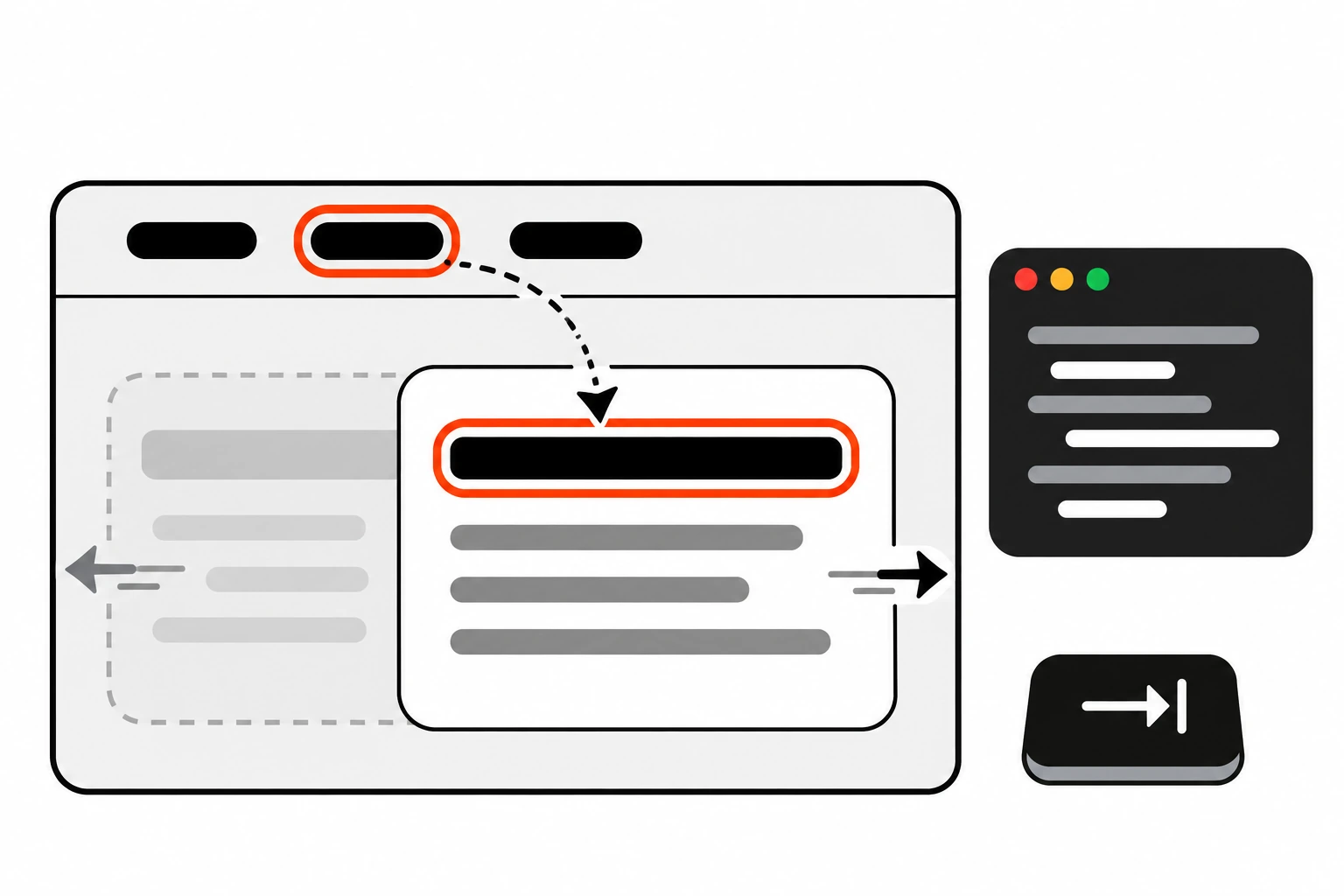
Awaiting every query at the top of a page turns streaming off. The user stares at nothing until the slowest dependency finishes. Suspense boundaries fix that.
import { Suspense } from 'react'
import { ProductHeader } from './product-header'
import { Reviews } from './reviews'
import { RelatedProducts } from './related'

export default function Page() {
  return (
    <>
      <ProductHeader />
      <Suspense fallback={<ReviewsSkeleton />}>
        <Reviews />
      </Suspense>
      <Suspense fallback={<RelatedSkeleton />}>
        <RelatedProducts />
      </Suspense>
    </>
  )
}
Route-level loading.tsx is fine for a coarse shell. Prefer nested Suspense for independent sections so one slow widget does not block the rest.
Pass a Promise, unwrap with use()#
Start the fetch on the server, pass the unresolved Promise into a Client Component, and read it with React’s use API inside a Suspense boundary. That avoids a client useEffect waterfalls:
// Server
export default function Page() {
  const posts = getPosts() // do not await
  return (
    <Suspense fallback={<p>Loading posts...</p>}>
      <PostsList posts={posts} />
    </Suspense>
  )
}

// Client
'use client'
import { use } from 'react'

export function PostsList({ posts }: { posts: Promise<Post[]> }) {
  const data = use(posts)
  return (
    <ul>
      {data.map((p) => (
        <li key={p.id}>{p.title}</li>
      ))}
    </ul>
  )
}
Parallel Fetching Without Blocking Yourself#
Inside a single Server Component, kick off independent work together:
export default async function Dashboard() {
  const userPromise = getUser()
  const metricsPromise = getMetrics()
  const [user, metrics] = await Promise.all([userPromise, metricsPromise])

  return (
    <section>
      <h1>Hello {user.name}</h1>
      <MetricsPanel data={metrics} />
    </section>
  )
}
If the sections should appear independently, do not await them together at the page root. Put each async child behind its own Suspense boundary instead. That is usually the better UX for marketing pages and large dashboards.
Protecting Server-Only Code#
Shared modules can accidentally get imported into Client Components. For anything that touches secrets, mark it server-only:
import 'server-only'

export async function getBillingCustomer(id: string) {
  const res = await fetch(`https://api.stripe.example/customers/${id}`, {
    headers: { Authorization: `Bearer ${process.env.STRIPE_SECRET}` },
  })
  return res.json()
}
If a Client Component imports that file, the build fails loudly. That is the failure mode you want.
Common Mistakes I Still See in 2026#
1. ‘use client’ on the page “to be safe”#
You just opted a whole route into the client bundle. Move interactivity down. Keep the page server-first.
2. Fetching in useEffect for data the server already has#
Client waterfalls hurt TTFB perception and create duplicate loading states. Prefer server fetches, then hydrate only the interactive layer.
3. Passing non-serializable props across the boundary#
Functions, class instances, and Dates (depending on setup) are easy footguns. Pass plain data. If you need a handler, define it inside the Client Component or use a Server Action.
4. Awaiting everything before any HTML streams#
One slow review query should not block the product title and buy box. Split with Suspense.
5. Treating cache defaults as gospel across versions#
Pin your Next.js major, read that major’s caching docs, and make cache policy explicit in code reviews. Silent default changes between 14, 15, and 16 have burned teams.
6. Shipping third-party widgets without a client wrapper#
If a library needs state or DOM APIs and has no 'use client' entry, wrap it in your own Client Component so Server pages can import it safely.
A Practical Checklist for Your Next Route#
- Start with a Server Component page and layout.
- Fetch on the server; decide
no-store,revalidate, tags, or'use cache'on purpose. - Extract interactive UI into leaf Client Components.
- Add Suspense around slow, independent regions.
- Keep secrets behind
server-onlymodules and Server Actions. - Measure JS transferred and LCP before/after – do not trust vibes alone.
How This Changes Architecture Conversations#
Server Components do not kill SPAs. They change the default composition. Marketing sites, content sites, ecommerce product pages, and many dashboards become “server document + client islands.” Fully client-routed apps still make sense for highly interactive canvases, offline-first tools, and dense editors. The win is choosing deliberately instead of defaulting every file to the browser.
For freelancers and product teams shipping on a budget, that choice shows up as hosting cost, SEO, and bounce rate. Less client JS usually means faster phones, happier crawlers, and fewer “why is this spinner here” support tickets.
Migration Tips From a Client-Heavy App#
Do not rewrite the world in one PR. I usually migrate like this:
- Move data fetching up from leaf
useEffecthooks into Server Components for one route. - Leave the interactive widgets as Client Components; pass props down.
- Delete leftover client loaders once the server path is stable.
- Add Suspense where the old spinner walls used to be.
- Only then tune caching and revalidation.
Teams that try to invent a perfect cache policy before fixing the server/client split usually stall. Composition first. Cache second.
SEO and Performance Notes#
Server-rendered HTML helps crawlers and humans. Pair RSC pages with solid metadata in generateMetadata, stable heading structure, and images that do not block LCP. Streaming helps perceived performance, but your hero image and fonts still matter. RSC is not a substitute for image discipline.
Also watch third-party scripts. It is easy to celebrate a smaller React bundle, then undo the win with four marketing tags in the root layout. Keep analytics and chat widgets intentional.
When Server Components Are the Wrong Tool#
Be honest about fit. Highly collaborative canvases, realtime drawing tools, and apps that are basically “a fat client with a thin API” may stay Client Component heavy – and that is fine. The App Router still helps with auth boundaries, Server Actions, and selective server rendering around the edges.
If every pixel is interactive and state lives entirely in the browser, forcing Server Components everywhere creates awkward boundaries and serializable-prop churn. Use the model where it pays rent.
Final Take#
Next.js Server Components in 2026 are not a novelty API. They are the default way to ship faster pages: fetch on the server, stream HTML, hydrate less, cache on purpose. Keep 'use client' at the edges, put Suspense around slow sections, and make cache policy visible in the code review checklist.
If you only change one habit this week, change this one: stop starting new routes as Client Components. Start them as Server Components, then add interactivity where the user actually clicks.
Frequently asked questions
Are Next.js Server Components the same as SSR?
Not exactly. SSR can render Client Components to HTML before hydration. Server Components resolve on the server and do not ship their own client JavaScript. You often combine both: Server Components for data and structure, Client Components for interactive islands that still SSR on first paint.
When should I add 'use client' in the App Router?
Add it only on components that need state, effects, event handlers, or browser APIs. Keep it at the smallest leaf possible. Avoid putting 'use client' on layout.tsx or page.tsx unless the entire route must be a client tree.
How do I fetch data in a Server Component?
Make the component async and await fetch, a database client, or a data helper on the server. Keep secrets in server env vars. Choose cache: 'no-store', next.revalidate, tags, or Next.js 16 'use cache' / cacheLife based on freshness needs.
What is the difference between loading.tsx and Suspense?
loading.tsx gives a route-level fallback while the segment loads. Nested Suspense boundaries let independent sections stream in separately so one slow widget does not block the whole page.
Can Client Components import Server Components?
No. Imports flow from Server to Client. To nest server UI inside a client wrapper, pass the Server Component as children from a parent Server Component.
How does caching work in Next.js 15 vs 16?
Next.js 15 moved many fetch defaults toward no-store, so you opt into caching. Next.js 16 Cache Components emphasize explicit 'use cache', cacheLife, and cacheTag, with updated revalidateTag / updateTag patterns. Always confirm against your installed major version.
Do Server Components help SEO and Core Web Vitals?
They usually help by shipping less client JS and returning real HTML sooner, which supports FCP/LCP. You still need solid metadata, image strategy, and careful third-party scripts.
Should every page become a Server Component?
Most content and data-driven routes should start that way. Extremely interactive apps may stay client-heavy. Choose based on interaction density, not hype.
Comments
Comments are closed on this article.