

CSS & Design
Modern CSS, design systems and accessible UI: anchor positioning, scroll-driven animations, tokens and forms.
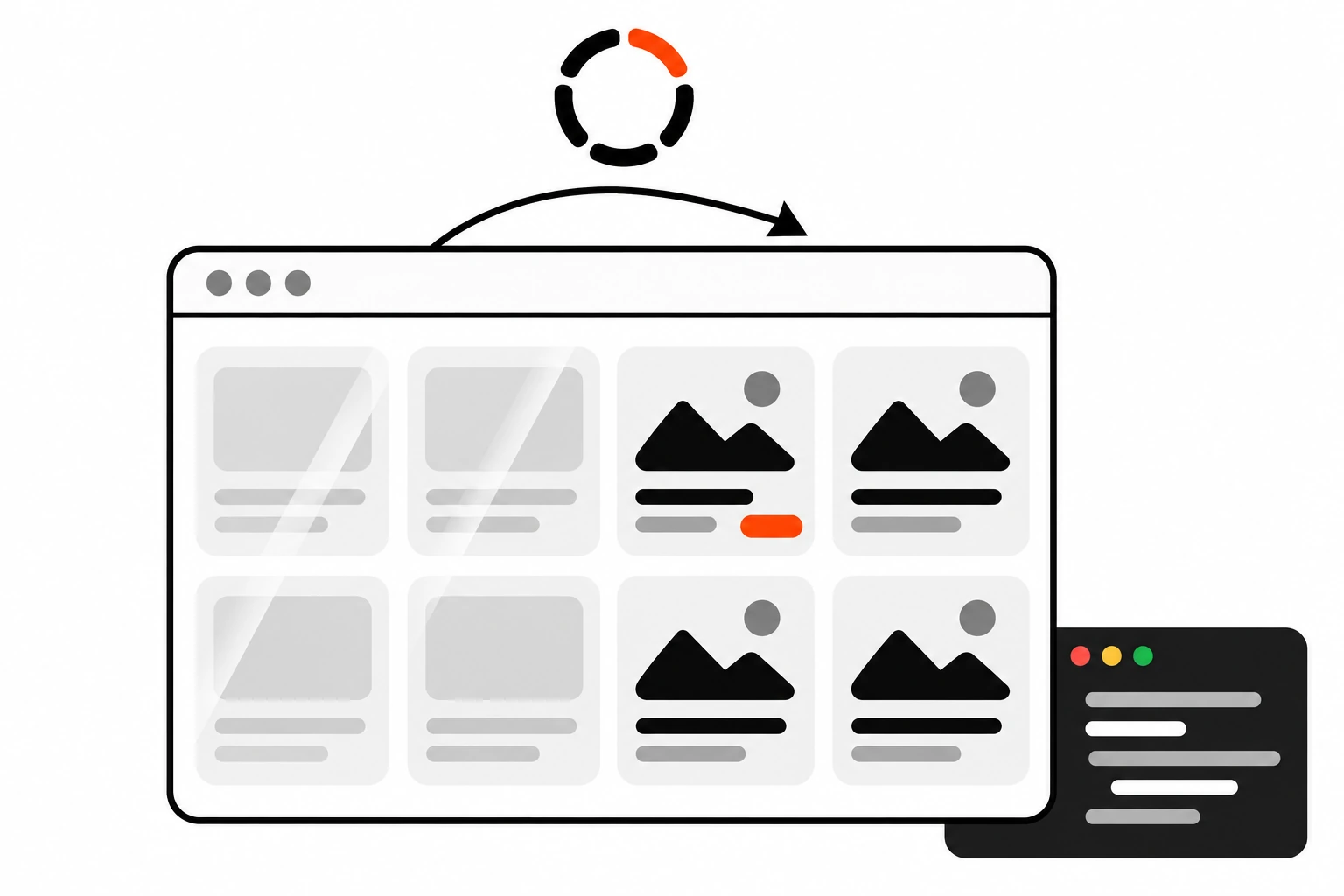
Skeleton Screens vs Spinners vs Progress Bars: When to Use Each
How I choose between skeleton screens, spinners and progress bars: what each one is for, how long to wait before showing a loader, matching skeletons to the real layout to avoid layout shift, aria-busy and live regions, reduced motion, and skeletons with React Suspense and Next.js loading.js.
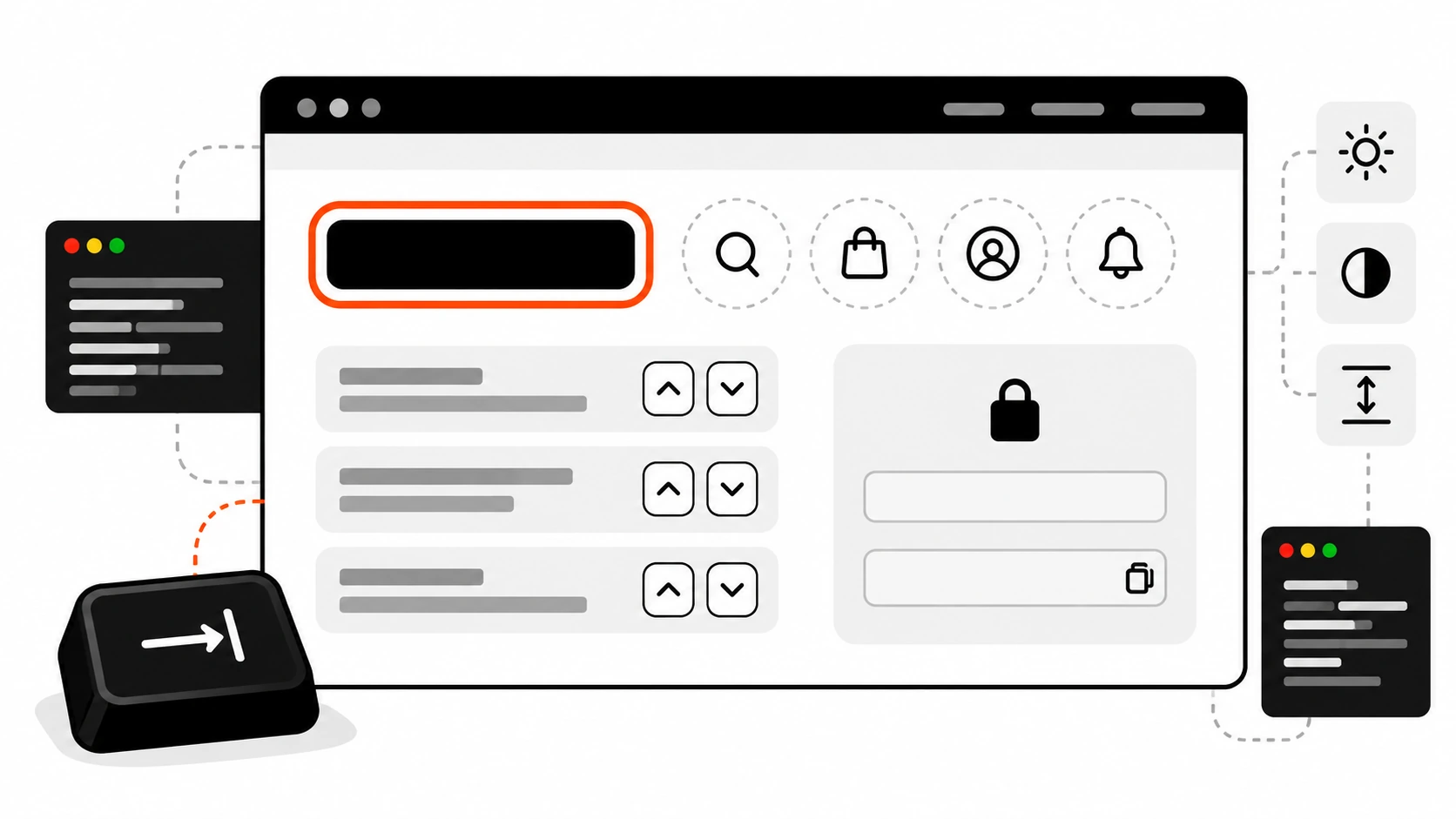
WCAG 2.2 Checklist: 6 New Accessibility Rules and How to Fix Them on Real Sites
The six new WCAG 2.2 A and AA rules in plain words, how they fail on real sites, and the CSS and JS fixes I use for focus, targets, drags and logins.
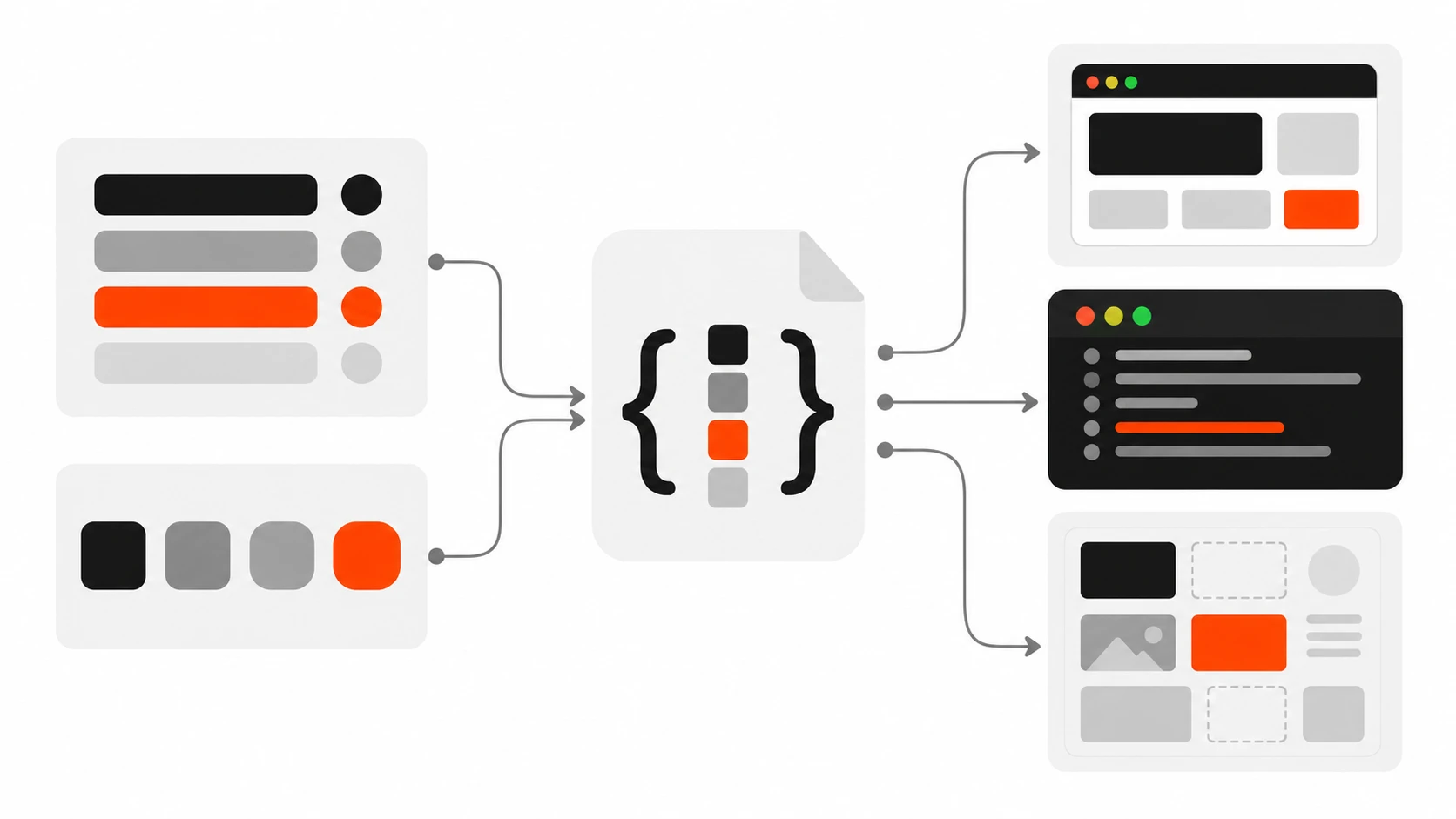
Design Tokens for a Design System: A Practical Setup for CSS, Tailwind, React and WordPress
How I set up design tokens on client projects: primitive, semantic and component tiers in the W3C DTCG format, CSS custom properties with Style Dictionary, dark mode, Tailwind and React usage, WordPress theme.json mapping and the mistakes to avoid.
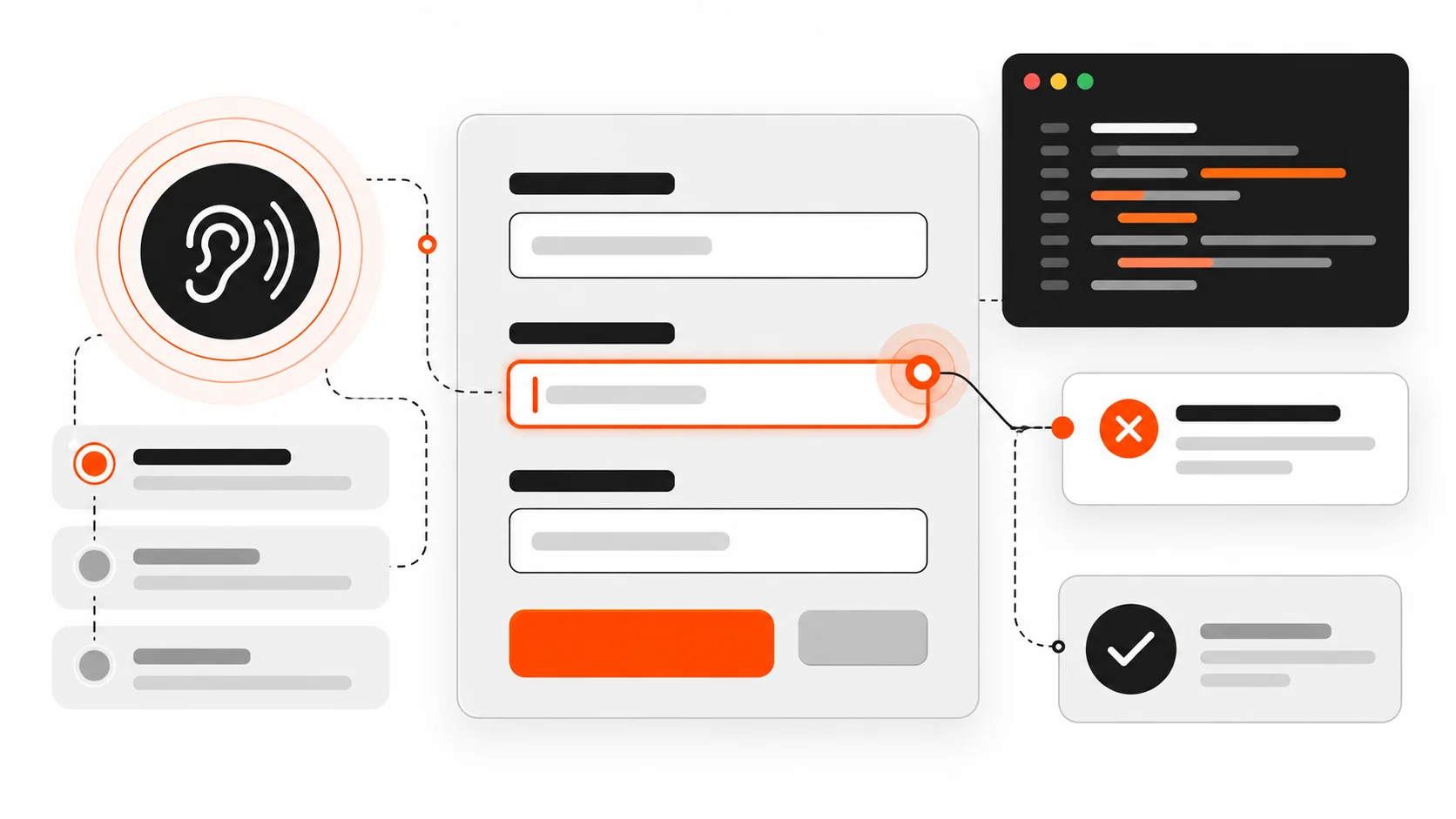
Accessible Forms in 2026: Labels, Errors, and Focus That Screen Readers Trust
Learn accessible forms in 2026 — native labels, aria-describedby errors, focus after submit, live regions, autocomplete tokens, and keyboard plus screen reader testing for React and WordPress.
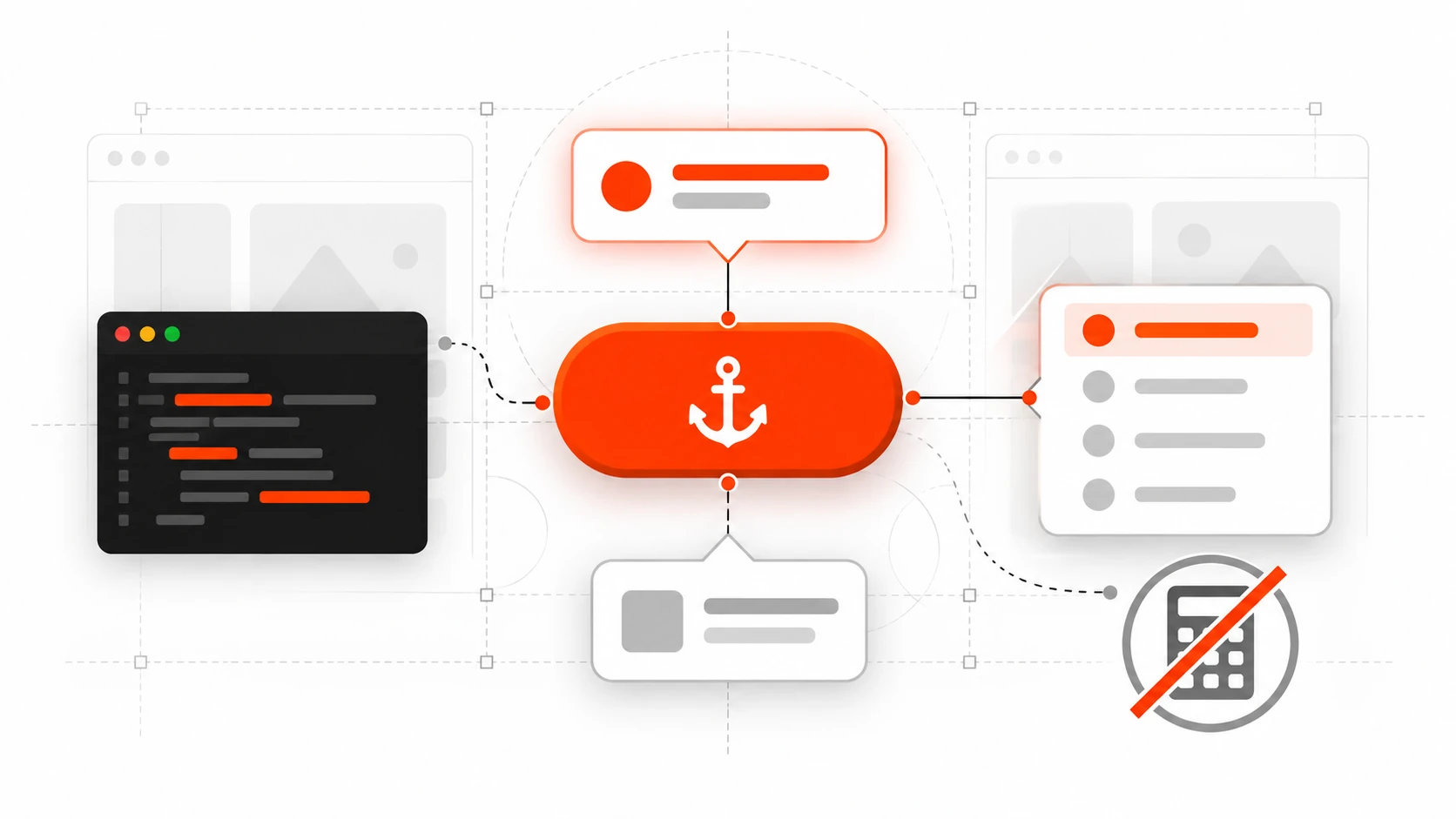
CSS Anchor Positioning in 2026: Tooltips and Menus Without JS Math
I used to measure dropdowns with getBoundingClientRect(), glue them with position: fixed, and pray the user did not scroll. Tooltips needed a library. Context menus needed more JavaScript. Every “simple” overlay turned into a positioning bug report. In 2026 that habit is optional for a lot of UI work. CSS anchor positioning lets you tether […]
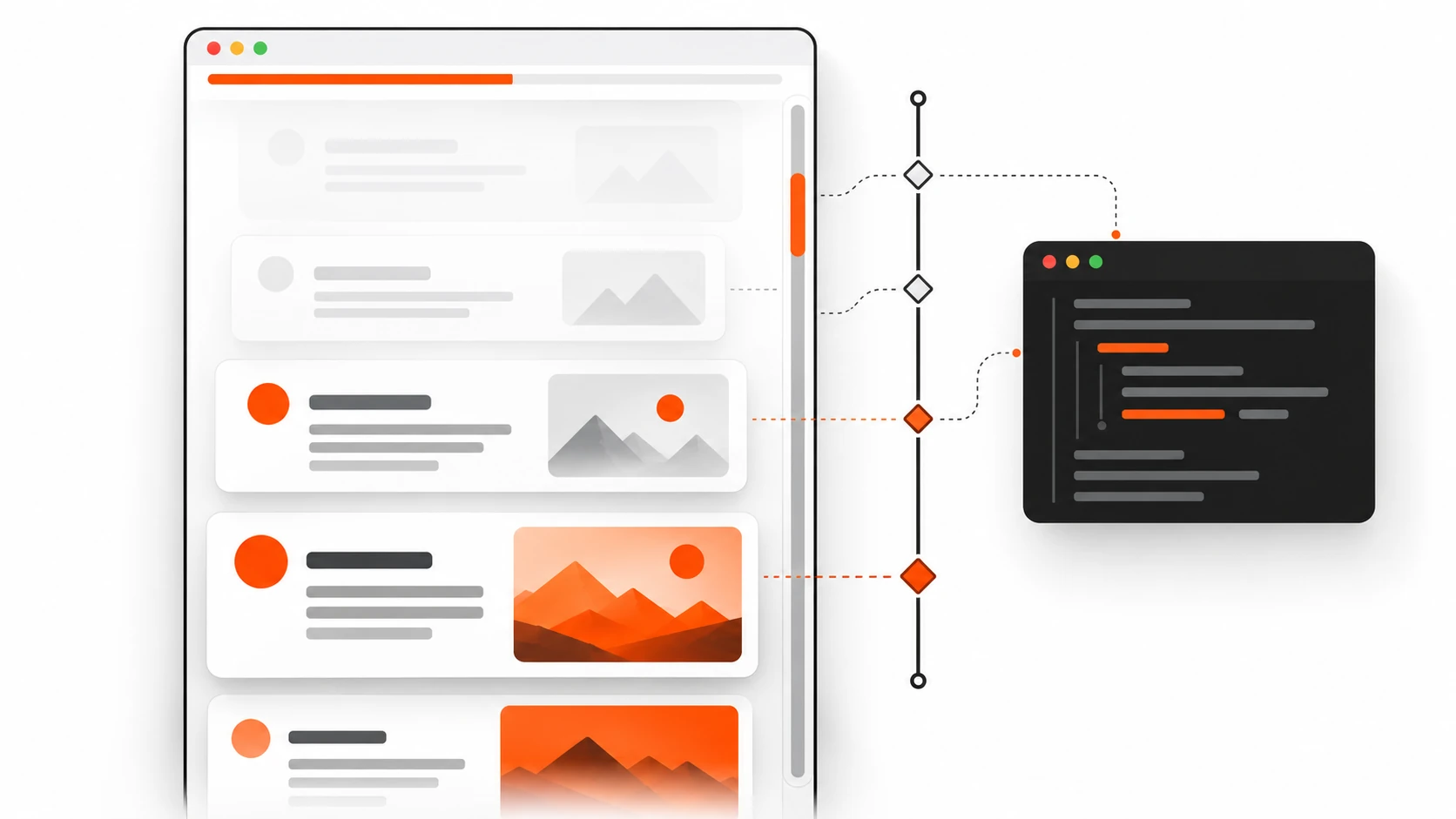
CSS Scroll-Driven Animations in 2026: Build Scroll Effects Without JavaScript
Learn CSS scroll-driven animations in 2026—animation-timeline, scroll(), view(), progress bars, parallax, and when to ditch IntersectionObserver or GSAP for better Core Web Vitals INP.